Skip to content

Built for Australian Accounting Practices

Run your practice. Not just your clients'.

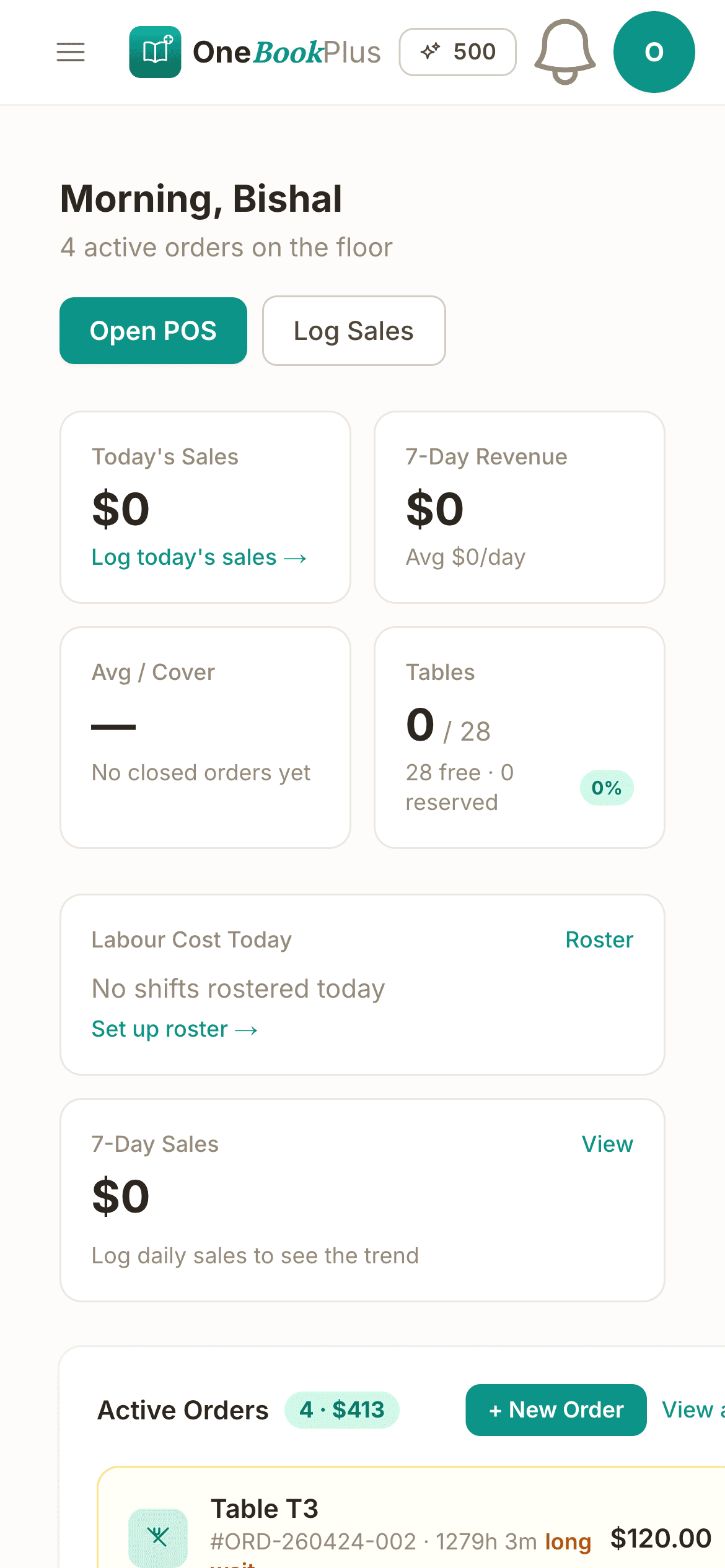
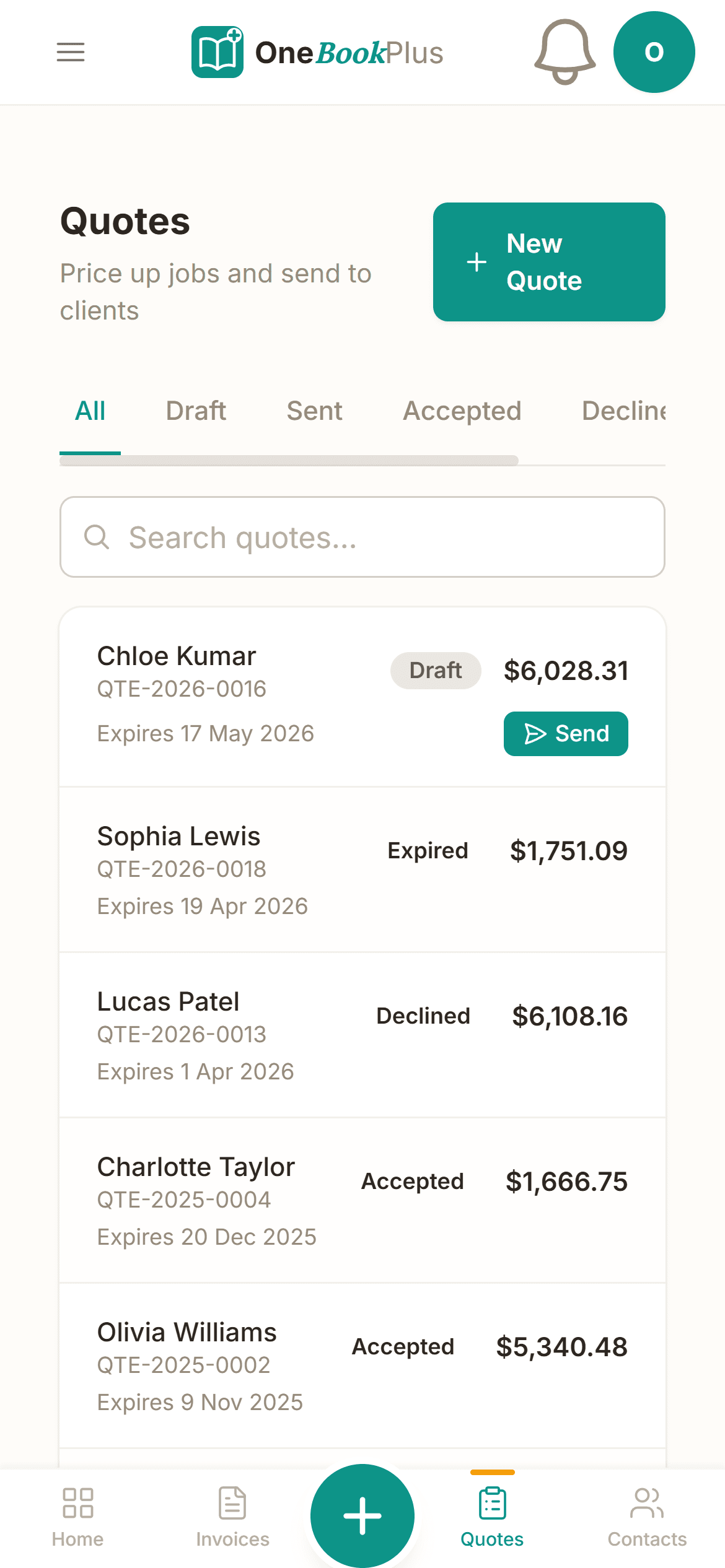
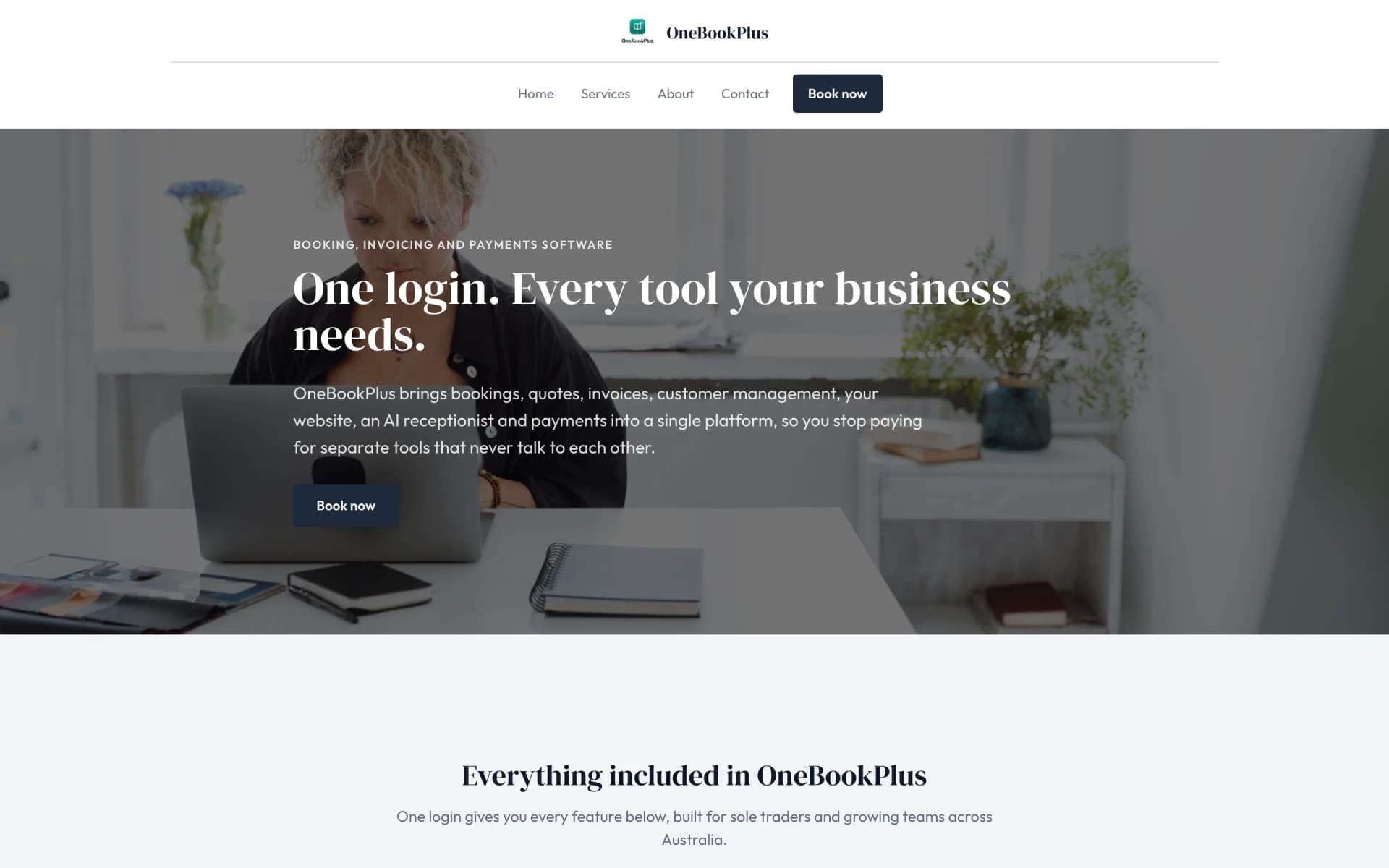
Client management, invoicing, appointment booking, and practice tools — all in one place. Built for accountants, bookkeepers, and tax agents who need to run their own business as efficiently as they run their clients'.

Everything You Need

Built for How Accounting Practices Actually Work

Stop using one tool for clients' books and another for your own practice. OneBookPlus gives accountants and bookkeepers everything they need to manage their firm in one place.

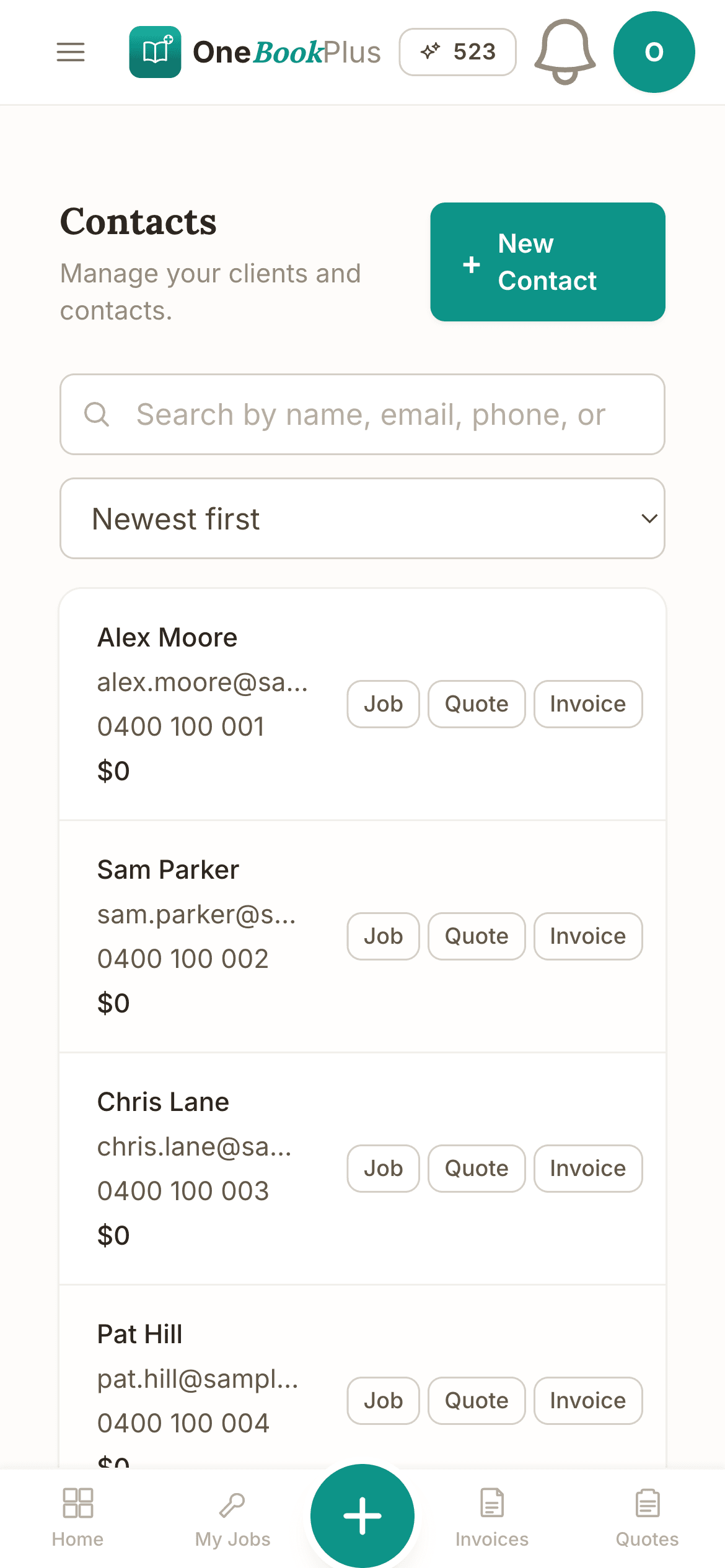
Client Practice CRM

Manage all your clients in one place. Track contact details, entity structures, lodgement dates, and engagement history across your entire practice.

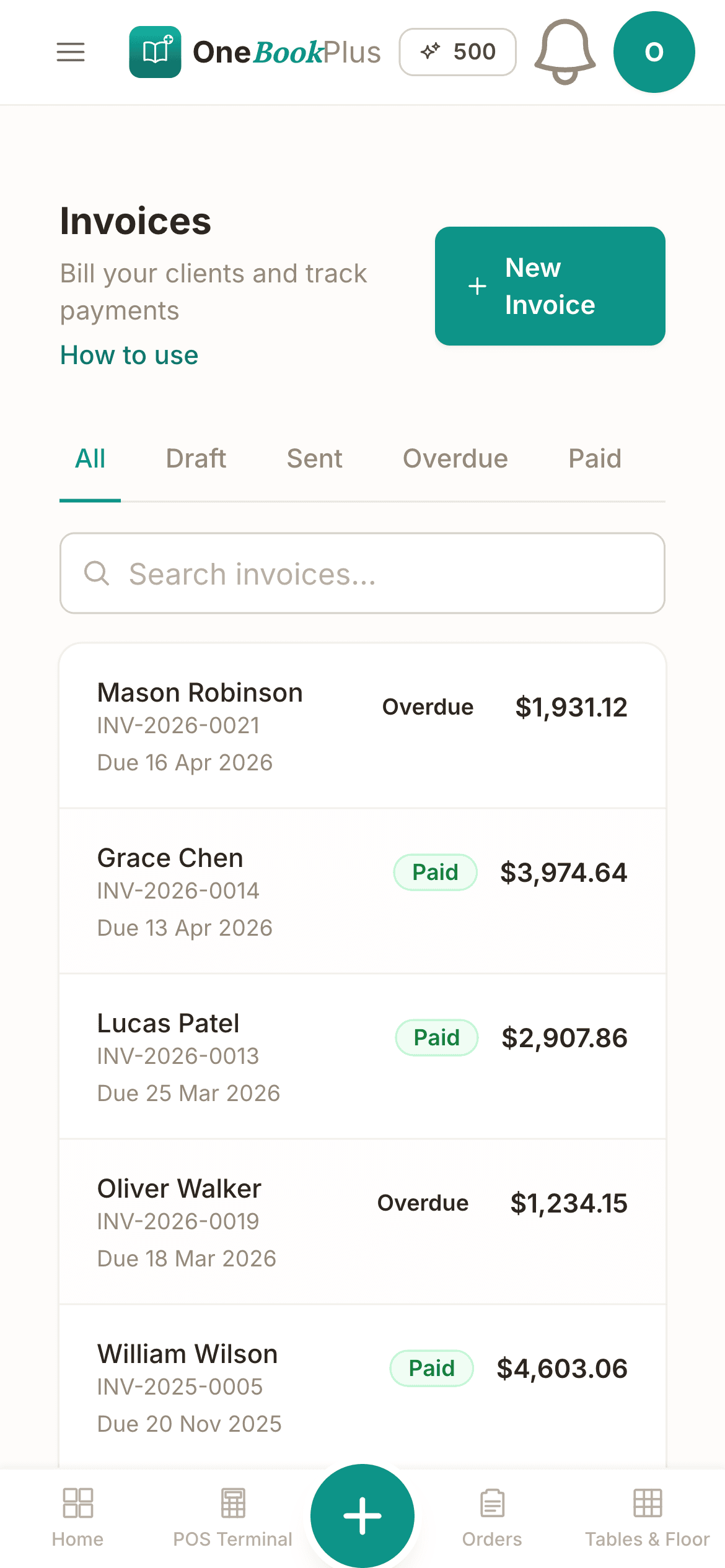
GST-Compliant Invoicing

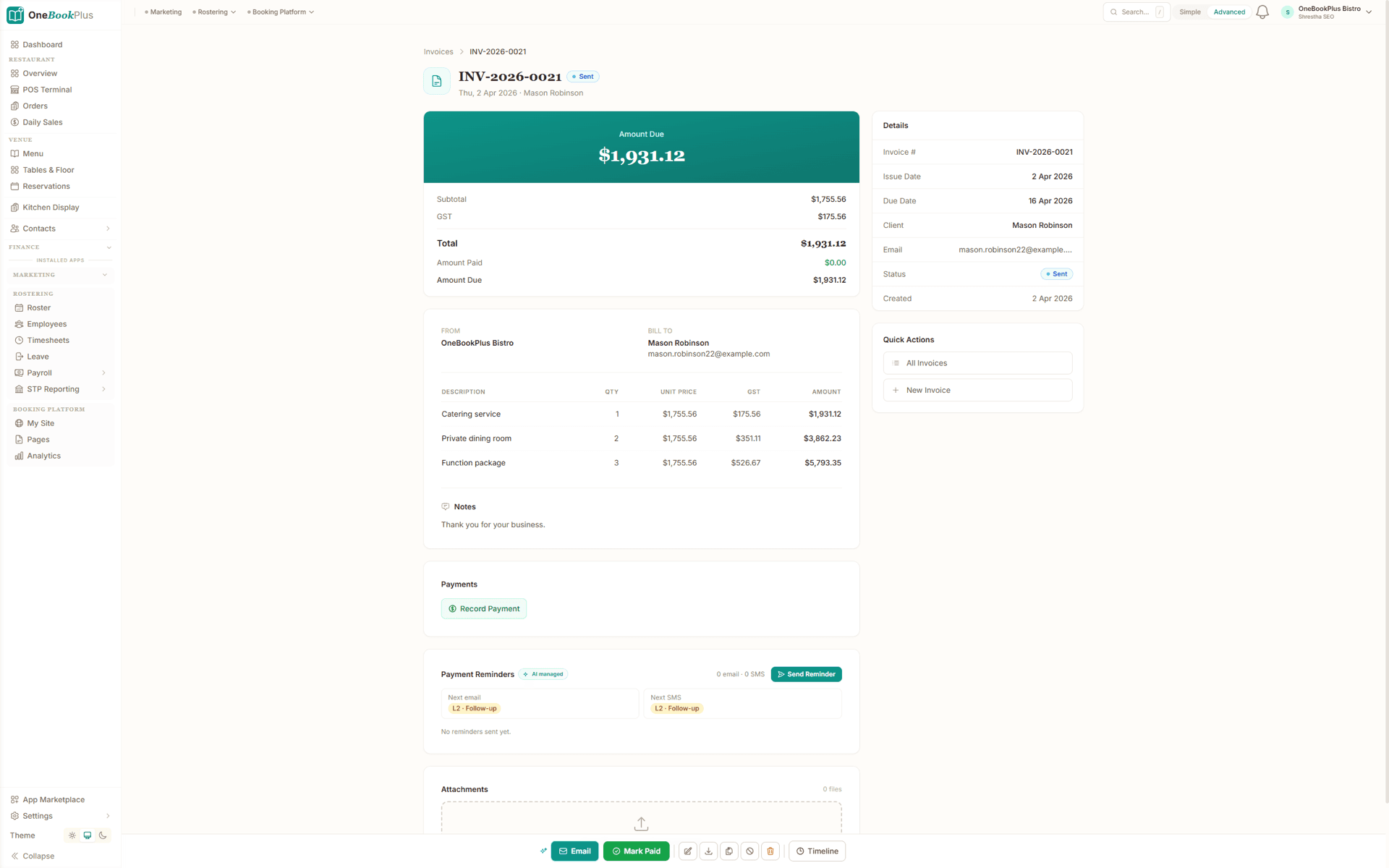
Send professional invoices to clients with automatic GST calculations. Track billable hours, fixed fees, and disbursements. ABN displayed on all documents.

BAS & Tax Tracking

Track BAS lodgement dates, tax return deadlines, and compliance obligations across your client base. Never miss a due date again.

Team Management

Assign clients to team members, track workloads, and manage staff across your practice. Perfect for firms with multiple accountants and bookkeepers.

Client Portal

Give clients a self-service portal to upload documents, view invoices, and check the status of their returns. Reduce email back-and-forth.

Appointment Booking

Let clients book meetings and consultations through your branded online booking page. Syncs with Google Calendar to avoid double-bookings.

Simple Workflow

How OneBookPlus Works for Accountants

From client meeting to payment in four simple steps — designed around a typical accounting practice's workflow.

1
Step 1

Client books appointment

Clients schedule a consultation or meeting through your online booking page. All details flow into your calendar automatically.

2
Step 2

You do the work

Access client records, track time, and manage deliverables. Add notes, attach documents, and keep everything organised in one place.

3
Step 3

Invoice sent automatically

Convert tracked time or fixed fees into a GST-compliant invoice with one click. The client gets a professional PDF with a payment link.

4
Step 4

Client pays online

Clients pay invoices online via card. Automated reminders handle overdue payments so you can focus on client work, not collections.

Who it's for

Built for every accounting practice

From sole practitioner to multi-partner firm — OneBookPlus scales with your practice.

📊

Sole Practitioner

Running a one-person practice, handling BAS lodgements and tax returns. Needs client management, invoicing, and ATO integration.

🏢

Small Accounting Firm

2-10 staff managing 200+ clients. Needs bulk lodgement, practice dashboards, and team task management.

📋

BAS Agent

Specialising in BAS preparation and lodgement. Needs streamlined BAS workflows, client data import, and ATO compliance.

🤝

Bookkeeper

Working with multiple business clients on reconciliation and reporting. Needs multi-tenant access and clean handoff to accountants.

Stop overpaying

How much are you spending on software?

Most small businesses stitch together 4-6 tools that don't talk to each other. Here's what that typically costs.

MYOB PracticePractice management
$95/mo
HubSpotCRM
$27/mo
CalendlyClient bookings
$12/mo
MailchimpClient newsletters
$13/mo
Total monthly cost$147/mo

Or use OneBookPlus

$29/mo

Everything above included. One app, one login.

Start Free — No Card Required

Real-world scenario

A day in the life: James's accounting practice

How a Melbourne accountant uses OneBookPlus during BAS season

James opens his OneBookPlus dashboard at 8am — 12 BAS lodgements due this week across his 85 clients. He sorts by deadline and starts with the most urgent.

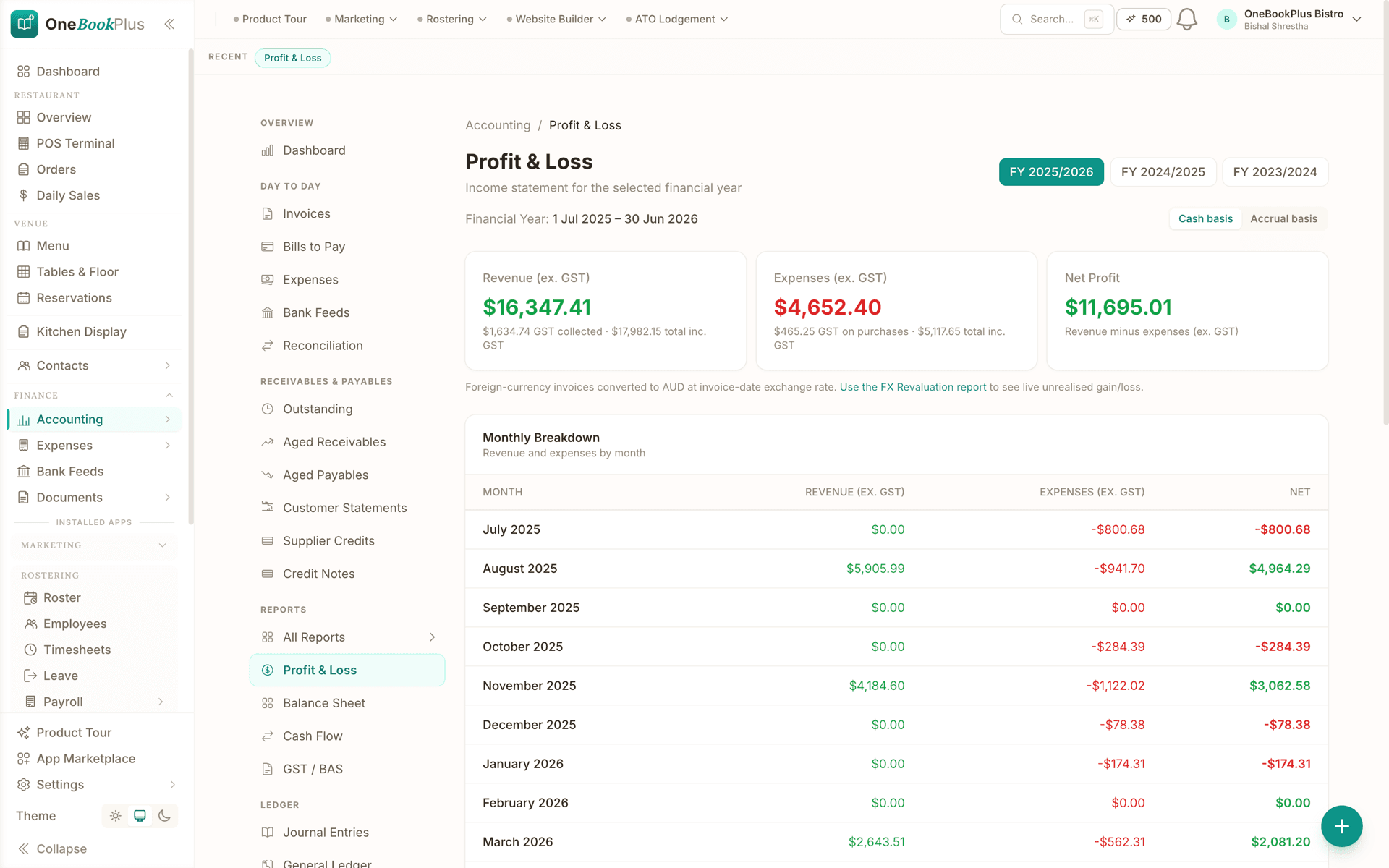
For each client, he pulls up their account: revenue from invoices, expenses logged, and bank transactions reconciled. The BAS form auto-populates G1, 1A, G11, and 1B from the data. He reviews, adjusts where needed, and validates against ATO rules.

By lunch, he's lodged 6 BAS returns. Each client gets an automatic email with their BAS summary and a copy of the lodgement receipt. No manual PDF generation, no separate email tool.

In the afternoon, he invoices the morning's work — $180 per BAS lodgement, GST included. Payment links go out with the invoices. Three clients pay before end of day. His practice dashboard shows monthly revenue trending 15% above last quarter.

How we compare

OneBookPlus vs accounting practice software

See how we compare to the tools accounting practices typically use.

FeatureOneBookPlusMYOB PracticeXero HQFreshBooks
Client management
BAS preparation & lodgement
Tax return preparation
Practice invoicing
Client booking page
CRM & client history
Email marketing
Practice dashboard
Multi-client management
Free plan available
PriceFrom $0/mo$95+/moContact sales$22+/mo

Trusted by Accounting Practices Across Australia

100%

ATO-compliant invoicing and reports

3x

Faster client onboarding than spreadsheets

1

Platform for clients, invoicing & scheduling

$0

Free plan to start — no card required

Australian Owned

Built in Melbourne, AU

GST Compliant

ATO-ready from day one

Bank-Grade Security

256-bit encryption

Free Plan Available

No credit card needed

Frequently Asked Questions

Common questions about practice management software for accountants in Australia.

How is OneBookPlus different from Xero or MYOB for my own practice?

Xero and MYOB are great for your clients' books, but OneBookPlus is built to run your practice. Client CRM, appointment booking, GST-compliant invoicing, team management, and BAS tracking — all in one tool designed for how accounting firms actually operate.

Does OneBookPlus integrate with the ATO?

OneBookPlus is building towards ATO integration for lodgements and compliance tracking. Currently, it helps you manage client deadlines, BAS due dates, and tax return status across your practice. Stay tuned for direct ATO connectivity.

Can I manage hundreds of clients effectively?

Yes. OneBookPlus is built for practices of all sizes. Search, filter, and segment your client base. Track lodgement dates, engagement status, and billing across every client. Assign clients to team members and monitor workloads at a glance.

Does it support team features for multi-staff practices?

Absolutely. Invite team members, assign client responsibilities, and manage access levels. Track who is working on what, monitor capacity, and ensure nothing falls through the cracks during busy season.

How does OneBookPlus compare with MYOB Practice or Xero Practice Manager?

OneBookPlus offers a modern, simpler alternative at a fraction of the cost. You get client CRM, invoicing, bookings, and team management without the complexity and price tag of legacy practice management tools. Free to start, with affordable plans as you grow.

About the author

BS

Bishal Shrestha

Founder & CEO, OneBookPlus

Bishal has over a decade of experience in digital marketing, web development, and small business consulting across Australia. He has worked extensively with Australian accounting practices and tax agents, building tools specifically for BAS lodgement, client management, and ATO compliance.

10+ years in digital200+ businesses consultedMelbourne, Australia
Read full bio

Your Clients' Books Are Sorted. Now Sort Your Own.

Join Australian accountants and bookkeepers who run their practice smarter with OneBookPlus. Free to start — upgrade when you're ready.

Get Started Free

Last reviewed and updated: March 2026 by Bishal Shrestha