OneBookPlusRestaurant
The restaurant POS system that runs your whole venue
The till, the floor, the menu and the books in one platform.
Replaces Square, Lightspeed, Impos
Demo account. OneBookPlus Bistro is a business we seeded to run like a working business; the screens are the product, the figures are sample data.
The tour
Restaurant, screen by screen
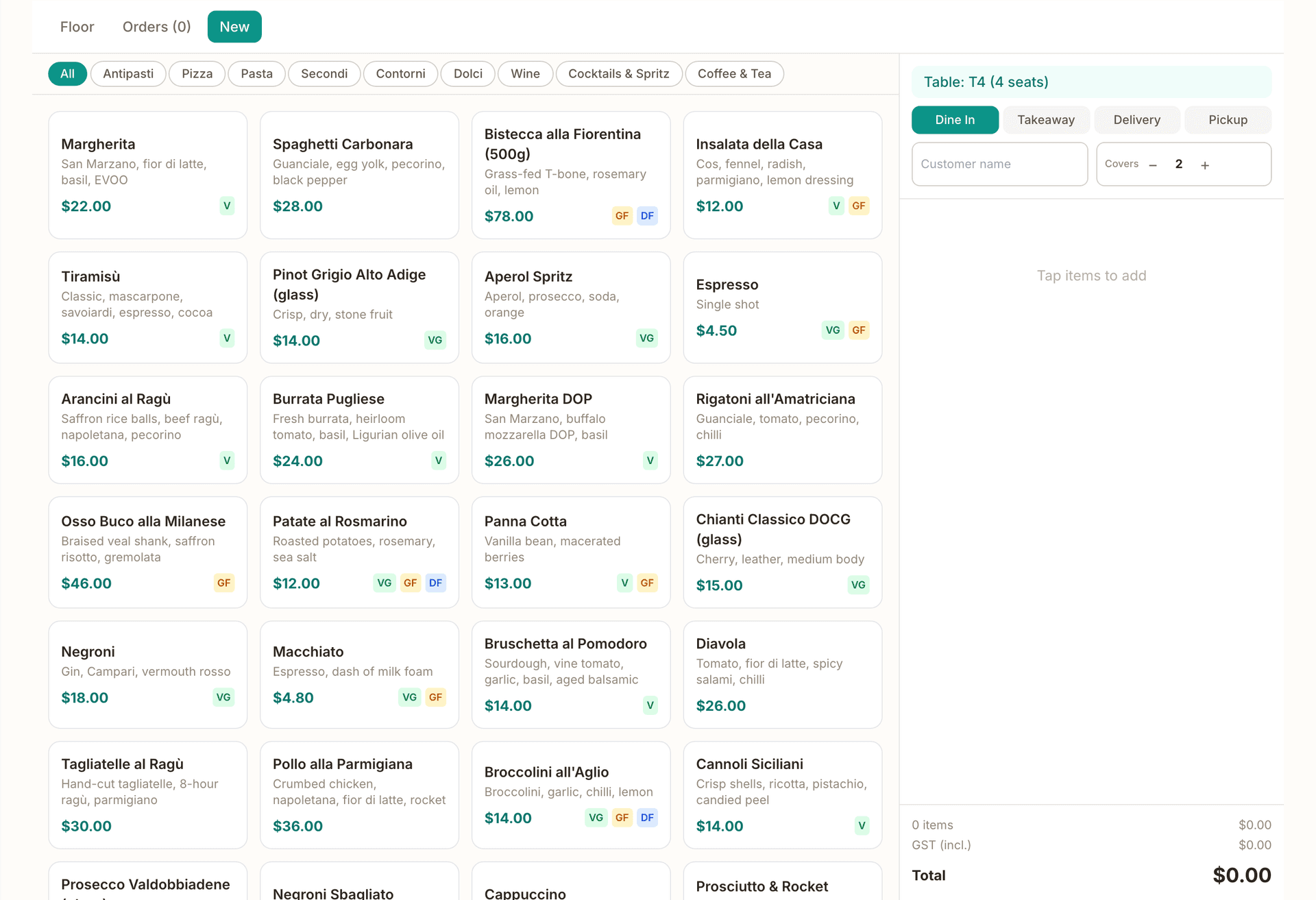
Dine-in, takeaway, pickup and delivery from one screen.
Take the order on a tablet, phone or laptop, assign the table and covers, add a discount or a tip at settlement, and print a receipt with the GST itemised.
- Table: T4 (4 seats) at the top of the order
- Dine In, Takeaway, Delivery and Pickup, one tap each
- Covers 2, with minus and plus to change it
- Margherita DOP $26.00: every item carries its name, description and price
- V and GF on the Panna Cotta, so a dietary question is answered on the card
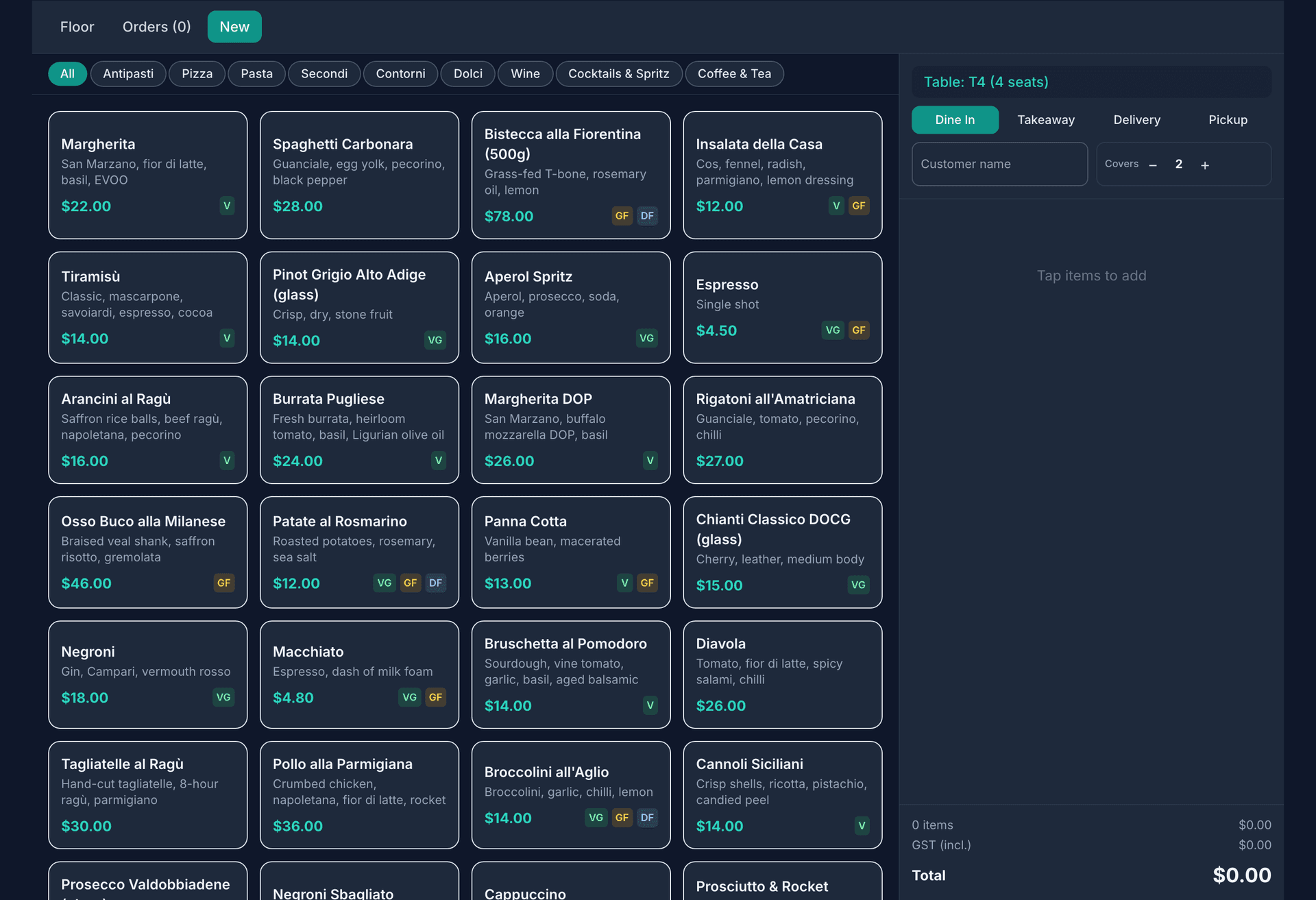
- Table: T4 (4 seats) at the top of the order
- Dine In, Takeaway, Delivery and Pickup, one tap each
- Covers 2, with minus and plus to change it
- Margherita DOP $26.00: every item carries its name, description and price
- V and GF on the Panna Cotta, so a dietary question is answered on the card
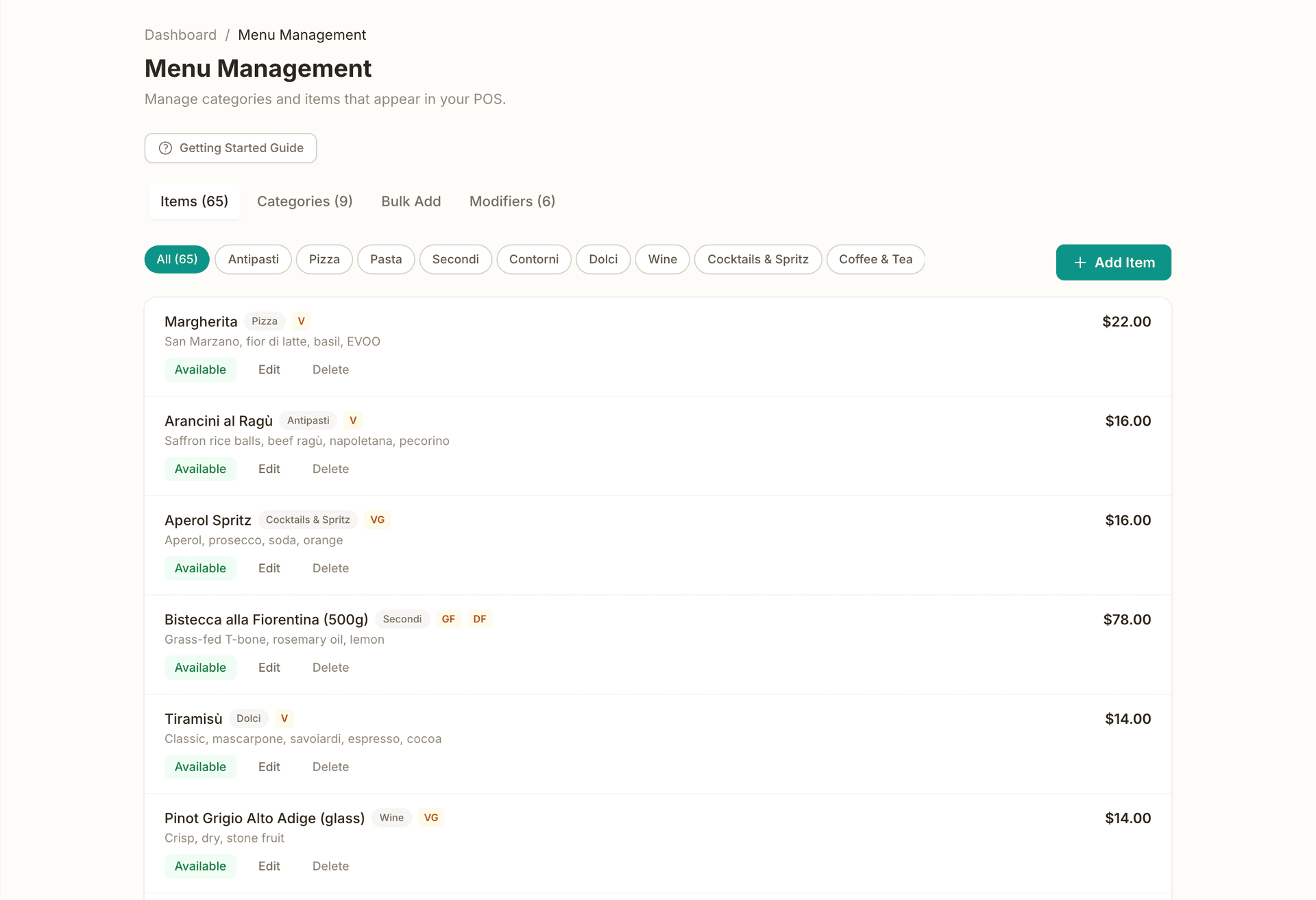
One menu, on the till and on the table's QR code.
Categories, items, photos, prices and dietary tags, built once. Toggle an item off when it sells out mid-service and it disappears from the POS and the QR menu together.
- Items (65), Categories (9), Bulk Add and Modifiers (6): the four tabs of the menu
- Margherita with its Pizza category and its V tag on the item's own line
- Available, Edit and Delete on every row, so a sold-out dish goes off the till and the QR menu together
- $16.00 on the Arancini al Ragù: the price the till charges
- Bistecca alla Fiorentina (500g), tagged GF and DF for the question the table would have asked
- Add Item, for the special that goes on tonight
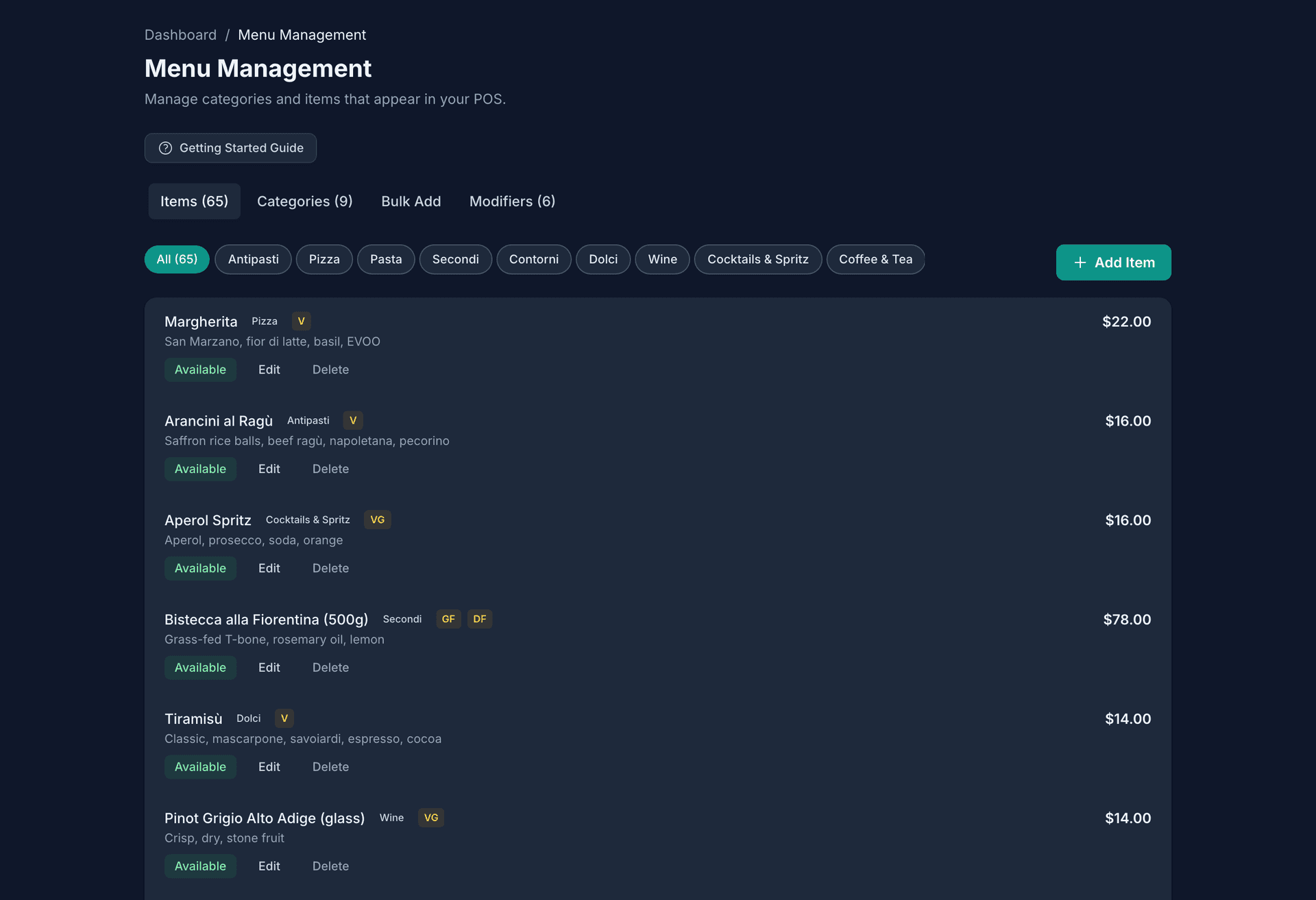
- Items (65), Categories (9), Bulk Add and Modifiers (6): the four tabs of the menu
- Margherita with its Pizza category and its V tag on the item's own line
- Available, Edit and Delete on every row, so a sold-out dish goes off the till and the QR menu together
- $16.00 on the Arancini al Ragù: the price the till charges
- Bistecca alla Fiorentina (500g), tagged GF and DF for the question the table would have asked
- Add Item, for the special that goes on tonight
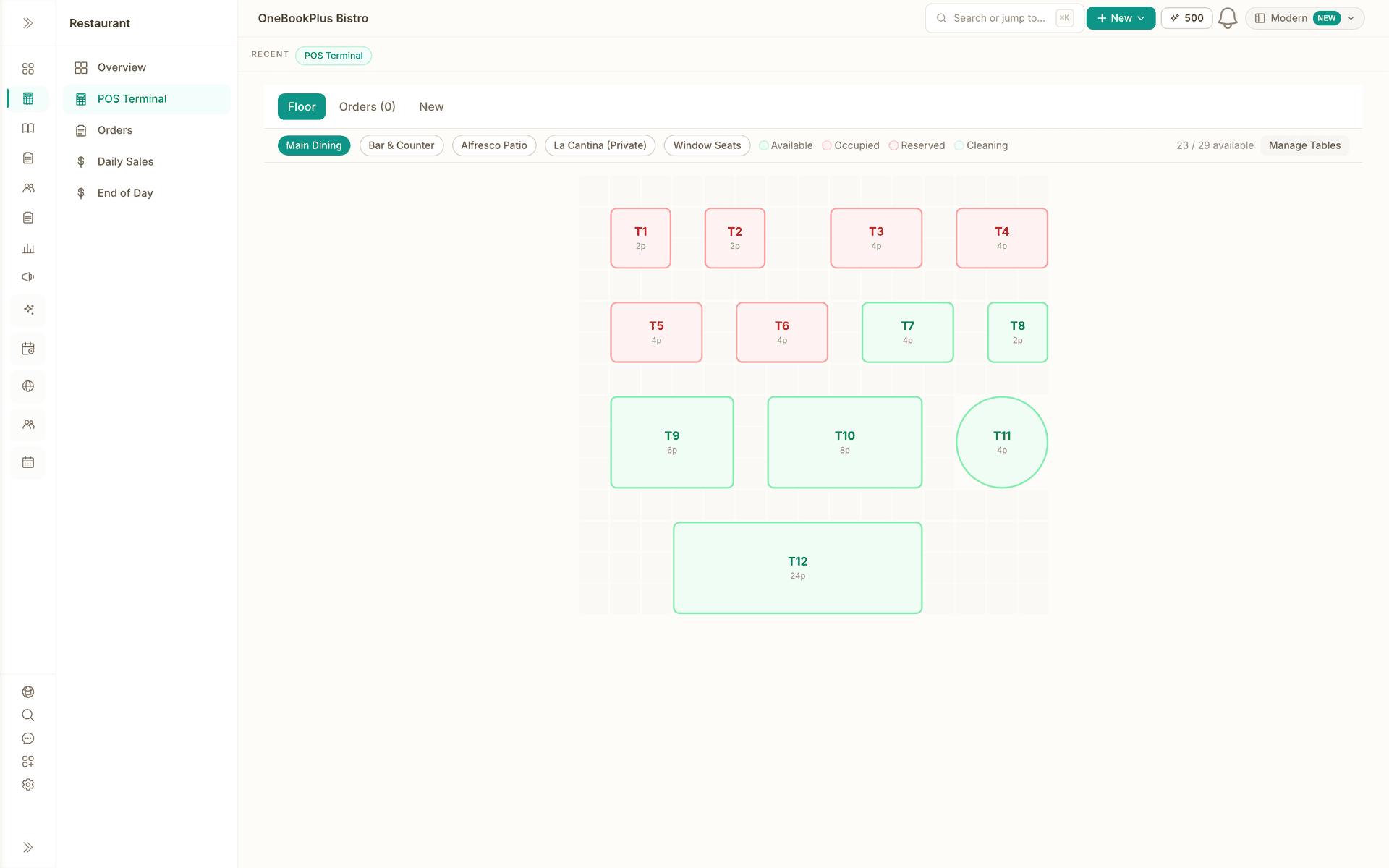
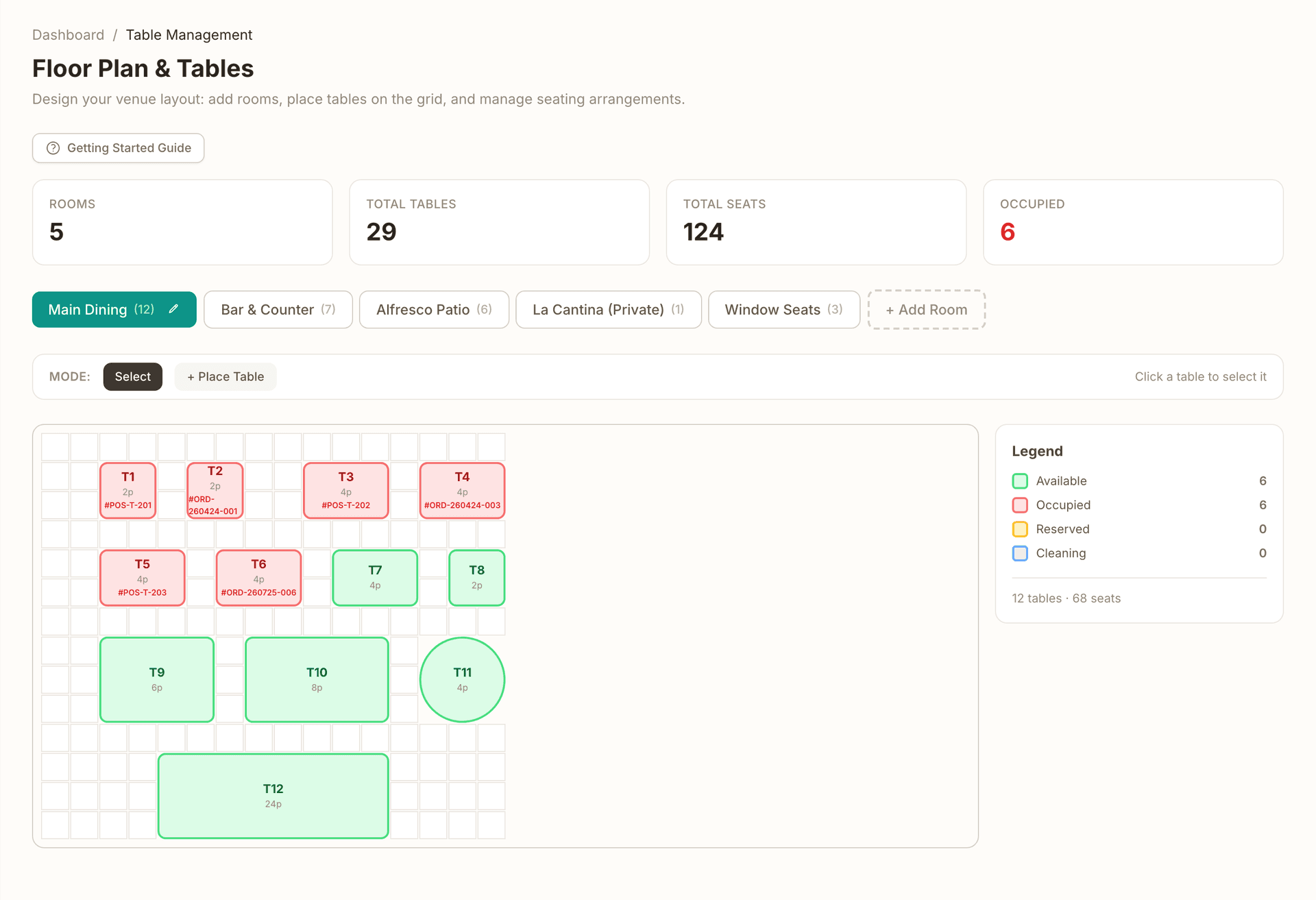
The room as it is, and every table's status live.
Five rooms as tabs, Main Dining to Window Seats, real seat counts and a floor plan editor. Table status follows the orders, and reservations with party size, time and notes sit on the dashboard next to live orders.
- Total tables 29, across the five rooms on the tabs below
- Occupied 6 right now, the tables the till has an order on
- Click a table to select it, or switch to Place Table and drop a new one
- #POS-T-202 on T3, so the floor reads the same order number as the till
- T12, the long table that seats 24, drawn at its own size on the grid
- The legend counts available, occupied, reserved and cleaning
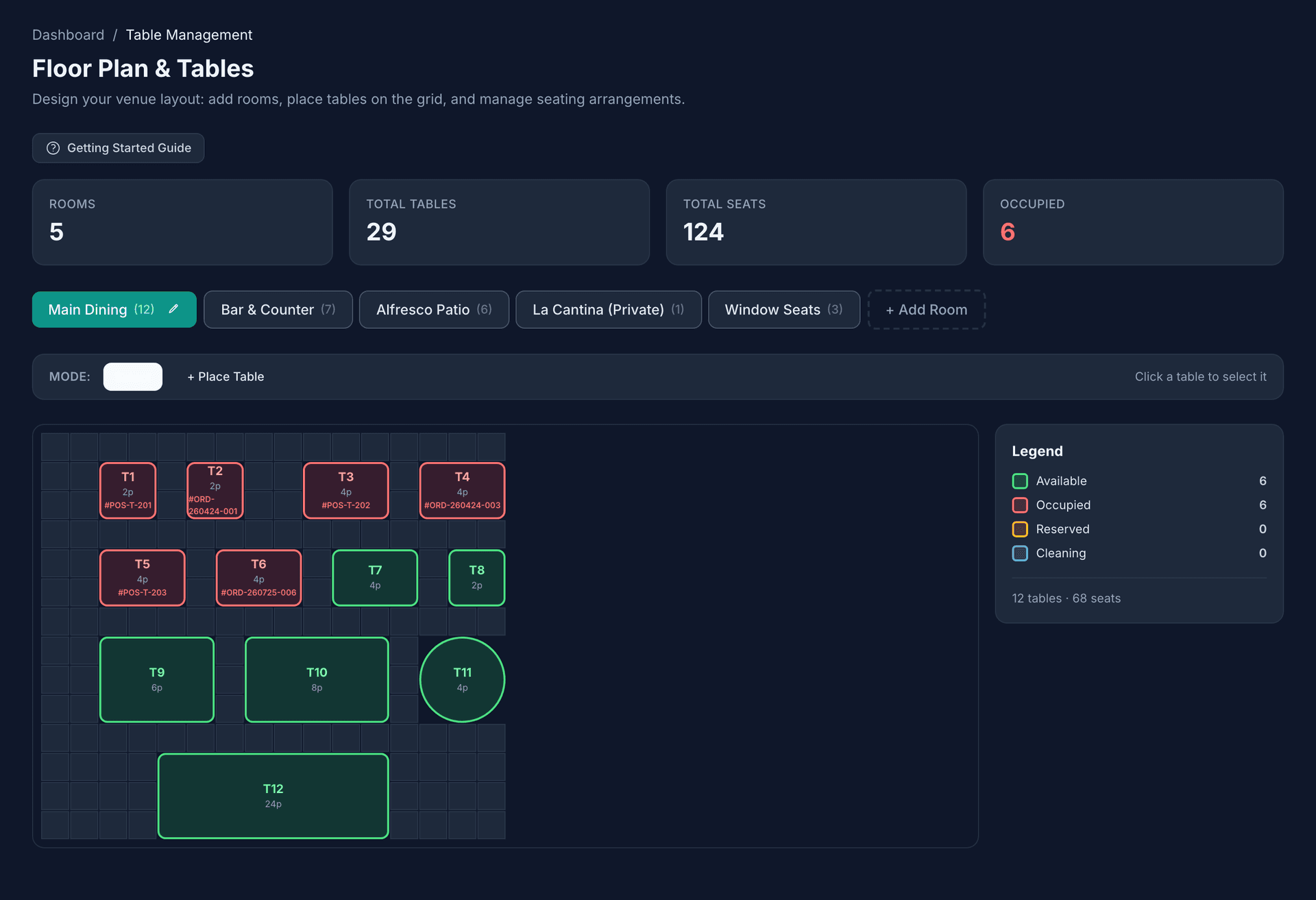
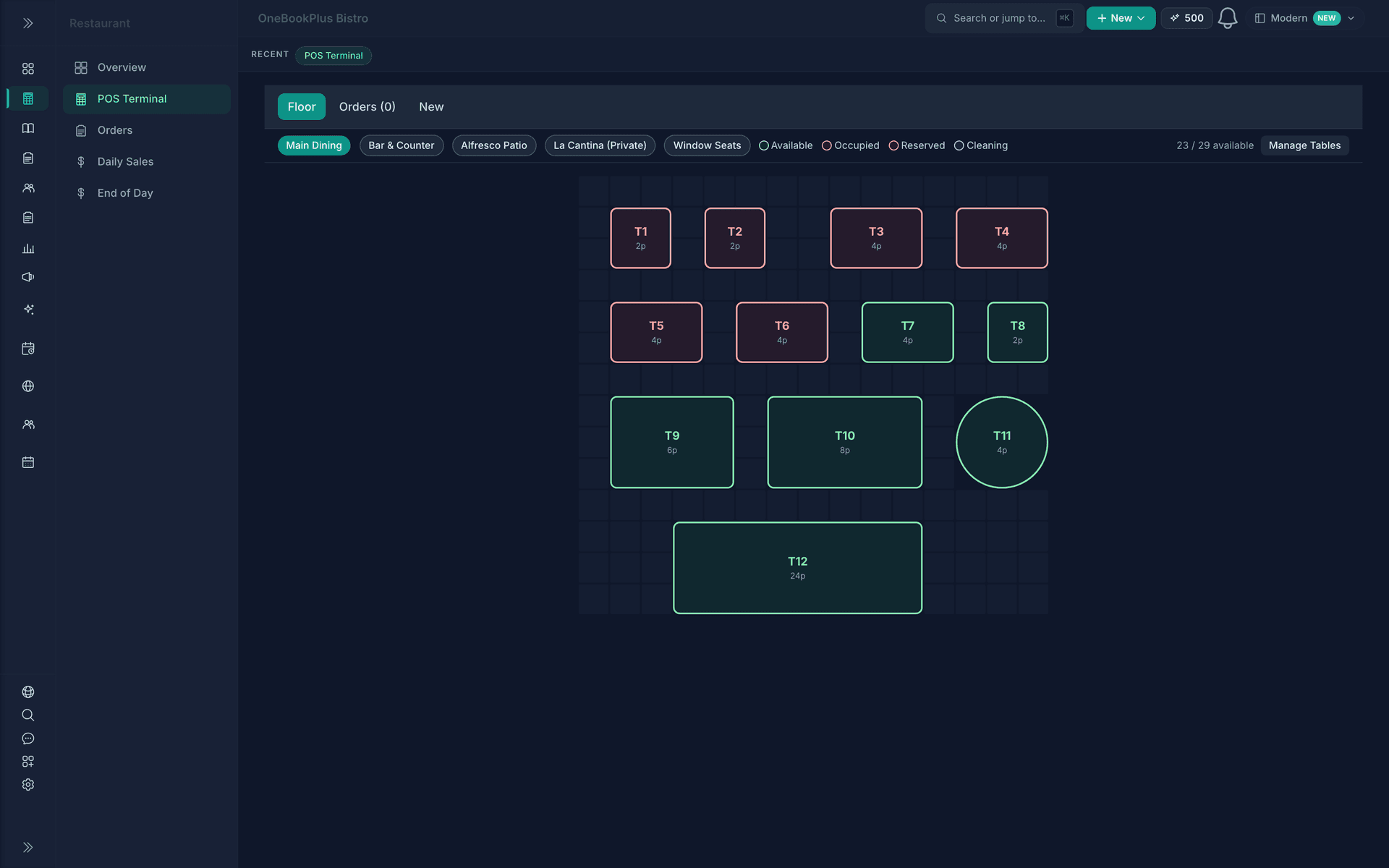
- Total tables 29, across the five rooms on the tabs below
- Occupied 6 right now, the tables the till has an order on
- Click a table to select it, or switch to Place Table and drop a new one
- #POS-T-202 on T3, so the floor reads the same order number as the till
- T12, the long table that seats 24, drawn at its own size on the grid
- The legend counts available, occupied, reserved and cleaning
A till count that checks itself.
Expected cash and card come from the day's closed orders. Enter your float and counts, see the variance, and take the recommended banking deposit.
- Card $2,072.69 expected from the till, beside Cash $701.00, from Sunday's closed orders
- Cash taken $701.00, with Should be in the drawer worked out under it
- Cash counted: everything in the drawer, float included
- Cash variance, short by $701.00 until the count goes in, and it updates as you type
- Card variance $0.00, balanced against the terminal total
- Cash to bank: the deposit to take, with the float left in the till for tomorrow
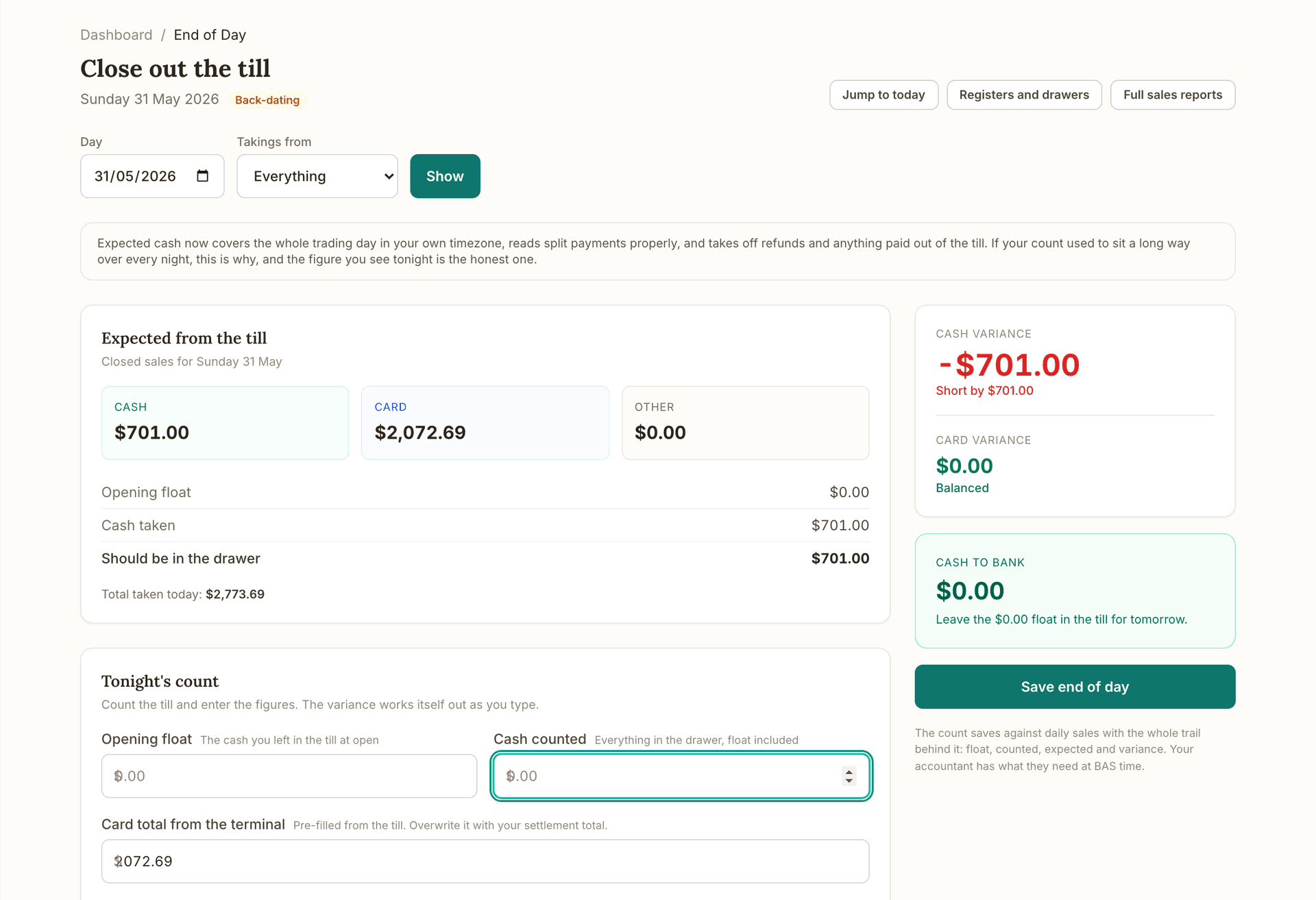
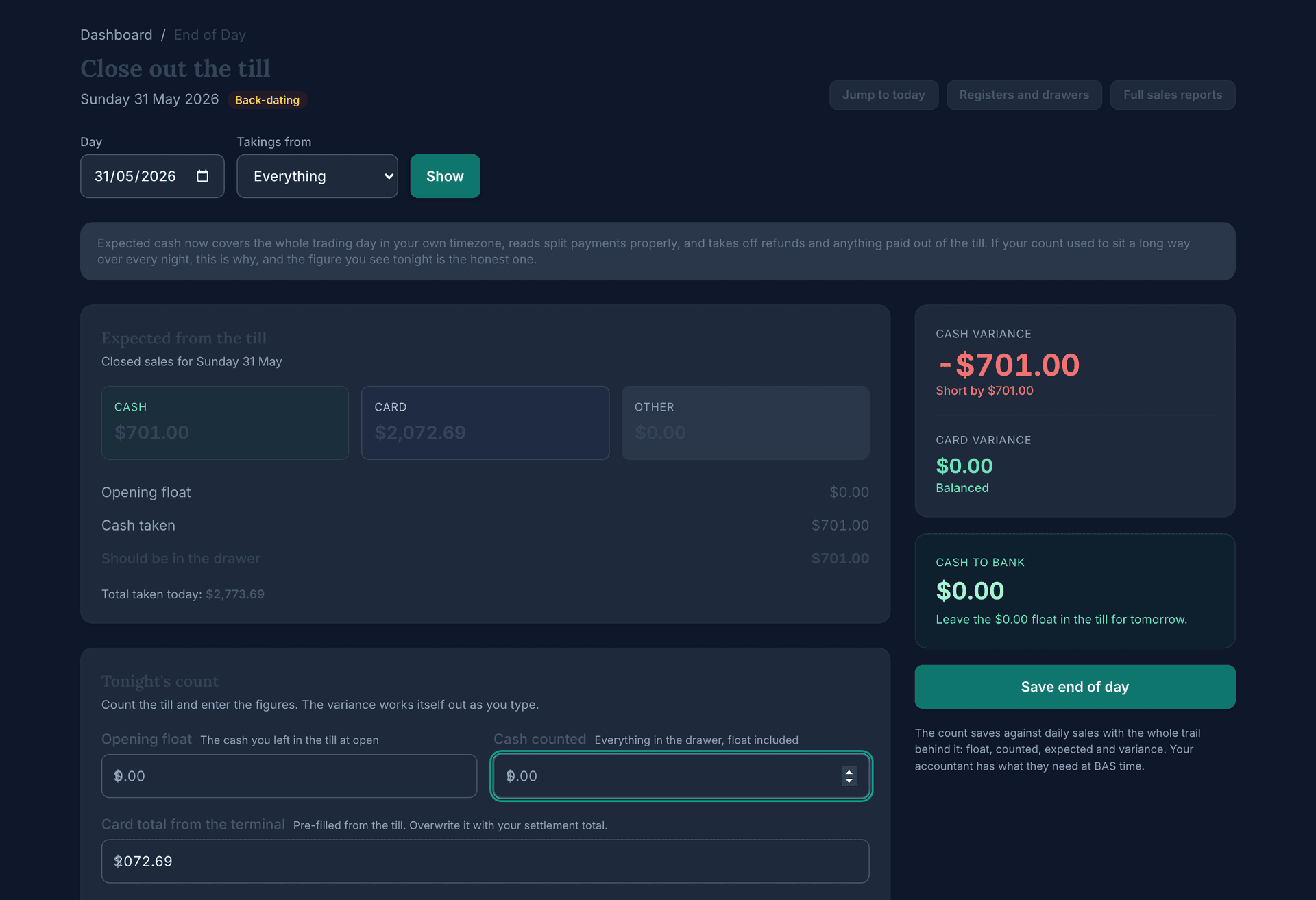
- Card $2,072.69 expected from the till, beside Cash $701.00, from Sunday's closed orders
- Cash taken $701.00, with Should be in the drawer worked out under it
- Cash counted: everything in the drawer, float included
- Cash variance, short by $701.00 until the count goes in, and it updates as you type
- Card variance $0.00, balanced against the terminal total
- Cash to bank: the deposit to take, with the float left in the till for tomorrow
Sales straight into your books.
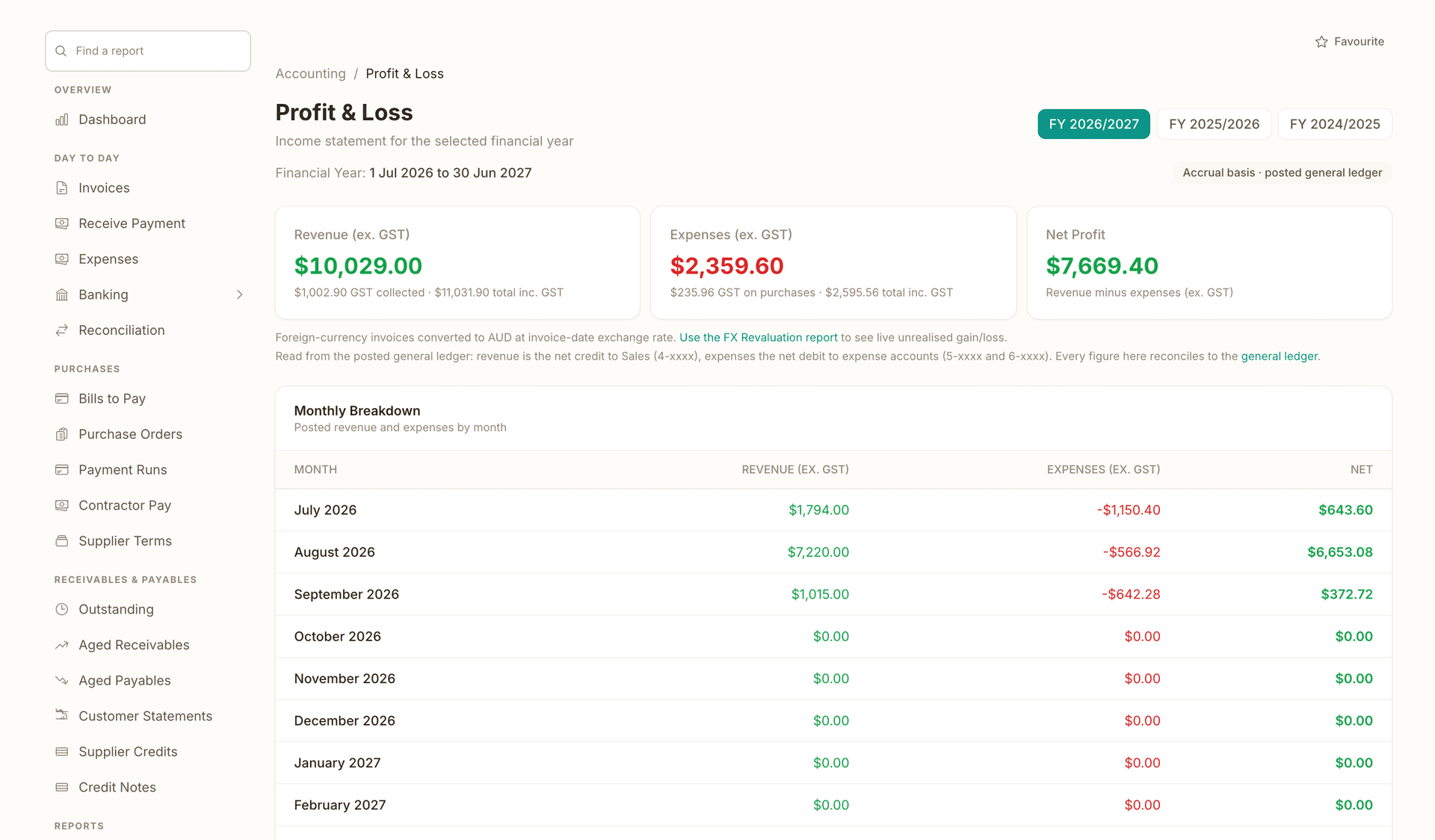
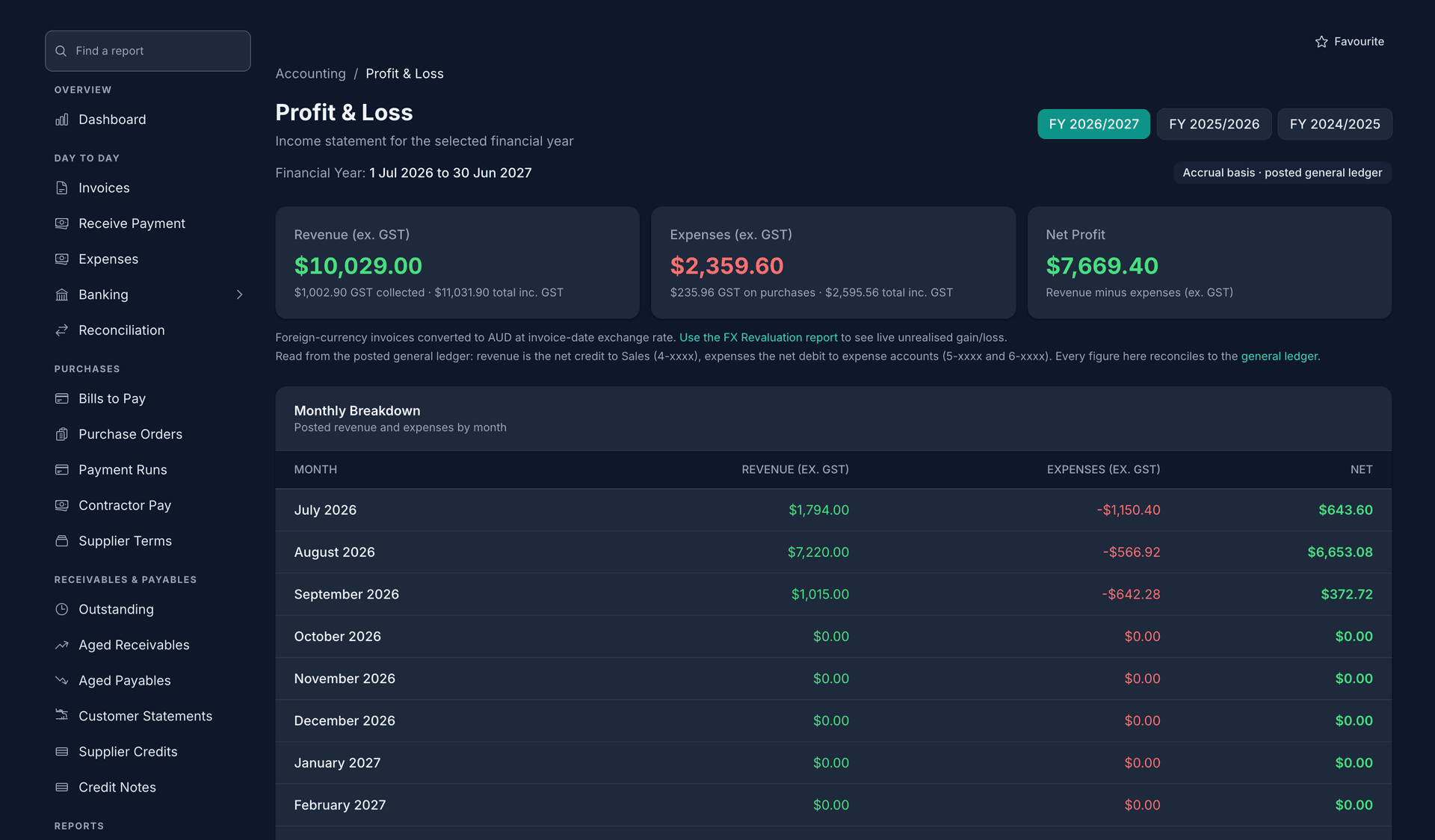
Daily sales pre-fill from closed orders and post into accounting with the GST handled, so the P&L and the BAS-ready GST summary build as you trade.
- $4,482.43 GST collected on $45,126.25 of revenue for the year
- Net Profit $22,019.47, revenue minus expenses ex. GST
- Three financial years to flip between, FY 2025/2026 showing
- Accrual basis, read from the posted general ledger
- Monthly Breakdown: posted revenue and expenses by month
- September 2025: $1,500.79 of expenses against $2,679.14 in, net $1,178.35
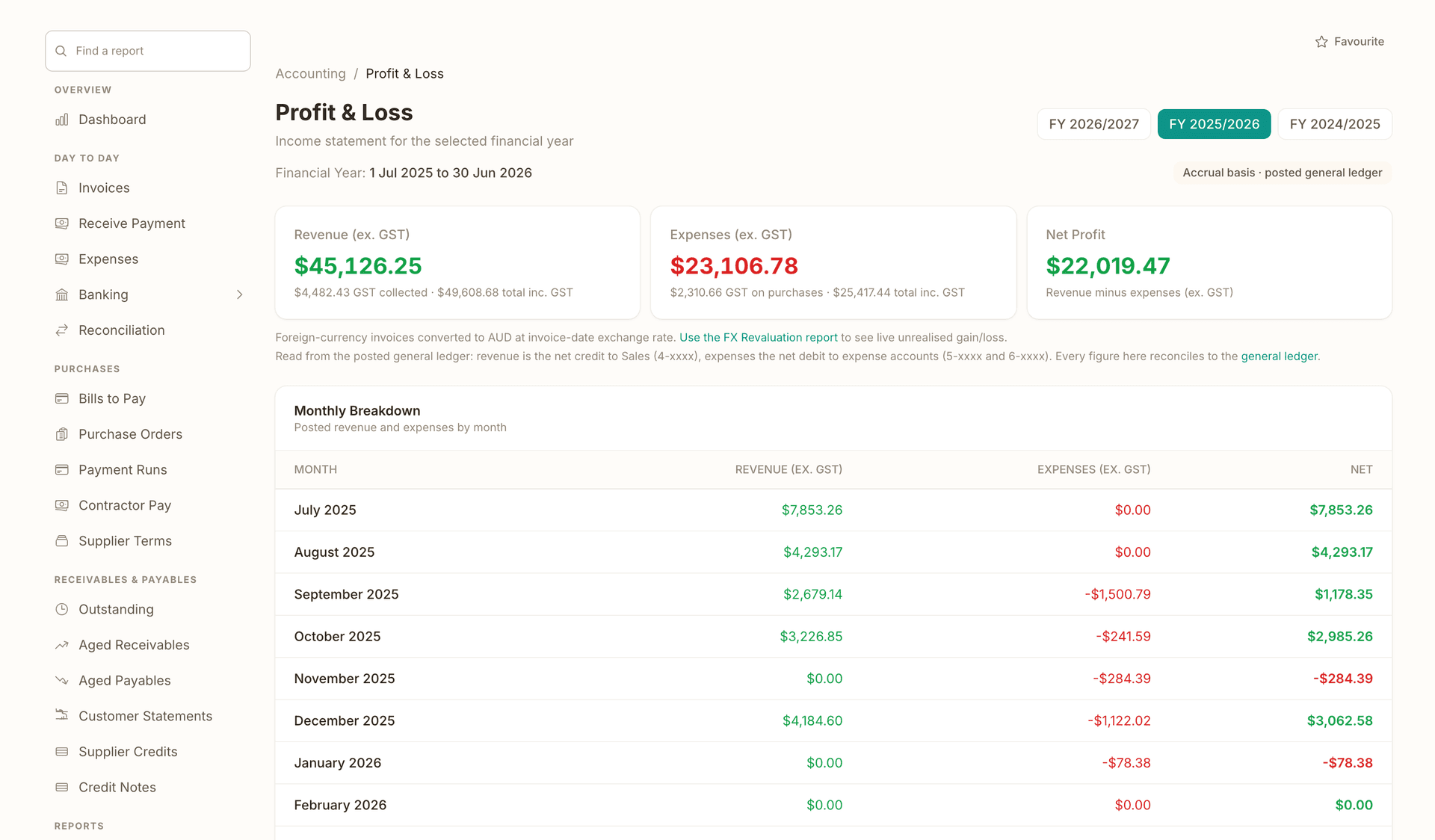
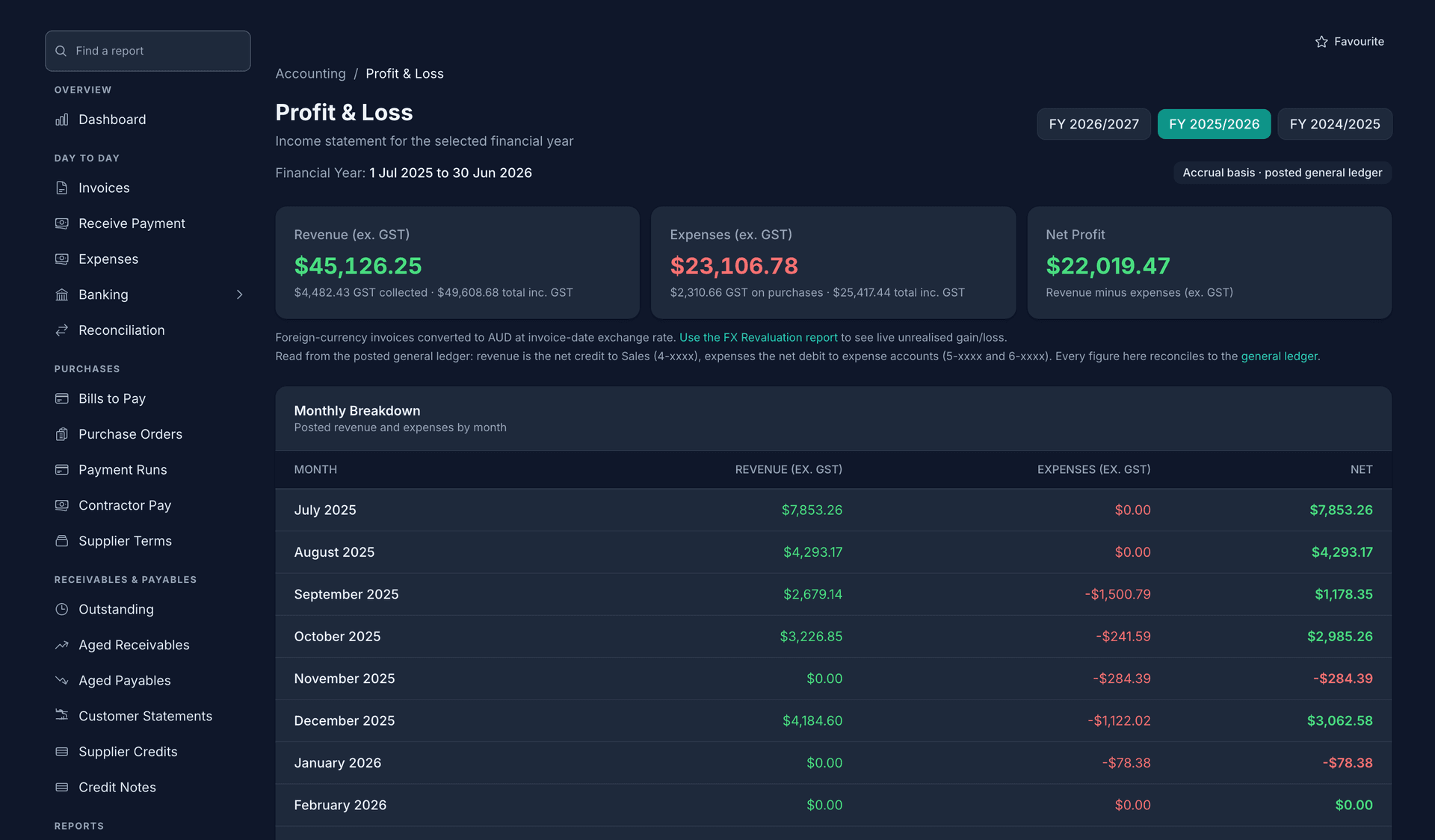
- $4,482.43 GST collected on $45,126.25 of revenue for the year
- Net Profit $22,019.47, revenue minus expenses ex. GST
- Three financial years to flip between, FY 2025/2026 showing
- Accrual basis, read from the posted general ledger
- Monthly Breakdown: posted revenue and expenses by month
- September 2025: $1,500.79 of expenses against $2,679.14 in, net $1,178.35
Dockets on a screen, not on paper.
Orders arrive from the POS with timing, the kitchen marks items preparing or ready, and front of house sees it live. The Kitchen Display app is $19/mo with a 14-day free trial.
- Orders with timing indicators
- Preparing and ready per item
- Status visible to front of house
Everything included in Restaurant
Full POS on any device
Take dine-in, takeaway, pickup and delivery orders from a tablet, phone or laptop. Assign tables and covers, apply flat or percentage discounts, add tips at settlement, record cash or card, and print a receipt with GST itemised.
Menu management built in
Build your menu once: categories, items, descriptions, photos, prices and dietary tags. Toggle an item off with one tap when it sells out mid-service and it vanishes from the POS instantly. Free on every plan.
QR code digital menu
Print a QR code for your tables and customers browse the live menu on their phones, photos, prices and dietary tags included. Sold-out items disappear the moment you toggle them off in Menu Management.
Tables and floor plans
Lay out your venue as it actually is: multiple rooms, real seat counts, a visual floor plan editor. Table status updates as POS orders are placed and settled, so front of house always sees the true state of the room.
Reservations and waitlist
Take bookings with party size, time, notes and table assignment. Track confirmed, seated and no-show statuses, run a waitlist for busy nights, and see tonight's reservations on the dashboard beside live orders.
End-of-day register close
The till count that checks itself. Expected cash and card figures come from the day's closed POS orders; enter your float and counts, see the variance instantly, and get a recommended banking deposit.
Recipe and plate costing
Build each dish from its ingredients with quantities, unit costs and a wastage percentage. Know the true cost of every plate before you price the menu, and reprice with confidence when supplier costs move.
Sales straight into your books
Daily sales pre-fill from closed POS orders and post into OneBookPlus accounting with GST handled. Your P&L and BAS-ready GST summary build themselves as you trade: nothing to export, nothing to re-key.
Kitchen display
A live kitchen screen replacing paper dockets: orders arrive from the POS with timing indicators, staff mark items preparing or ready, and front of house sees status in real time. Available now as a paid add-on from the App Marketplace, $19/mo with a 14-day free trial.
Where this sits in the job
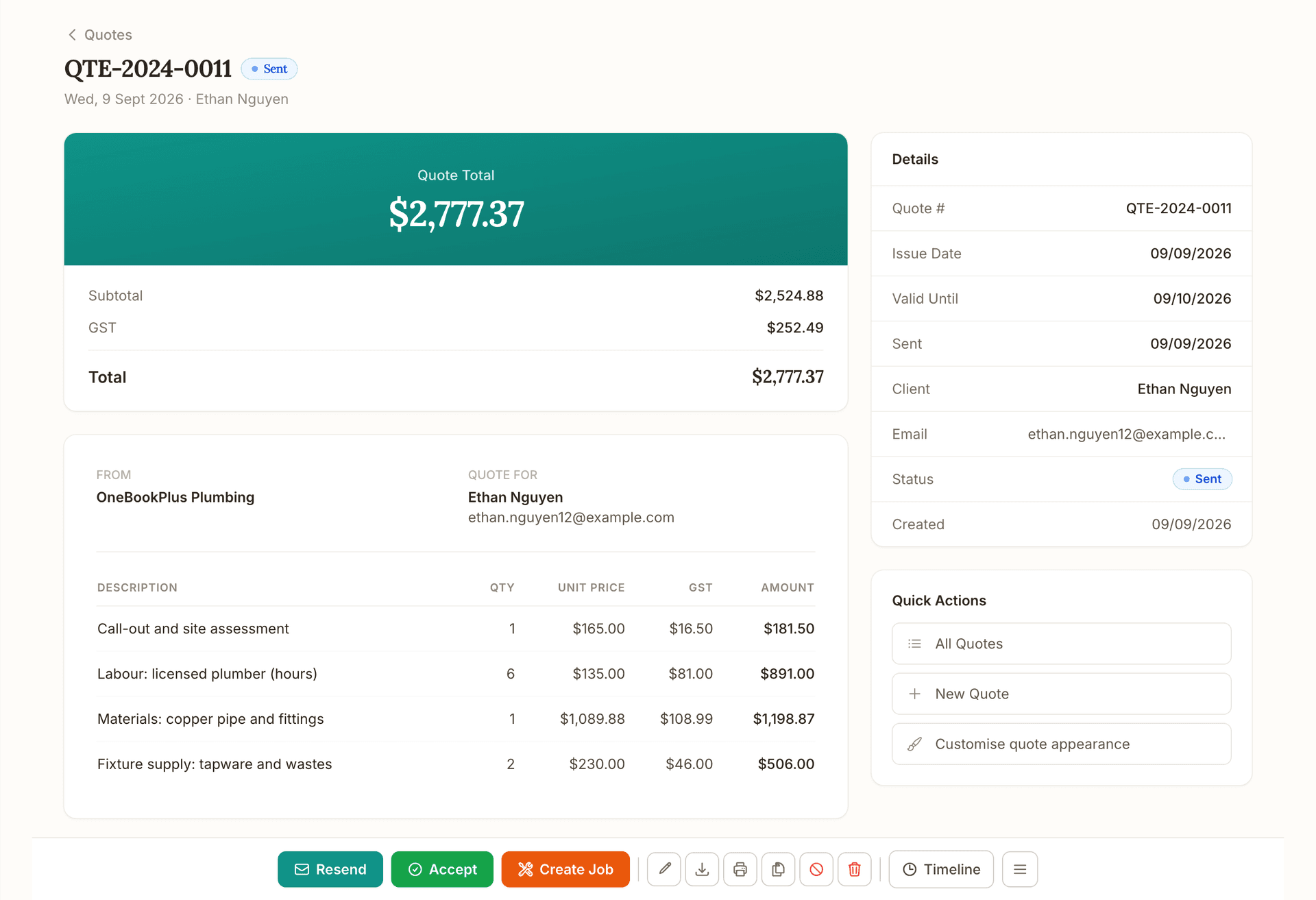
Quote
Quote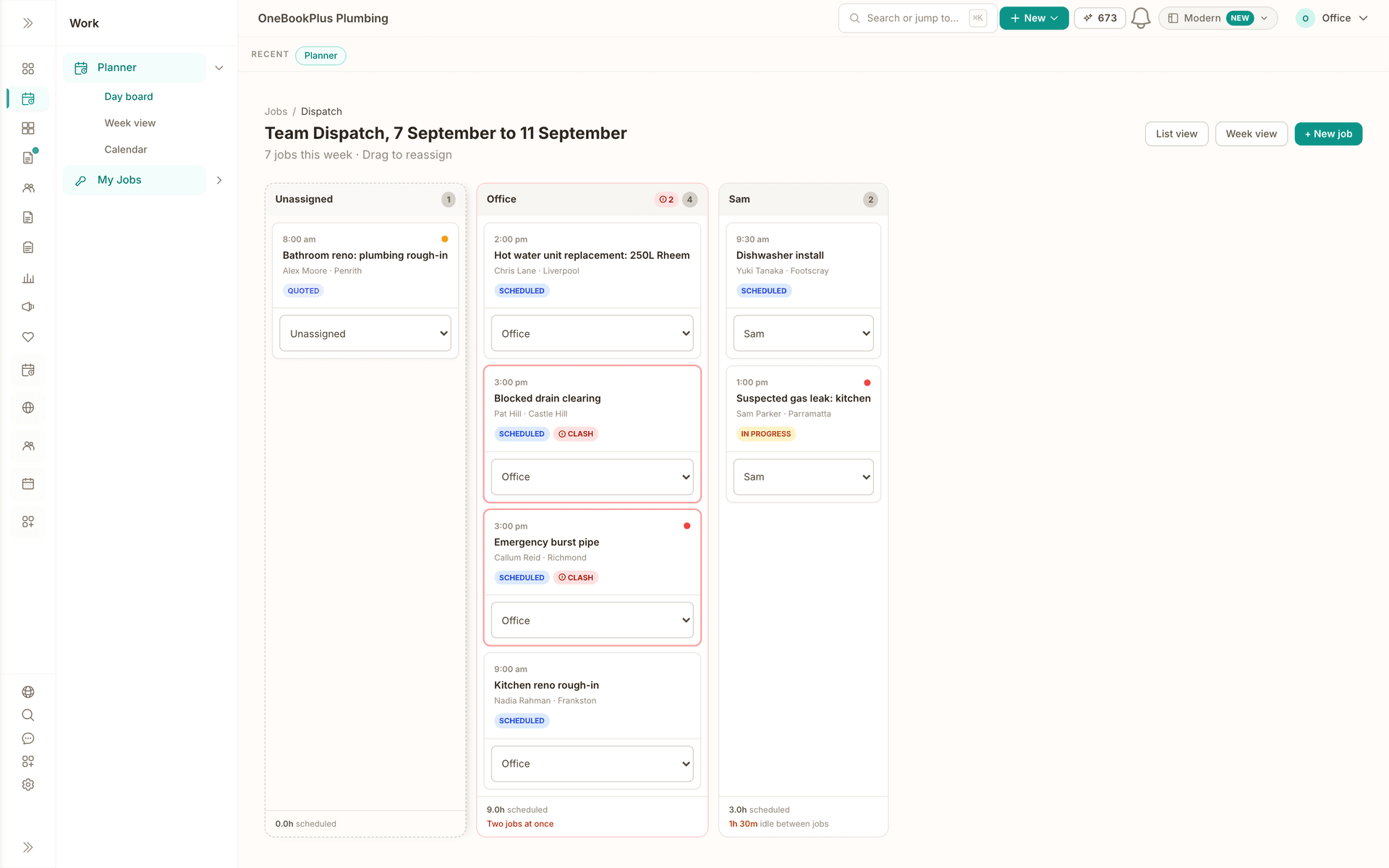
Schedule
Schedule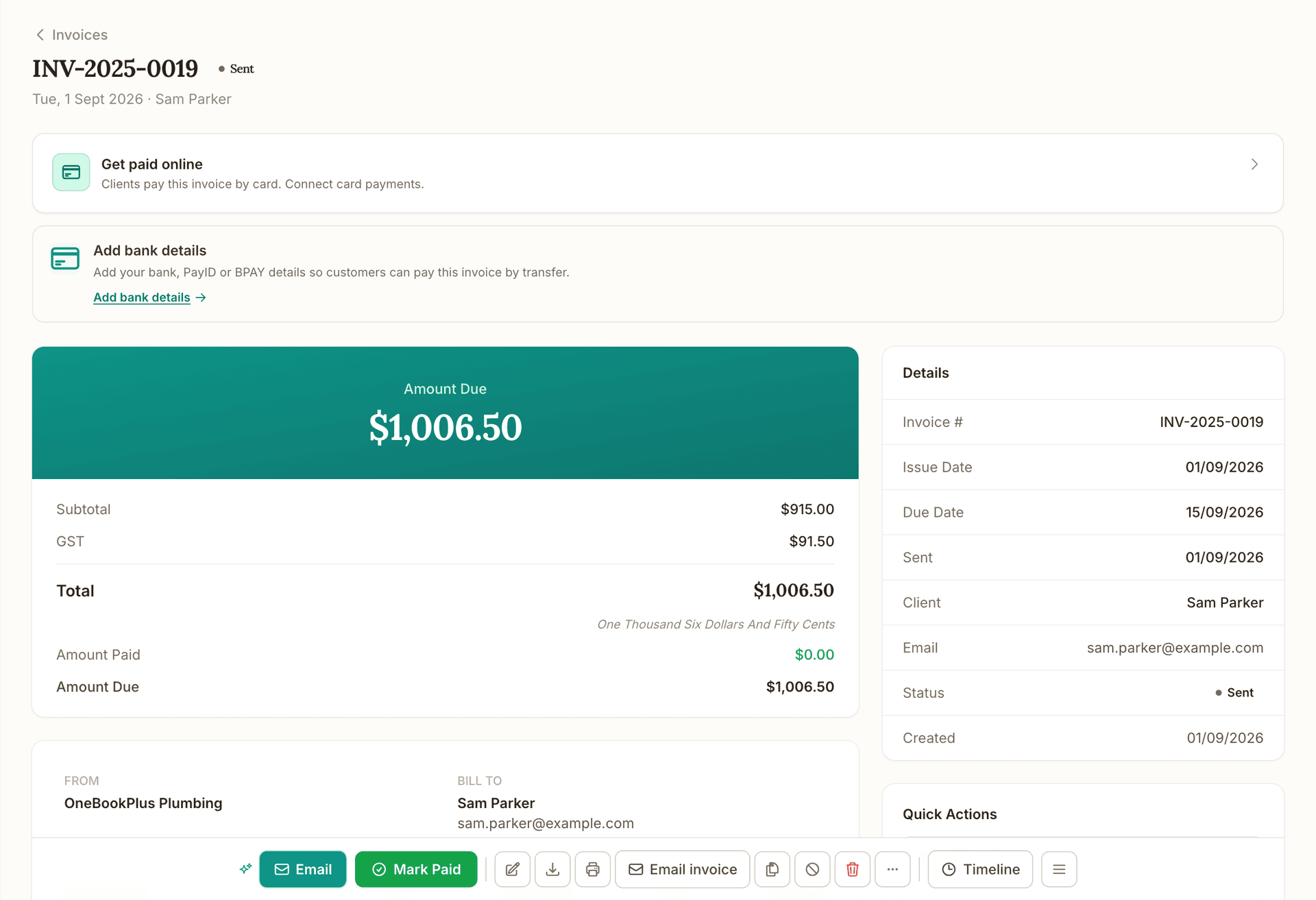
Invoice
Invoice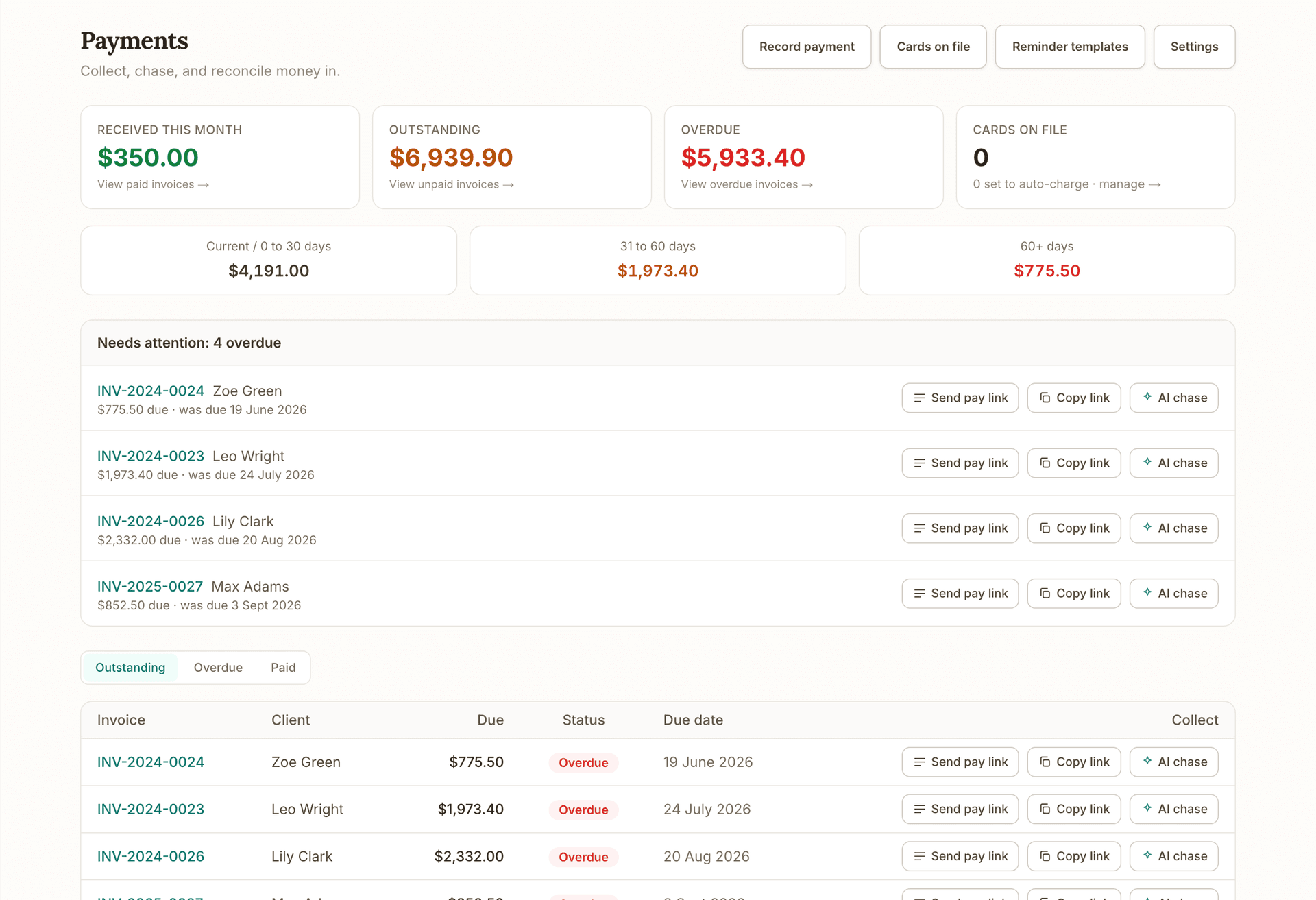
Get paid
Get paid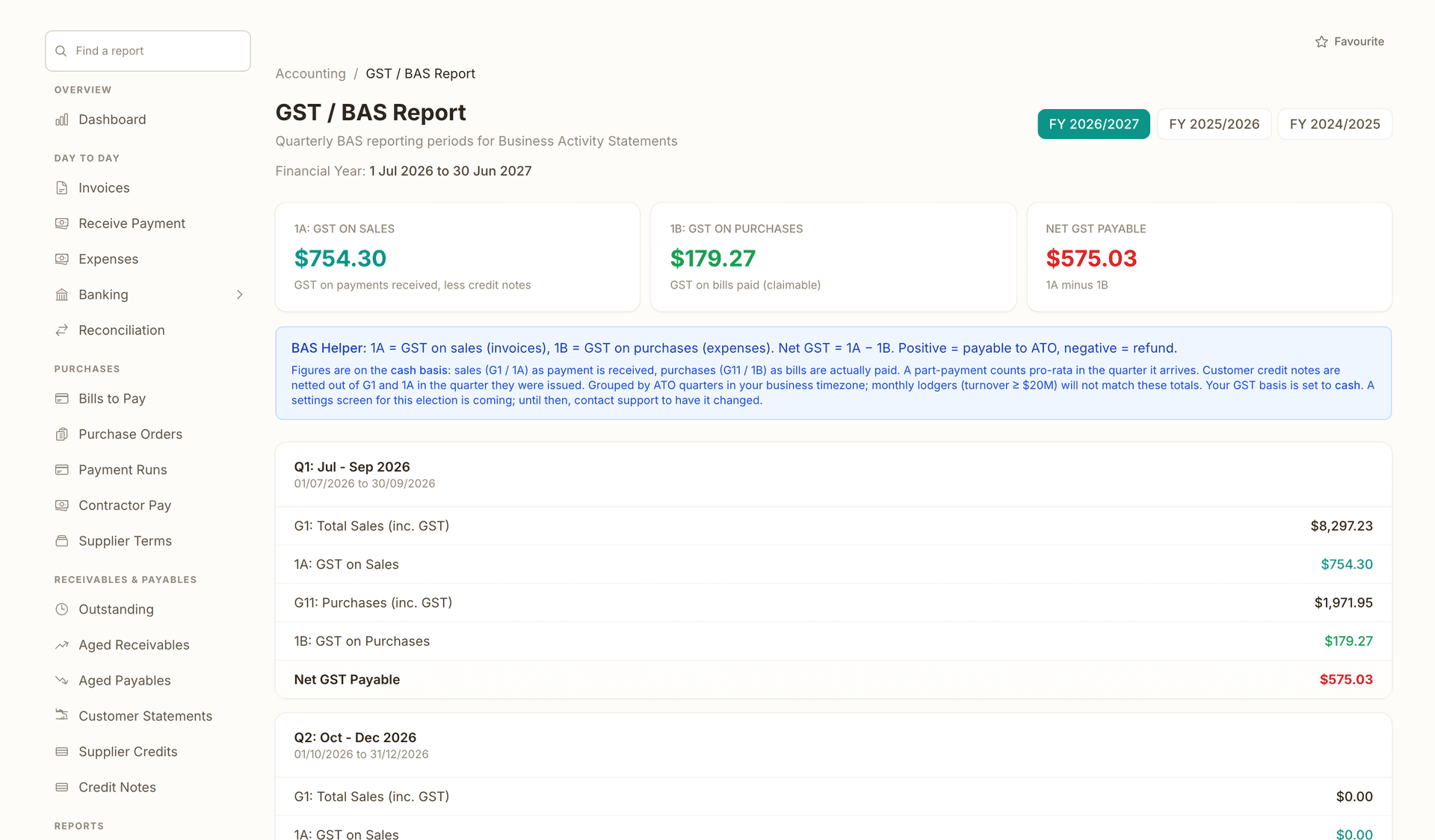
Books and BAS
Books and BAS
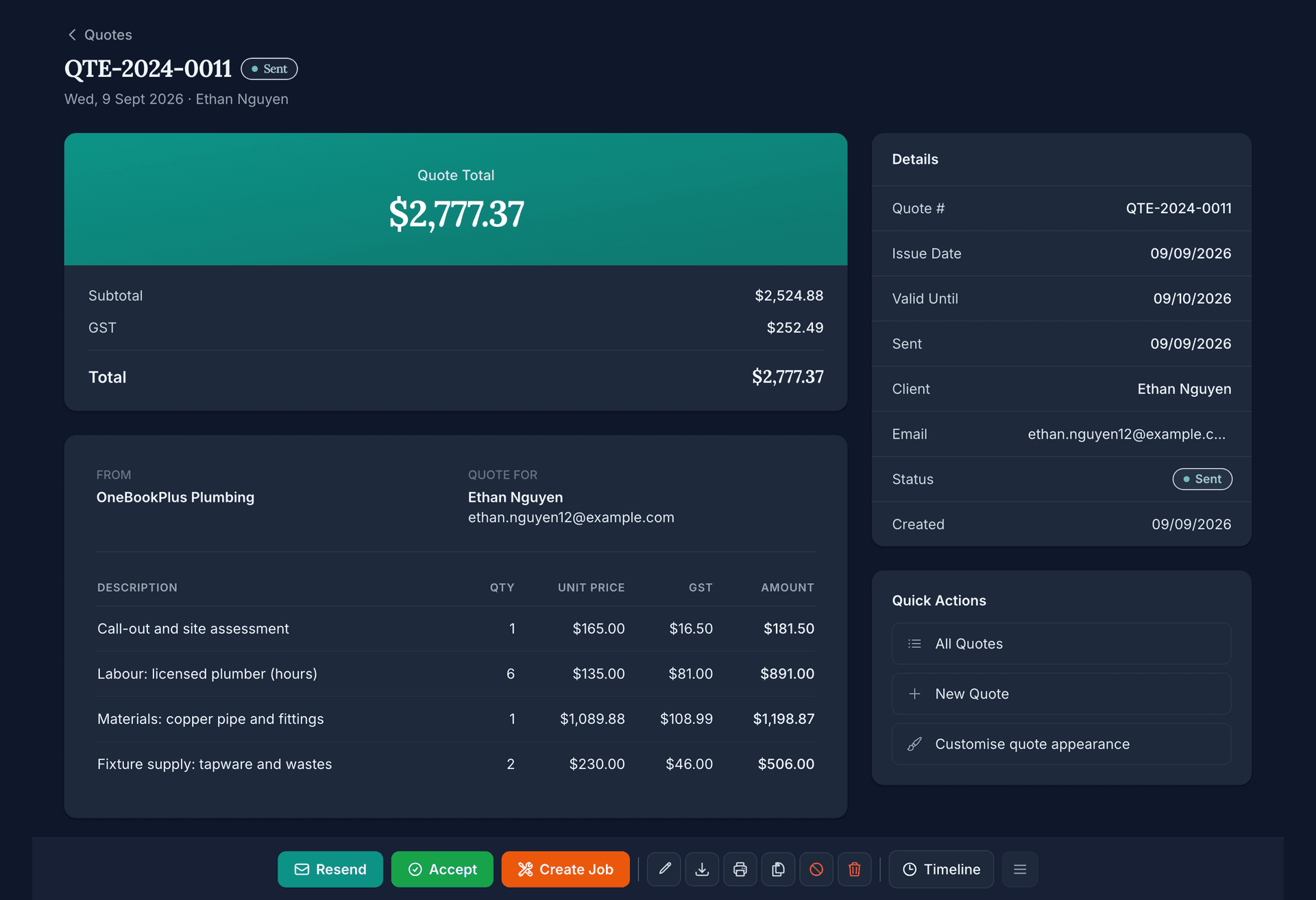
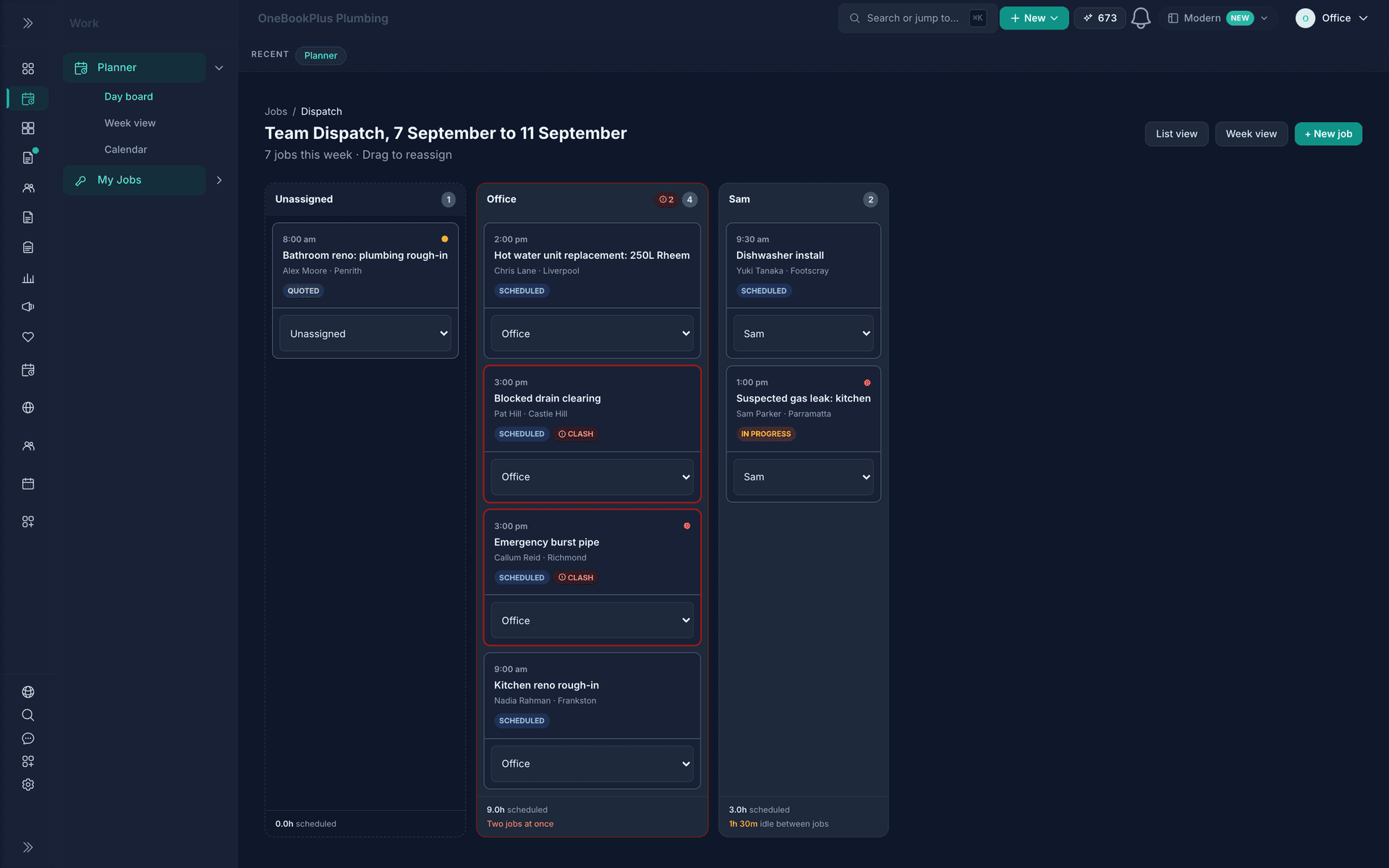
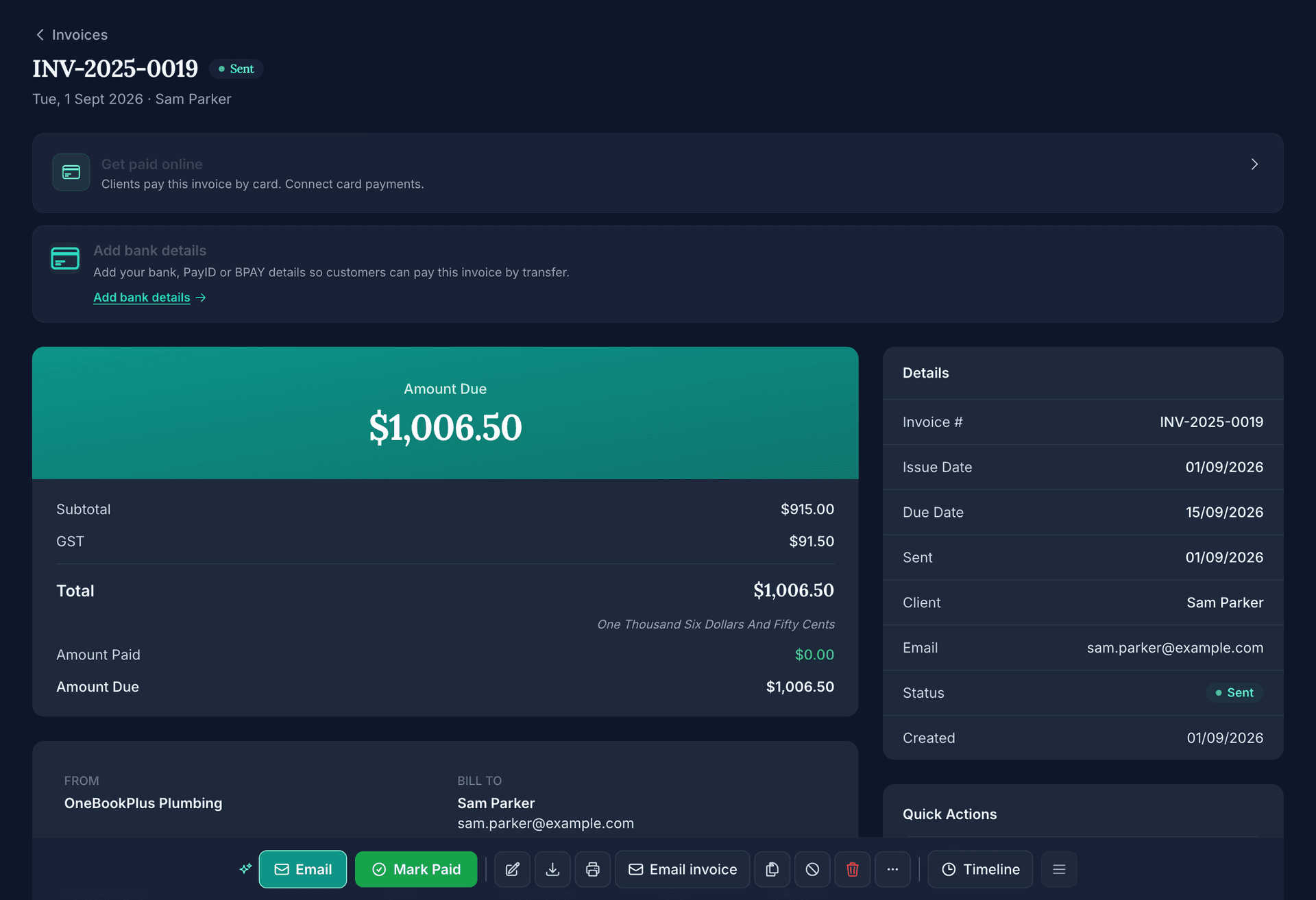
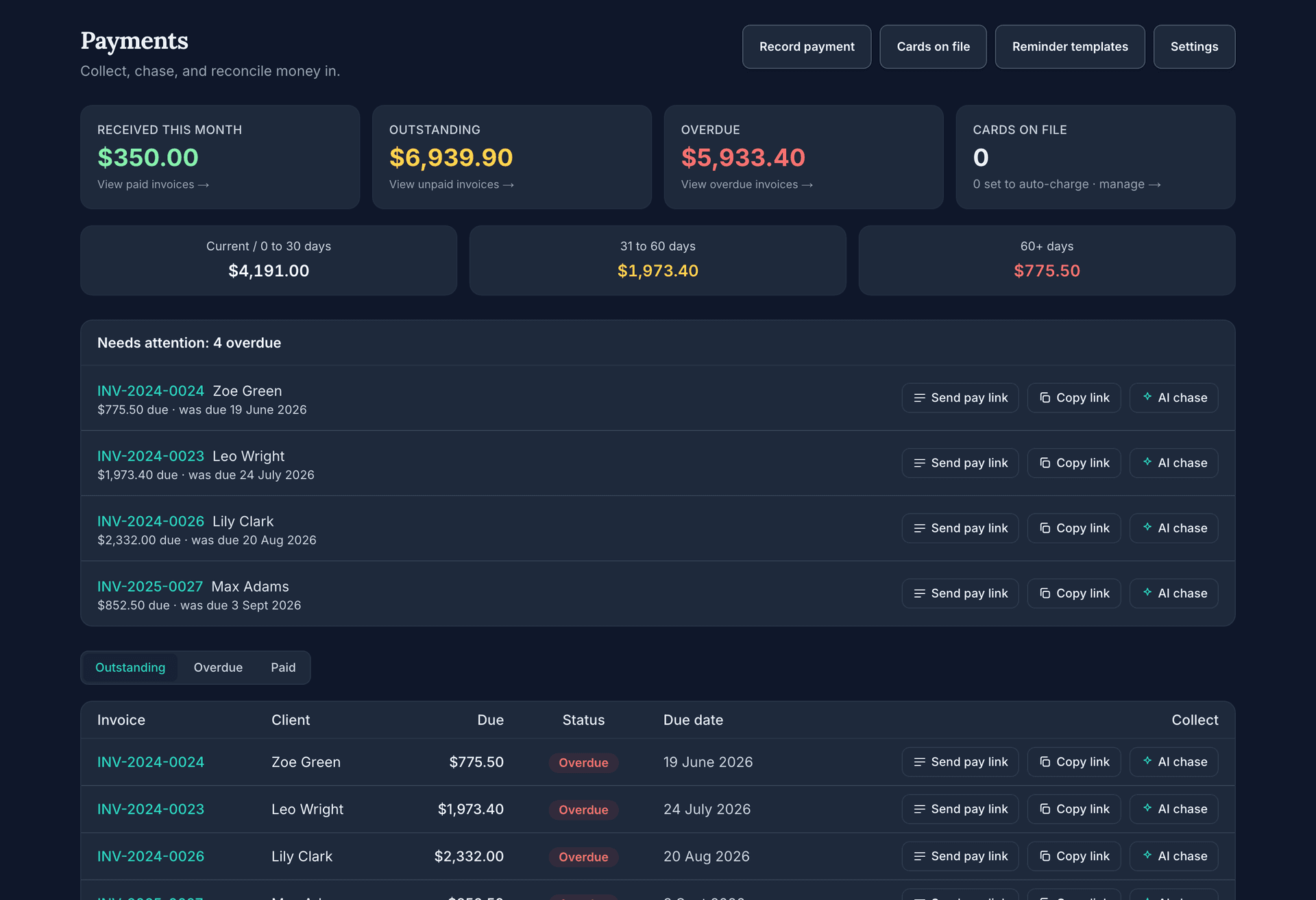
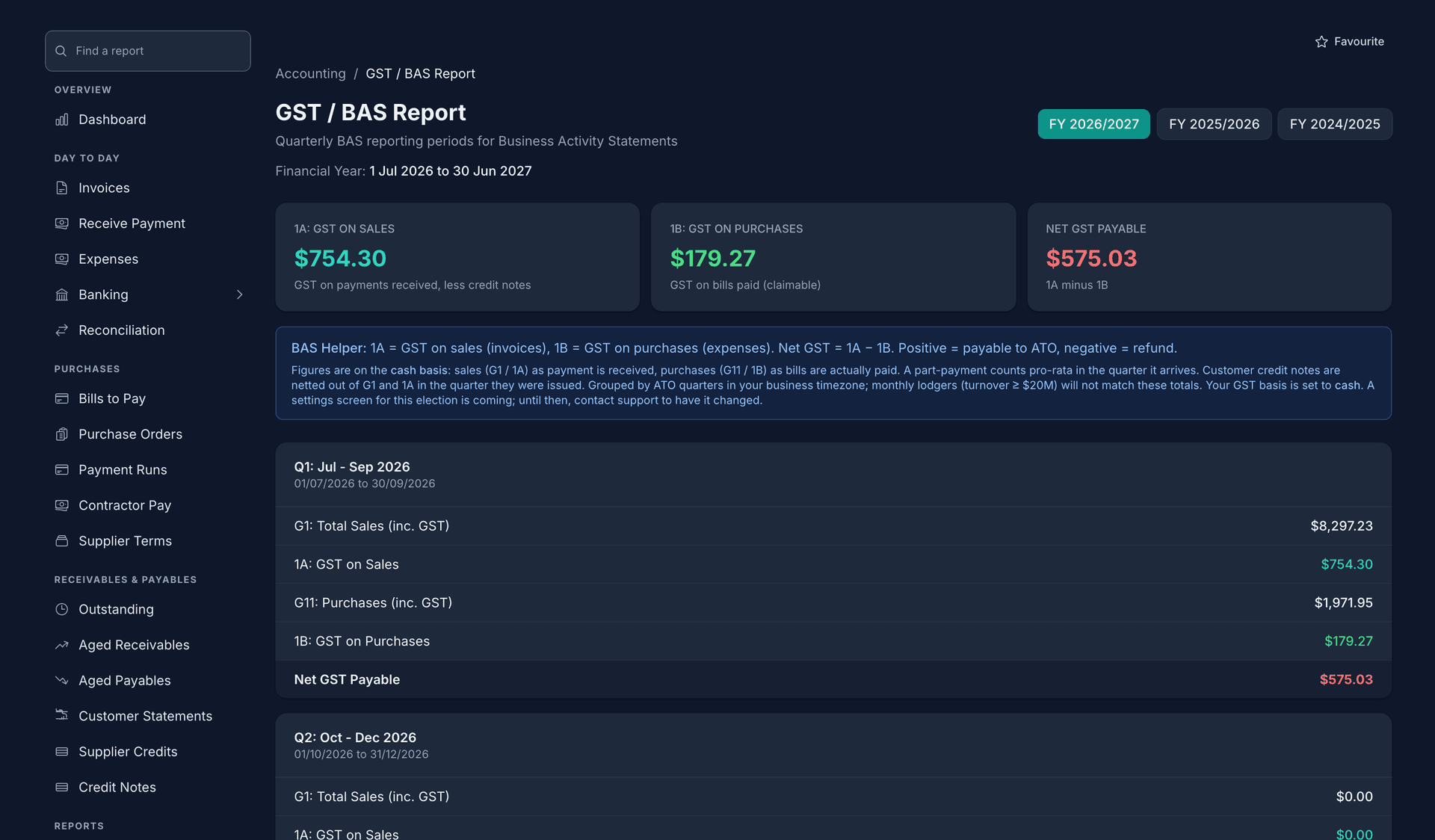
Runs alongside every stage.
What's on which plan
Restaurant on each plan
Free
$0/mo
- Basic POS and sales register
- Included
- Point of Sale app: dine-in, takeaway, delivery, split bills, tips
- $39/mo app
- Menu Management and Table Management apps
- Free app
- Kitchen Display app
- $19/mo app
Starter
$29/mo
- Basic POS and sales register
- Included
- Point of Sale app: dine-in, takeaway, delivery, split bills, tips
- $39/mo app
- Menu Management and Table Management apps
- Free app
- Kitchen Display app
- $19/mo app
Plus
$49/mo
- Basic POS and sales register
- Included
- Point of Sale app: dine-in, takeaway, delivery, split bills, tips
- $39/mo app
- Menu Management and Table Management apps
- Free app
- Kitchen Display app
- $19/mo app
Growth
$69/mo
- Basic POS and sales register
- Included
- Point of Sale app: dine-in, takeaway, delivery, split bills, tips
- $39/mo app
- Menu Management and Table Management apps
- Free app
- Kitchen Display app
- $19/mo app
- Point of Sale is a marketplace app at $39/mo on any plan, with a 14-day free trial.
How we compare
OneBookPlus Restaurant against the alternatives
The rows are capability checks; the linked comparison page carries every citation.
| Feature | OneBookPlus | Square | Lightspeed | Impos |
|---|---|---|---|---|
| Restaurant POS with table-linked orders | Yes | Yes | Yes | Yes |
| Menu management with dietary tags | Yes | Yes | Yes | Yes |
| Table and floor plan management | Yes | Yes | Yes | Yes |
| Browser-based on any device, no dedicated terminal or app install | Yes | No | No | No |
| Reservations and waitlist built in, no third-party add-on | Yes | No | No | No |
| QR code digital menu included | Yes | Yes | Yes | No |
| End-of-day cash count posting to built-in accounting | Yes | No | No | No |
| Supplier bills and expense tracking in the same subscription | Yes | No | No | No |
| BAS-ready GST summary (G1, 1A, 1B) | Yes | No | No | No |
| Quotes, invoices and CRM for functions and catering | Yes | Yes | No | No |
| Free plan available | Yes | Yes | No | No |
| Price | From $0 (POS $39/mo) | From $0/mo + fees | $69+/mo | Quote-based |
Getting started
How it works
- 1
Set up your venue
Create rooms and tables with the floor plan editor, build your menu with categories, prices and dietary tags, and print QR codes for the tables. Most venues are ready to trade the same day.
- 2
Run your service
Take dine-in, takeaway, pickup and delivery orders through the POS on any device. Table status updates live, discounts and tips are handled at settlement, and every printed receipt itemises the GST.
- 3
Close the register
Open the end-of-day screen, count the till against expected cash and card from the day's closed orders, log the variance and bank the recommended deposit. Daily sales post into your accounting automatically.
- 4
Review and refine
Check the restaurant dashboard for revenue, covers and average order value. Use recipe costing to check plate margins, then adjust menu prices or availability before the next service.
Example walkthrough
A Friday night with OneBookPlus Restaurant
A worked example: service to till count at a Carlton bistro
Marco checks the restaurant dashboard at 3pm: 11 reservations tonight, two still unconfirmed. He confirms both with a tap and adds a note for the anniversary table. The floor plan shows the back room blocked out for a group of 14.
During service the POS runs on two iPads. Dine-in orders carry table numbers and covers; takeaway pickups run through the same screen. At 7:40 the gnocchi sells out, so Marco toggles it off in Menu Management. It vanishes from the POS and from the QR menus on every table at the same moment, and the floor staff stop apologising. A cold entree earns table 9 a 15 per cent discount at settlement, itemised on the receipt with the GST.
At 11pm he opens end-of-day. Expected figures are already there from the night's closed orders: $6,180 card, $940 cash. He counts the till, the variance reads $4 over, and the screen recommends the banking deposit after tomorrow's float. Daily sales post to his books without a spreadsheet.
Sunday morning, flat white in hand, he checks recipe costing on the new special: $7.10 plate cost including wastage. At $29 on the menu, it stays. When BAS is due, his GST summary is already built from the quarter's trading.
In depth
Restaurant POS System & Software Built for Australian Venues
Search for a restaurant POS system and you will find two kinds of software: terminal systems that do payments brilliantly and nothing else, and hospitality suites priced for venue groups. Most Australian cafes, bistros and takeaway kitchens sit in between. They need the till, the floor, the menu, the bookings and the books to work together, without five subscriptions and five logins. OneBookPlus Restaurant is built for that middle. The POS, menu management, table management and reservations run inside the same platform as your invoicing, contacts, expenses and accounting, so a Friday night's trade lands in the same profit and loss as the week's supplier bills. Nothing syncs, because nothing is separate. And because the platform starts free (the POS itself is a $39 per month add-on with a 14-day trial, while menu and table management cost nothing), the total is a fraction of what a terminal-based restaurant POS software contract adds up to once hardware, per-register fees and the accounting connector are counted.
Read the rest
The POS itself runs in a browser on hardware you already own: an iPad at the counter, an Android tablet at the pass, the office laptop for phone orders. It handles four order channels (dine-in, takeaway, pickup and delivery) through one screen. Dine-in orders carry a table and cover count pulled from your floor plan; pickup and delivery orders capture the customer details instead. At settlement you can apply a flat or percentage discount, add a tip, and record cash or card, and the printed receipt itemises the order with GST included, exactly as Australian customers expect. Orders are tracked live from placed to closed, so anyone can glance at the venue screen and see what is open, on which table, and for how long. There is no proprietary terminal to lease, no lock-in contract and no per-register licence: every device you sign into is a register.
Menu management is where a lot of restaurant POS software gets fiddly, so OneBookPlus keeps it direct. Build the menu once: categories such as starters, mains and drinks; items with descriptions, photos and prices; and dietary tags for vegan, vegetarian, gluten-free and halal, so customers can self-serve the questions your staff would otherwise field all shift. When a dish runs out mid-service, toggle it off with one tap and it disappears from the POS immediately; toggle it back on when tomorrow's delivery arrives. Specials and seasonal changes work the same way, from any device, without reprinting anything. Prices are GST-aware, so what you type is what the customer pays and the tax component takes care of itself. Menu Management is free on every OneBookPlus plan, which matters: on terminal-based systems, menu tools often sit behind the pricing tier you were hoping to avoid.
The same menu powers a QR code digital menu at no extra cost. Print the code from Menu Management, drop it into table talkers, and customers scan to browse the live menu on their phones, photos and dietary tags included. Because it reads the same data as the POS, a sold-out item leaves the customer-facing menu at the same moment it leaves your order screen, so nobody orders the gnocchi that ran out an hour ago. For venues with a OneBookPlus website, the menu appears there too and stays current automatically, which quietly fixes the most common restaurant website failure: the PDF menu from two winters ago.
Table management maps the venue as it actually is: multiple rooms (main floor, courtyard, function room), tables with real seat capacities, arranged with a visual floor plan editor. Status flows from the POS, so when an order opens on table 12 the floor plan shows it occupied, and when the bill settles it shows the table ready to turn. Front of house and the pass see the same live picture instead of shouting across the room. Reservations are built into the same system: party size, time, notes and table assignment, with statuses for confirmed, seated and no-show, plus a waitlist for walk-ins on nights the floor is full. There is no OpenTable-style third-party subscription taking a per-cover fee, and tonight's bookings appear on the restaurant dashboard next to live orders and today's revenue. Table Management, like Menu Management, is free on every plan.
Where OneBookPlus separates from POS-only systems is what happens after service. The end-of-day screen already knows what the till should hold, because it reads the day's closed POS orders: expected cash, expected card. Enter your opening float, count the drawer, and the variance is computed live, with a recommended banking deposit after tomorrow's float is set aside and a notes field for the twenty-dollar IOU. Daily sales then post into OneBookPlus accounting itself, not into an export file waiting for a bookkeeper. Your P&L shows venue revenue against supplier bills and expenses in the same ledger, and your BAS-ready GST summary (G1, 1A, 1B) accumulates as you trade. Venues on terminal POS systems typically pay separately for accounting software and the connector between the two, then spend month-end reconciling whatever the connector missed. Here there is nothing to connect.
Margins in hospitality are won at the plate, so OneBookPlus includes recipe costing. Build each dish from its ingredients with quantities, unit costs and a wastage percentage, and the true cost per plate is calculated for you, including the trim that goes in the bin. When your chicken supplier reprices, update one ingredient and every affected dish recosts. Pair that with supplier bills recorded as expenses and you can see, in one place, whether the menu you are proud of is also the menu that pays the rent. It is the discipline consultants charge for, built into the same software that took the orders.
If you are comparing restaurant POS systems in Australia, the honest summary is this: Square is excellent for payments and has a genuine free tier; Lightspeed is a capable hospitality POS with deep inventory; Impos is a well-regarded local system sold quote-first. All three stop at the edges of the till. None of them will send the quote for Saturday's function, invoice the corporate catering client, chase the unpaid balance, request the Google review after a great night, or produce your BAS summary without a bolted-on accounting subscription. OneBookPlus does those in the same login as the POS. Starting is deliberately low-risk: create a free account, build the menu and floor plan (both free), and trial the POS for 14 days before the $39 per month begins. If it turns out not to suit your venue, the menu, contacts and books you built stay useful anyway, because the platform underneath is a full business suite, not just a till.
The restaurant POS is part of a wider hospitality toolkit: you can see how cafes run counter service on OneBookPlus, explore the full package for restaurants, browse the hospitality hub, or read about the Point of Sale app.
FAQ
About OneBookPlus Restaurant
Step-by-step guides for the restaurant POS
Is OneBookPlus a full restaurant POS system?
Yes. The Point of Sale app turns any tablet, phone or laptop into a POS terminal: dine-in, takeaway, pickup and delivery orders, table and cover assignment, flat or percentage discounts, tips, cash and card payment recording, and printed receipts with GST itemised. It is not a hardware terminal, so there is no proprietary equipment to lease and nothing stranded if you change devices.
How much does the restaurant POS software cost?
Point of Sale is a $39/mo add-on with a 14-day free trial. Menu Management and Table Management are free on every plan, as are contacts, invoicing and quoting on the free tier. Compare that with terminal-based systems where you pay per register plus hardware: with OneBookPlus, every device you already own is a register.
Do I need special hardware to run the POS?
No. The POS runs in any modern browser, so an iPad at the counter, an older Android tablet by the pass and the office laptop can all take orders for the same venue. Receipts print through the standard browser print dialog to your existing printer. Worth knowing before you set up: the docket asks the browser for 80mm continuous paper, and Chrome, Edge and other Chromium browsers honour that, so a desktop or laptop with an 80mm thermal driver installed prints a proper receipt roll. Safari ignores that instruction, so printing from an iPad sends the job to AirPrint at the destination's own page size and the 80mm column lands centred on A4. If the paper docket matters, print it from a Chromium browser. If a device dies mid-service, sign in on another and keep going.
How does the QR code menu work?
Menu Management generates a printable QR code that links to the live menu on your OneBookPlus website. Customers scan it at the table and browse categories, prices, photos and dietary tags on their phone. When you toggle an item off after selling out, it disappears from the QR menu at the same moment it leaves the POS.
Can I take reservations without OpenTable or a booking widget subscription?
Yes. Reservations are built in: party size, time, table assignment, notes, and statuses for confirmed, seated and no-show, plus a waitlist for walk-ins when the floor is full. Tonight's bookings show on your restaurant dashboard beside live orders, so the front desk works from one screen instead of a paper diary and a separate app.
What does end-of-day reconciliation look like?
The end-of-day screen already knows what to expect: cash and card totals from the day's closed POS orders. You enter your opening float and count the drawer, and it computes the variance live and recommends how much to bank after leaving tomorrow's float. There is a notes field for the inevitable twenty-dollar IOU, so next week you remember why the count was out.
Does it integrate with Uber Eats, DoorDash or Menulog?
Not yet: automatic delivery-platform sync is on the roadmap. Today you record delivery orders through the POS using the delivery order type, so platform sales still land in your daily totals, reports and end-of-day figures. Many venues reconcile the weekly platform payout against those logged orders.
Can the POS split bills?
Flat and percentage discounts and tips are supported at settlement today. Item-level bill splitting is on the roadmap. Until then, a shared table can be settled as separate smaller orders, or taken as one payment with the printed receipt itemising every line and the GST so the group can sort it out.
How does it handle GST and BAS?
Every order shows GST included on screen and on the printed receipt. Daily sales flow into the same OneBookPlus accounting that holds your supplier bills and expenses, so your BAS-ready GST summary (G1, 1A, 1B) builds itself as you trade instead of being reconstructed from till rolls each quarter.
Can I track food costs and supplier bills?
Yes. Record supplier bills as expenses, and use recipe costing to build each dish from its ingredients with quantities, unit costs and a wastage percentage, so you know the true plate cost before you set the menu price. Sales on one side, supplier spend and plate costs on the other, all in one P&L.
Works with
Dashboard
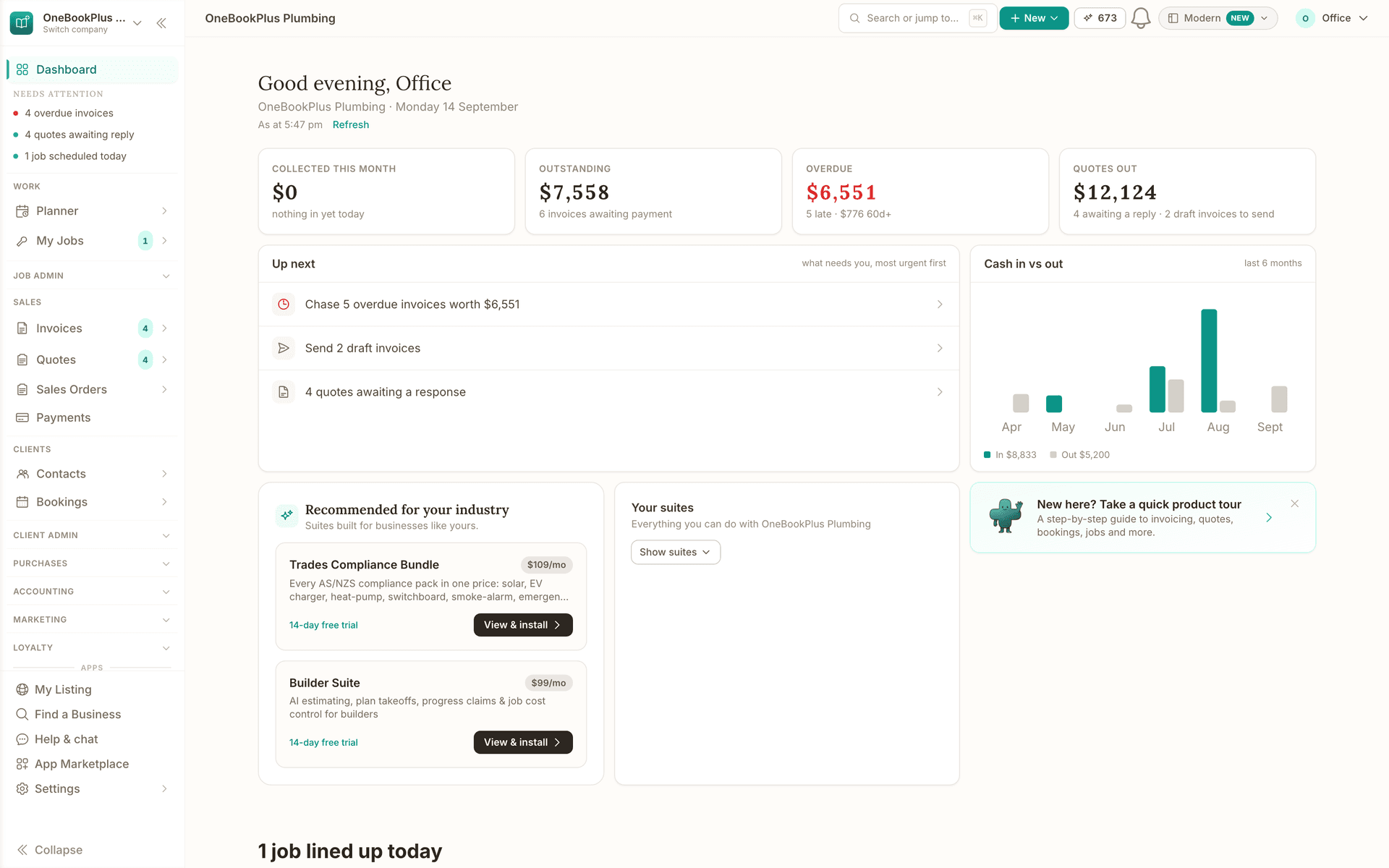
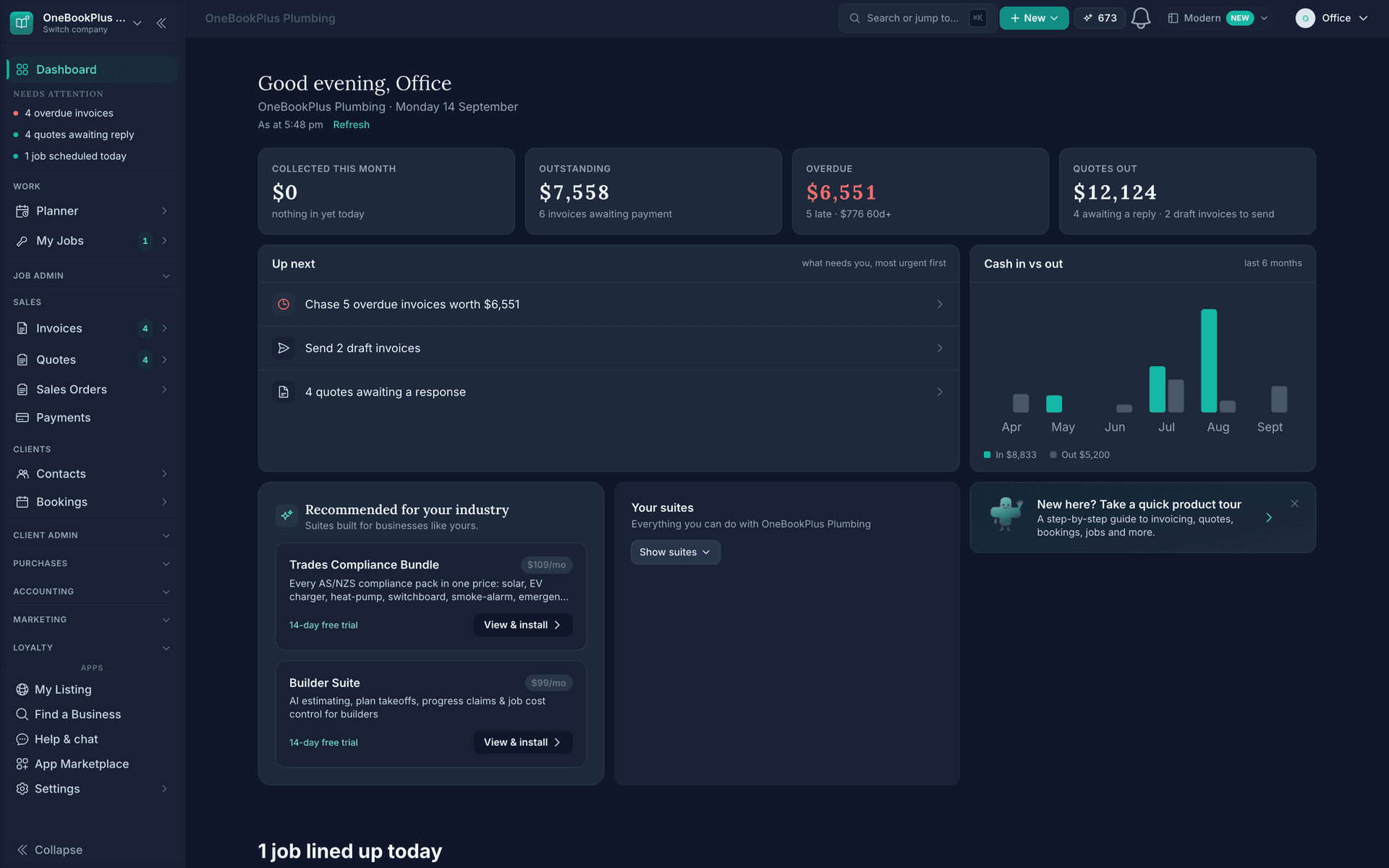
Live revenue, overdue invoices and today's bookings, with 328 reports one click deeper.
Read about OneBookPlus DashboardBooking
Drag-and-drop scheduling, team dispatch and 24/7 online bookings that flow straight through to invoice.
Read about OneBookPlus BookingAustralian Owned
Built in Melbourne, AU
GST Compliant
ATO-ready from day one
Encrypted & Isolated
TLS in transit, AES-256 at rest, tenant isolation at the database layer, read the security page
Free Plan Available
No credit card needed
About the author

Bishal Shrestha
Founder & CEO, OneBookPlus
Bishal spent a decade running digital projects for Australian small businesses before founding OneBookPlus. He writes and maintains these pages, and publishes what OneBookPlus does not do alongside what it does.
Read the founder bioStart with Restaurant on the free plan
The free plan includes 10 GST-compliant invoices and 5 quotes per month, 250 contacts, a booking page and basic CRM, no trial clock, no credit card.
Reviewed by Bishal Shrestha