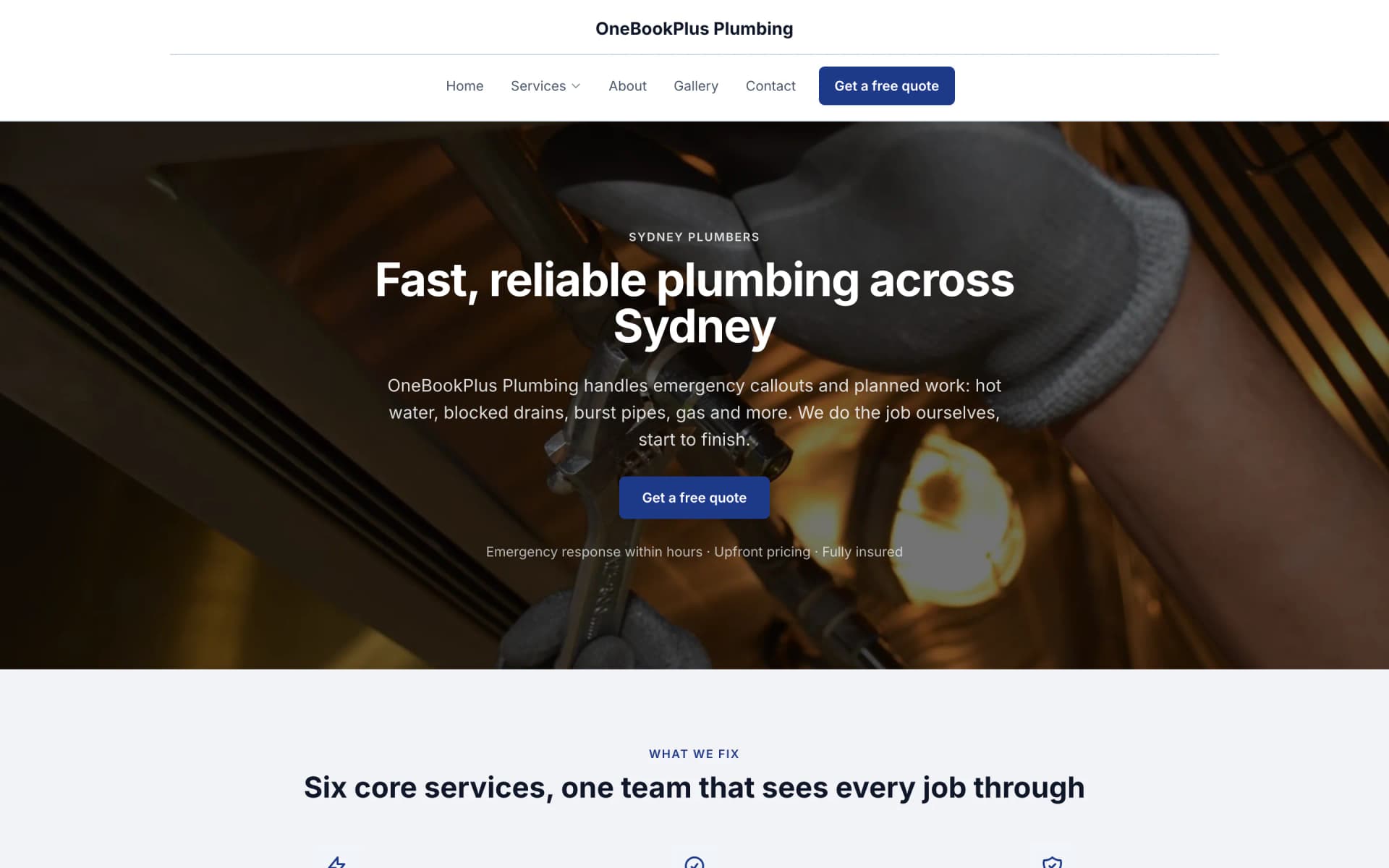

A plumber in Sydney
OneBookPlus Plumbing
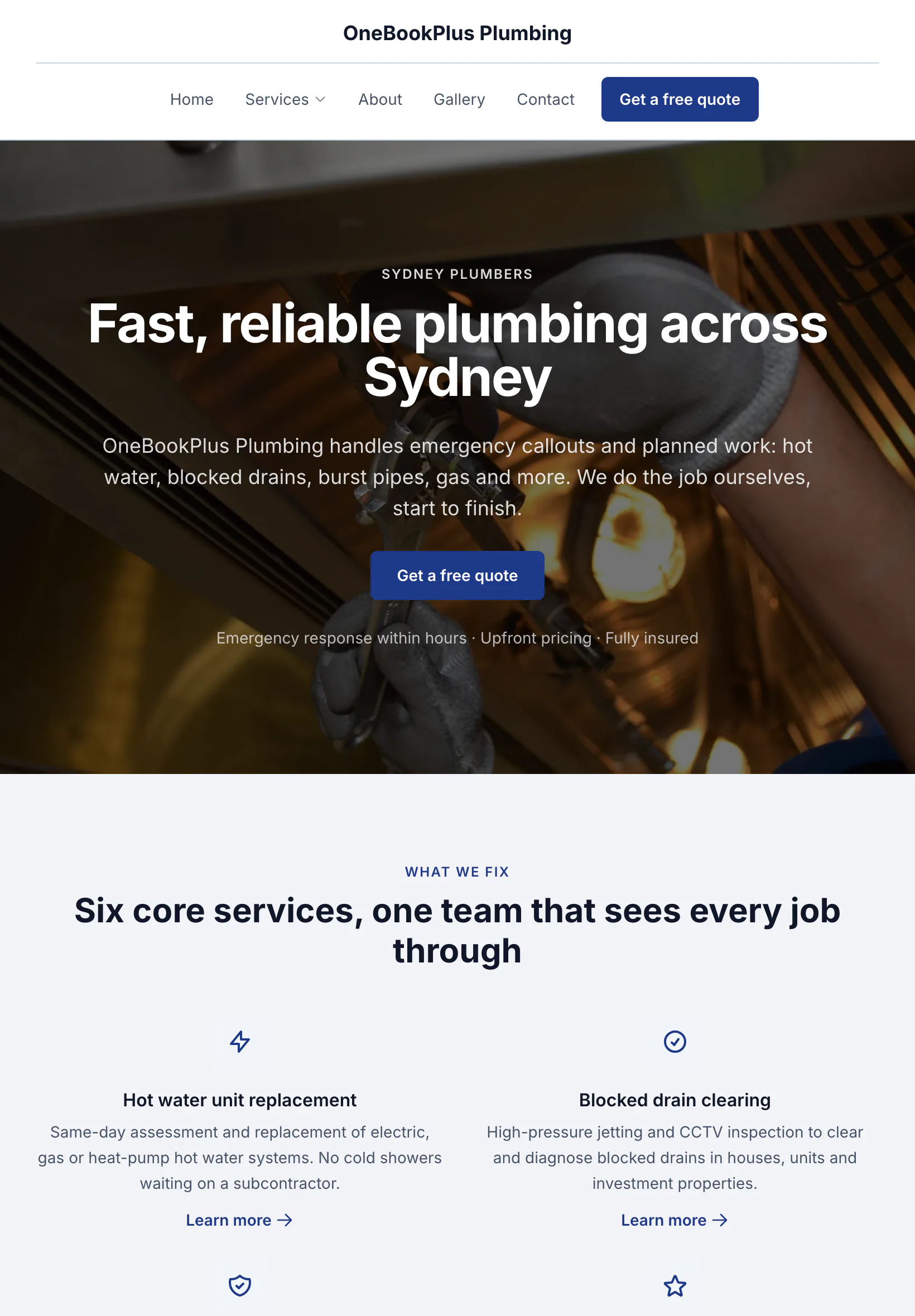
The home page: the name centred over the menu, a dark hero photo, a navy quote button and a grid of services.
Open the OneBookPlus Plumbing site(opens in a new tab)Built for Australian Car Detailers
Bank the deposit before the car turns up.
Online booking with deposits, before and after photos, extra work approved by text, repeat bookings and GST-ready invoicing, built for Australian detailers who live on Google reviews and Instagram. All-in-one for $0 to $69/mo, replaces Calendly + Square + Xero.
Free plan. No card required. · GST & ABN built-in · Stripe deposits kill no-shows · Sign up in 60 seconds
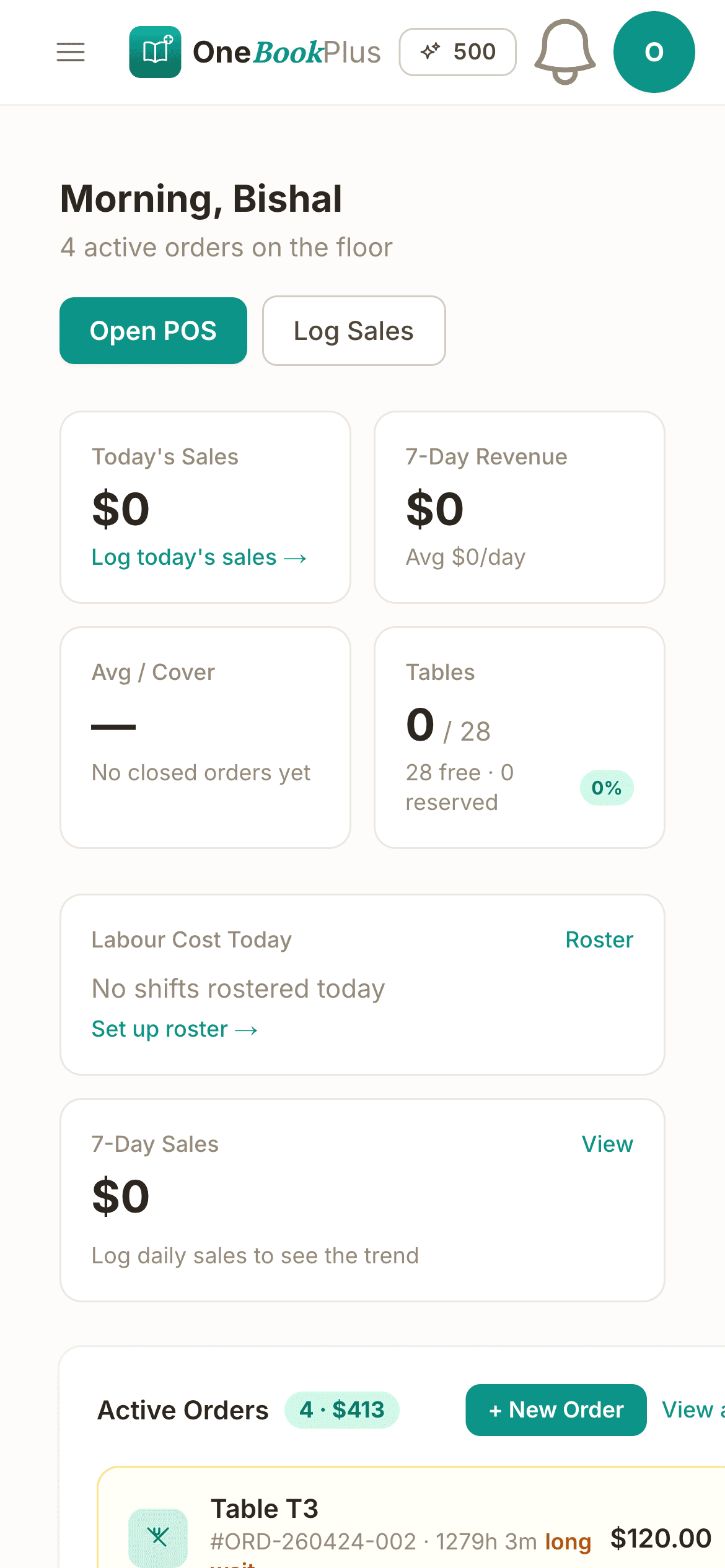
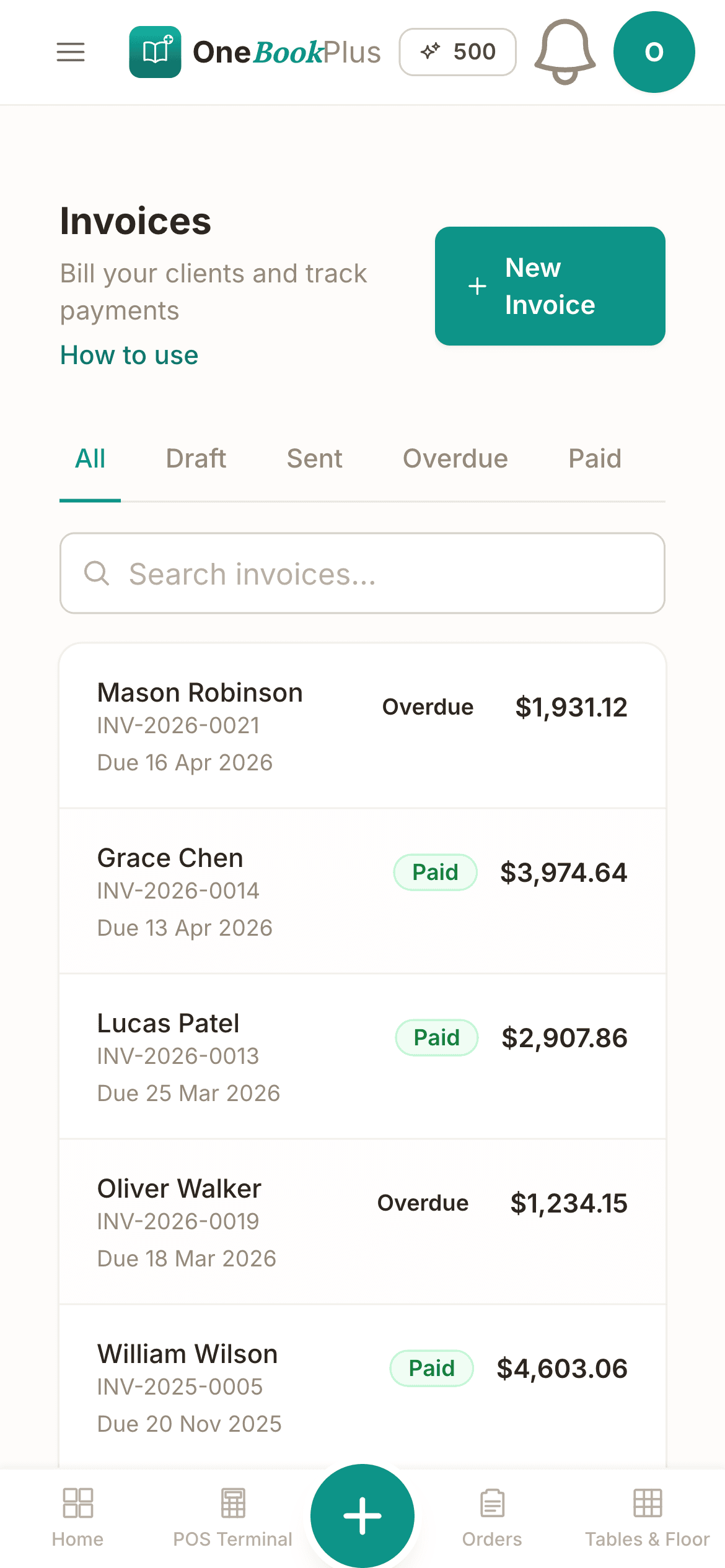
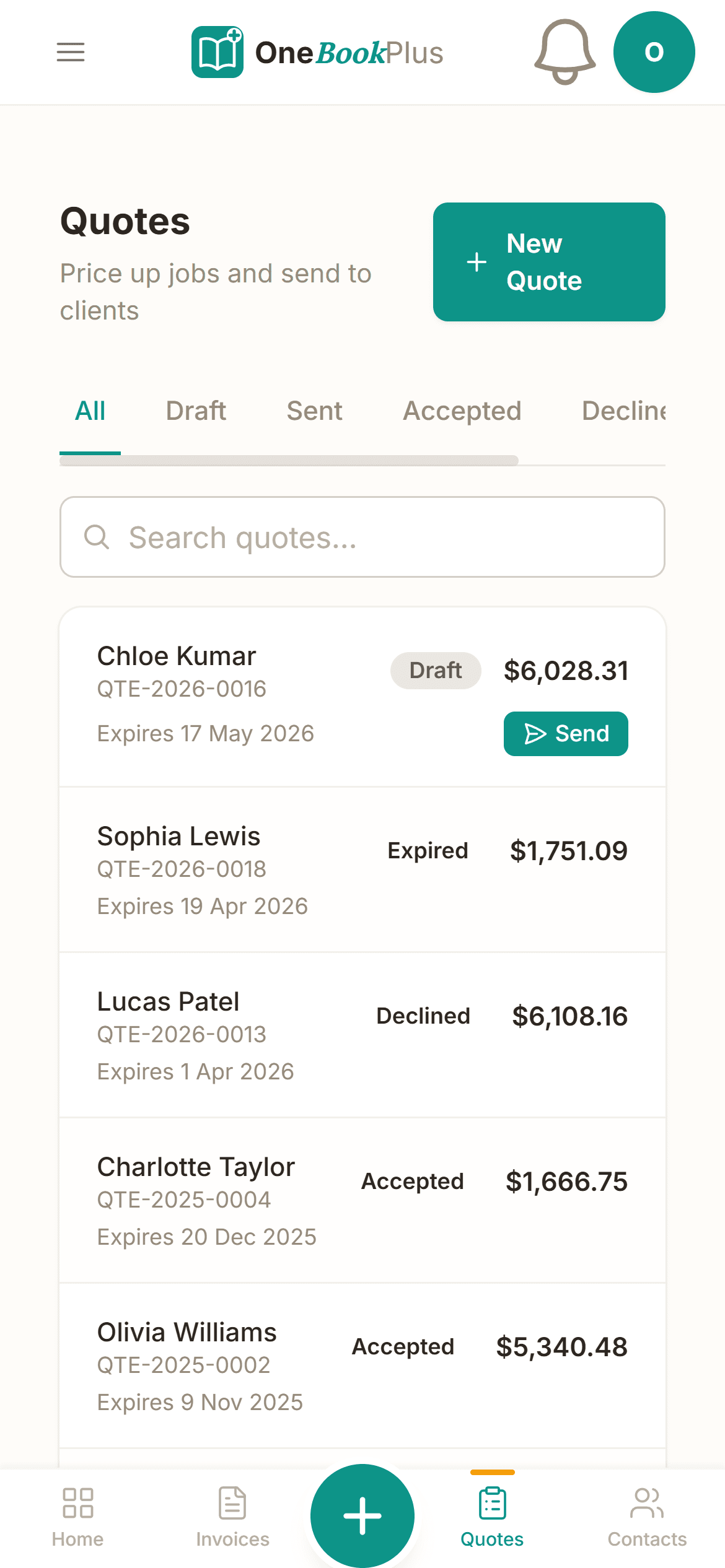
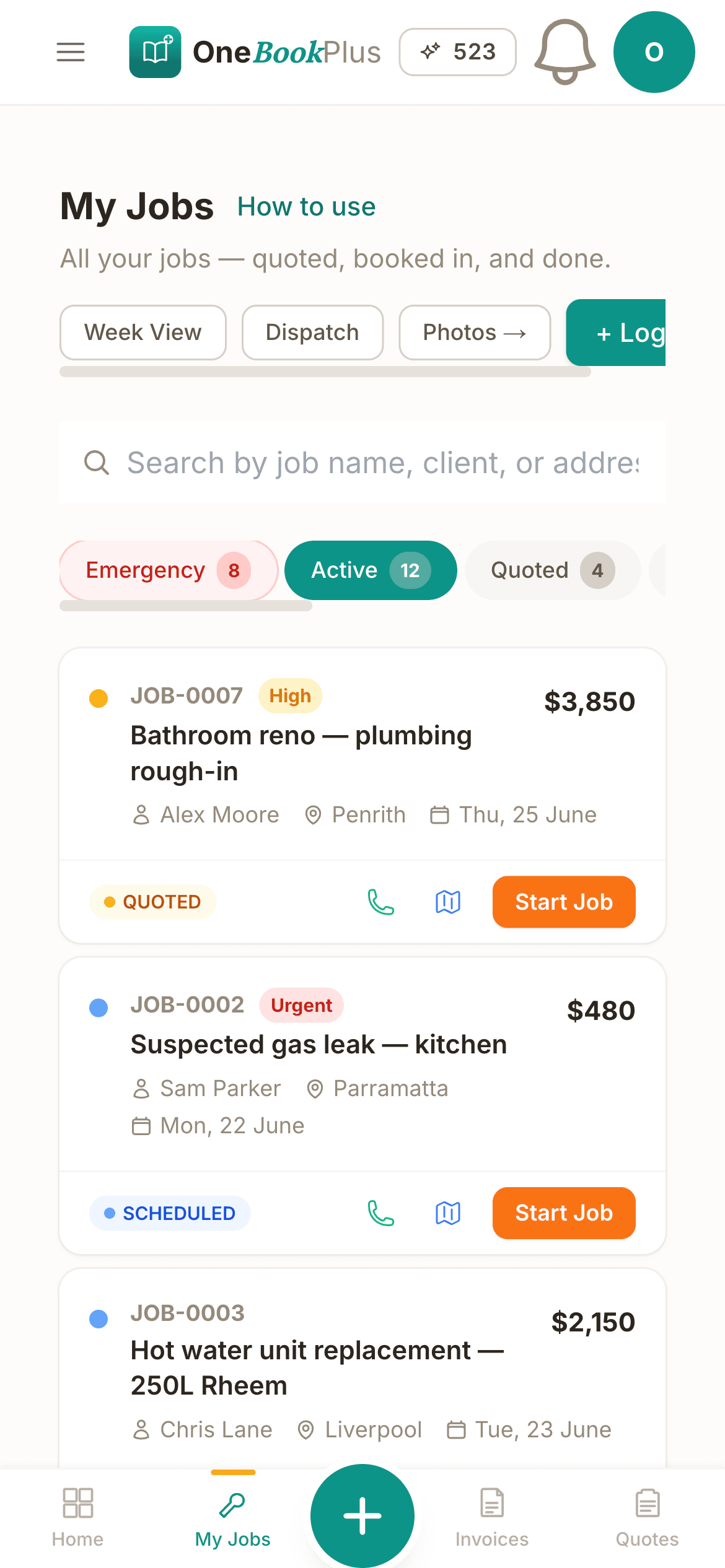
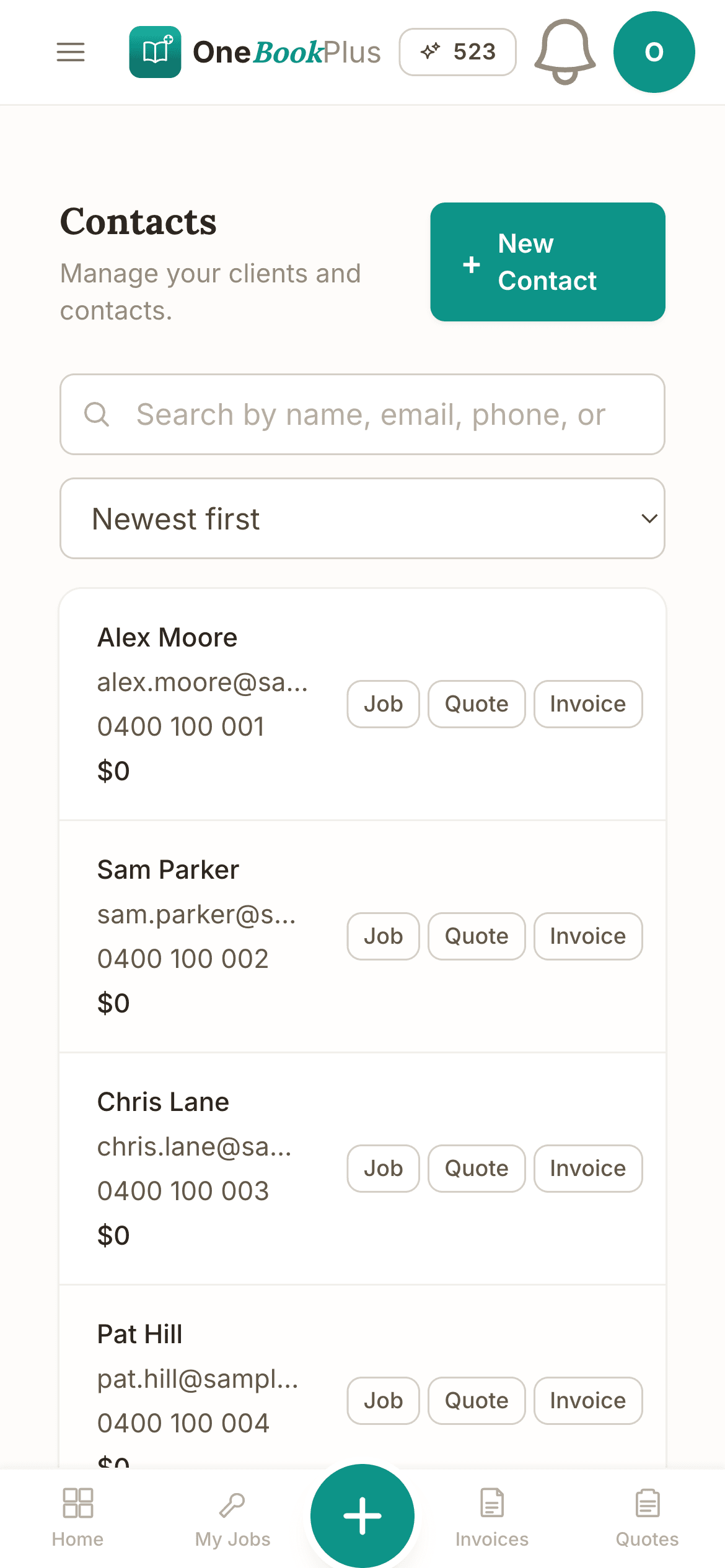
Cut $43+/mo from your software stack by replacing Calendly + Square + NiceJob + Mailchimp with OneBookPlus.
See your savingsFree Tools & Resources
8-step founder guide, ABN, GST, MTA registration, workshop fit-out, insurance, pricing, finding fleet clients.
InteractiveInteractive estimator combining hourly rate, parts markup, sublet, EPA disposal fees, and GST.
ReferenceVIC LMCT, NSW MD/MR, QLD MD licence, SA, WA, state-by-state thresholds and regulators.
Operator GuidePlain-English MA000089, Stream A/B/C classifications, tool allowance, fares, RDOs.
ReferencePL, workers comp, tools, vehicle, professional indemnity, customer-vehicle cover, premium ranges.
Free ToolValidate any 17-character VIN and decode make, model, engine and safety equipment, no signup.
Free ToolWhen the next service falls due by manufacturer schedule, from current KMs and last service.
Free ToolAnnual registration cost including CTP for every Australian state and territory.
Free ToolVIC RWC, NSW eSafety pink slip, QLD Safety Certificate and other state inspection costs.
Free ToolTrue annual cost of a car from kilometres, fuel, rego, insurance and servicing.
Key takeaways
5Everything You Need
Bookings, photos, upsell, reviews, on one platform that doubles as your accounting.
Public booking page at /book/[your-slug] with package selection (express wash, full detail, paint correction, ceramic coat). Pre-charge a deposit via Stripe. SMS confirmation goes out automatically.
Take before and after photos on the job, so the customer sees the difference and you have the shots for Instagram.
Spot oxidation, water spots or paint defects mid-job? Add the extra work to the job with the reason and the price and send it by text. The customer approves and signs on their phone while you keep working. Included on every plan.
When a booking is marked complete, the customer is emailed asking them to rate the visit. A low rating also gets a private form that comes straight to your Reviews page, and every customer is still offered your public review page: your Google listing once you connect and choose it, or your own OneBookPlus review page. On the Growth plan you can also switch on review follow-ups after a job is done or an invoice is paid.
Put a regular on a fortnightly or monthly wash and the visits are booked ahead in your diary. One repeat series on Free, as many as you like on Starter. Paid memberships are on the Plus plan.
GST on every wash, detail and coating. Quarterly BAS export. Track per-service profitability, know whether the ceramic coat or the express wash actually makes you money.
Free plan available · No credit card · Cancel anytime
Website included
Every paid plan includes a full website, hosted by us, with nothing extra to buy and no separate builder: your site, its booking page and the tools behind them sit on one plan. The Free plan keeps the booking page and does not have the website.
The AI drafts every page from your own answers about your detailing work, not from your business name, and it does not invent claims. Every page is laid out for a phone as well as a desk. In the Website Studio you edit any section in place, add text, lists and buttons inside it, choose how many cards sit across, and change the look, which keeps your words, your photos and the spacing you set. The booking page is built in and the site's Book buttons go to it. Your first AI build is included with the plan. A later rebuild runs on AI Companion credits, and one that starts fresh replaces your pages, saving a restore point in History first.
A customer books a Full Detail and ceramic coat at 10pm off your Instagram link while you're closed. The booking lands in your dashboard with the deposit already pre-charged via Stripe, ready for the morning's bay schedule.
Full Detail $249. Two-stage paint correction from $650. A customer sees the price before they book.
The AI writes your services and the area you cover from your answers, so when someone searches 'car detailing in [suburb]' there is a page that says what you do and where.
No card needed to start.
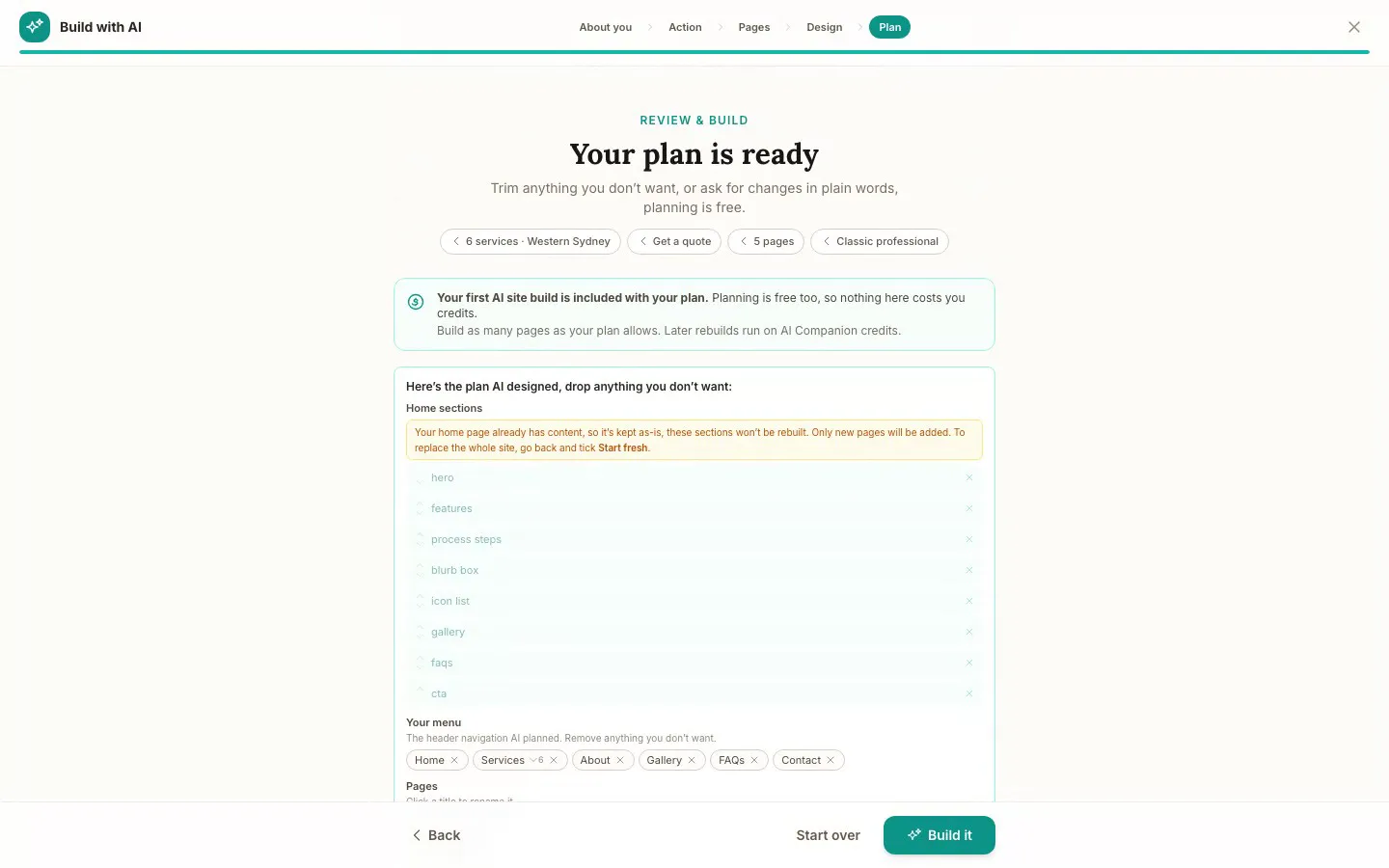
The Website Studio's Build with AI at its Plan step, on our plumbing demo: the pages, sections and menu the AI proposed from the answers already on the account, before anything is built. Click it to see it full size, or watch the recording of the build on the homepage.
Free
$0
A branded booking page on your OneBookPlus address. No website on this plan.
Starter
$29/mo
A website on your OneBookPlus address, hosted with SSL: 10 pages and a blog. The first AI draft is included.
Plus
$49/mo
Your own domain with SSL, 50 pages and a members area.
Growth
$69/mo
Unlimited pages, and a landing page per suburb from one template.
Your own domain connects on an active paid Plus or Growth subscription, not during the 14 day trial; a trial site lives on your OneBookPlus address. Every published site carries a small “Made with OneBookPlus” credit.
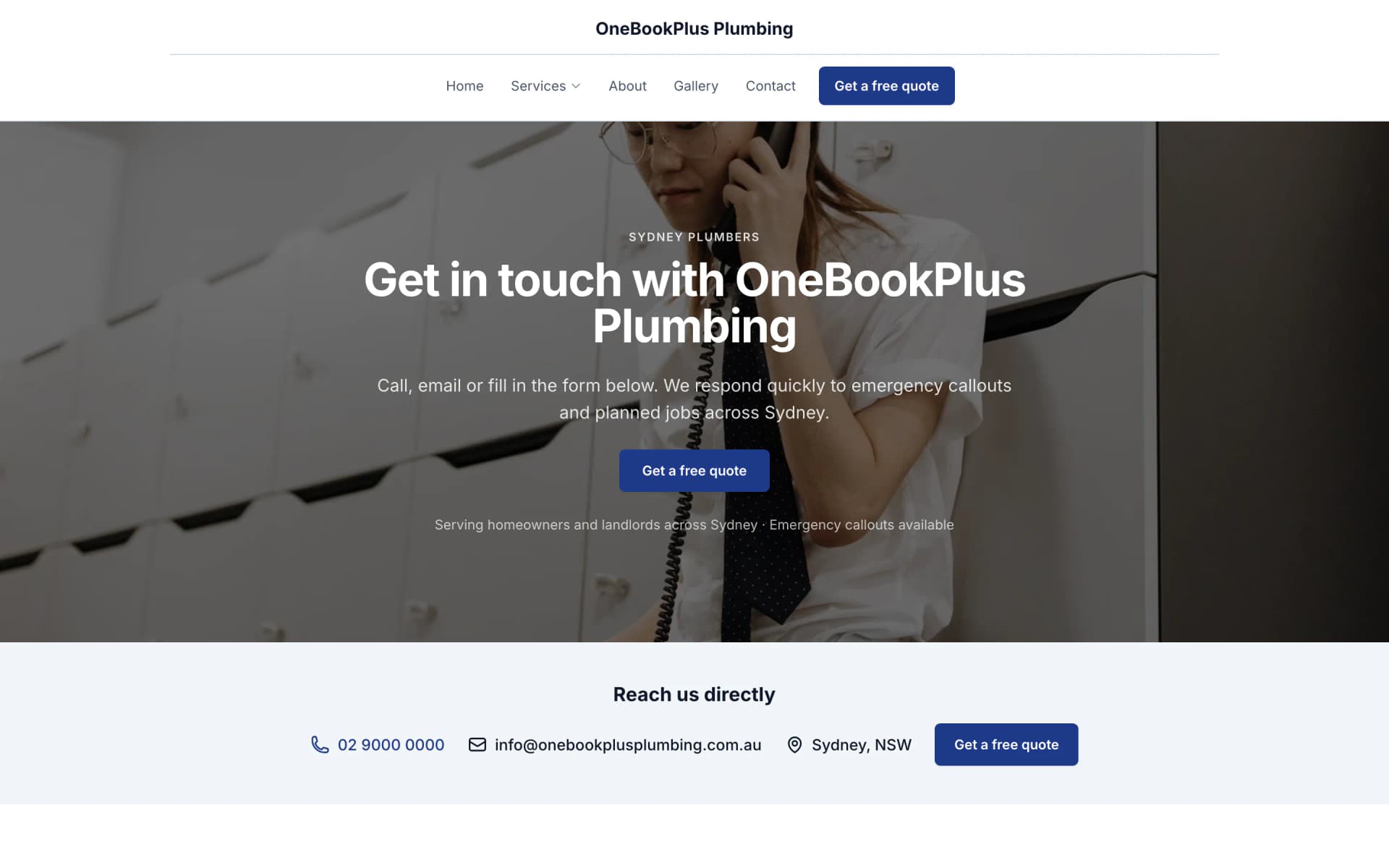
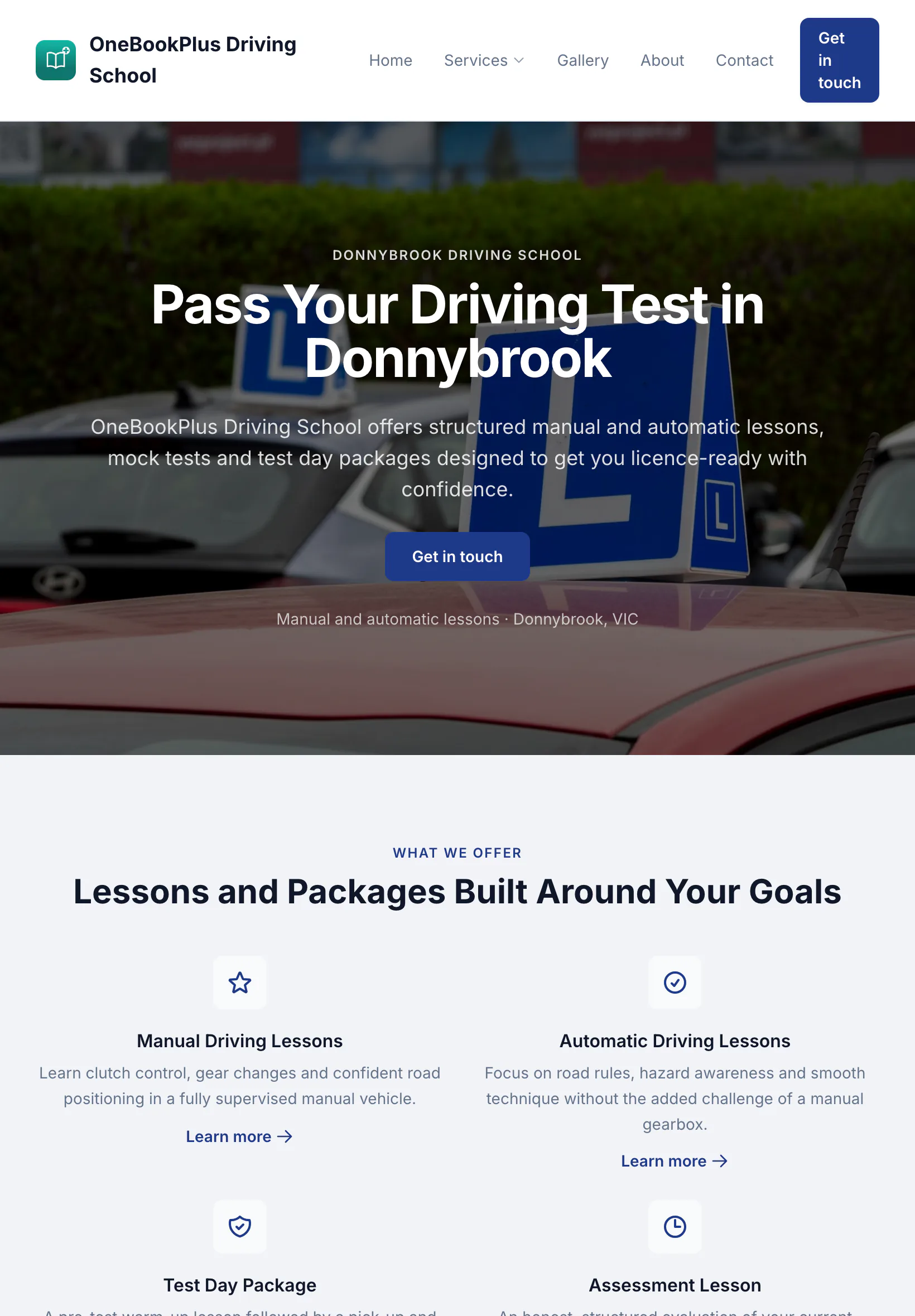
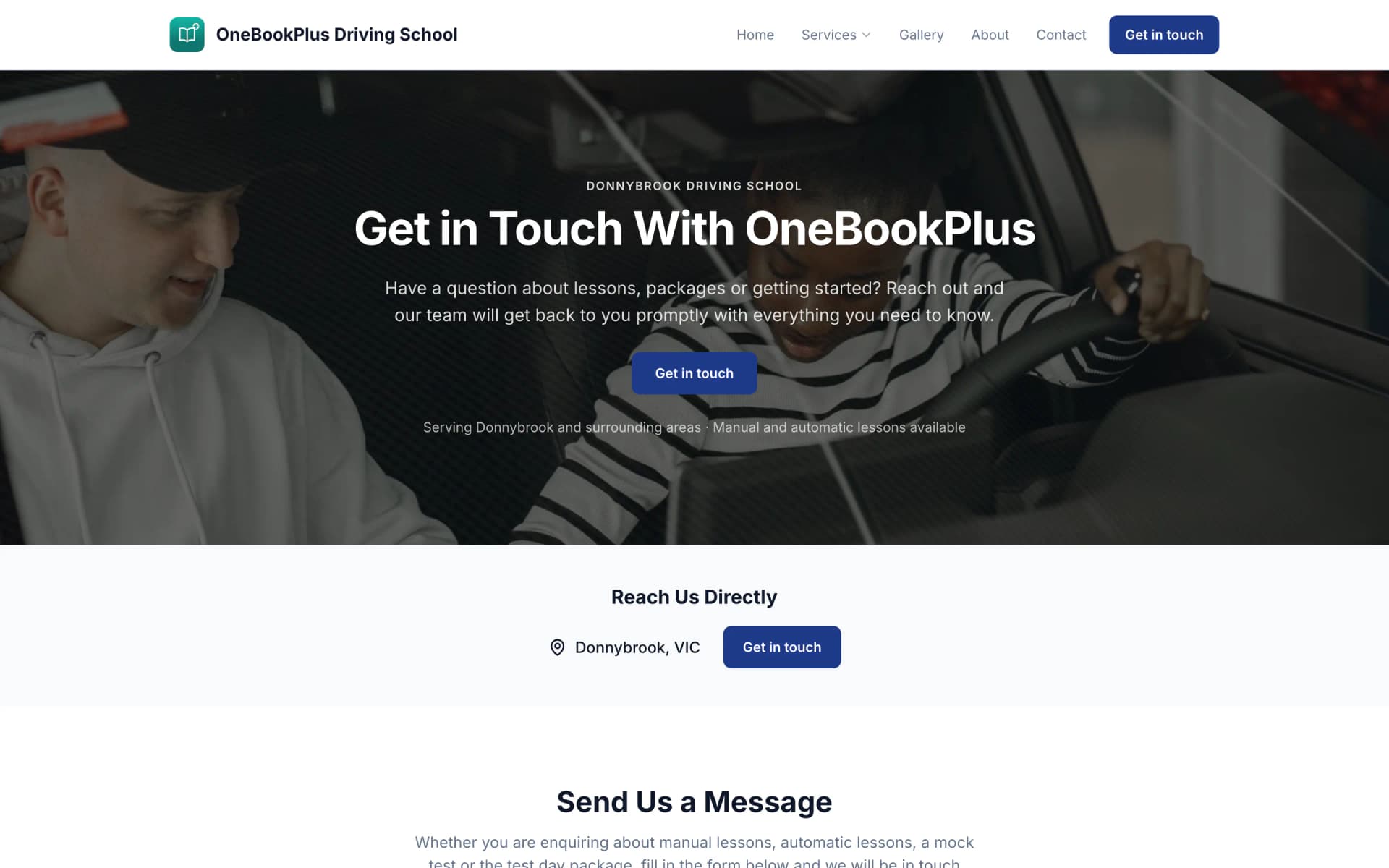
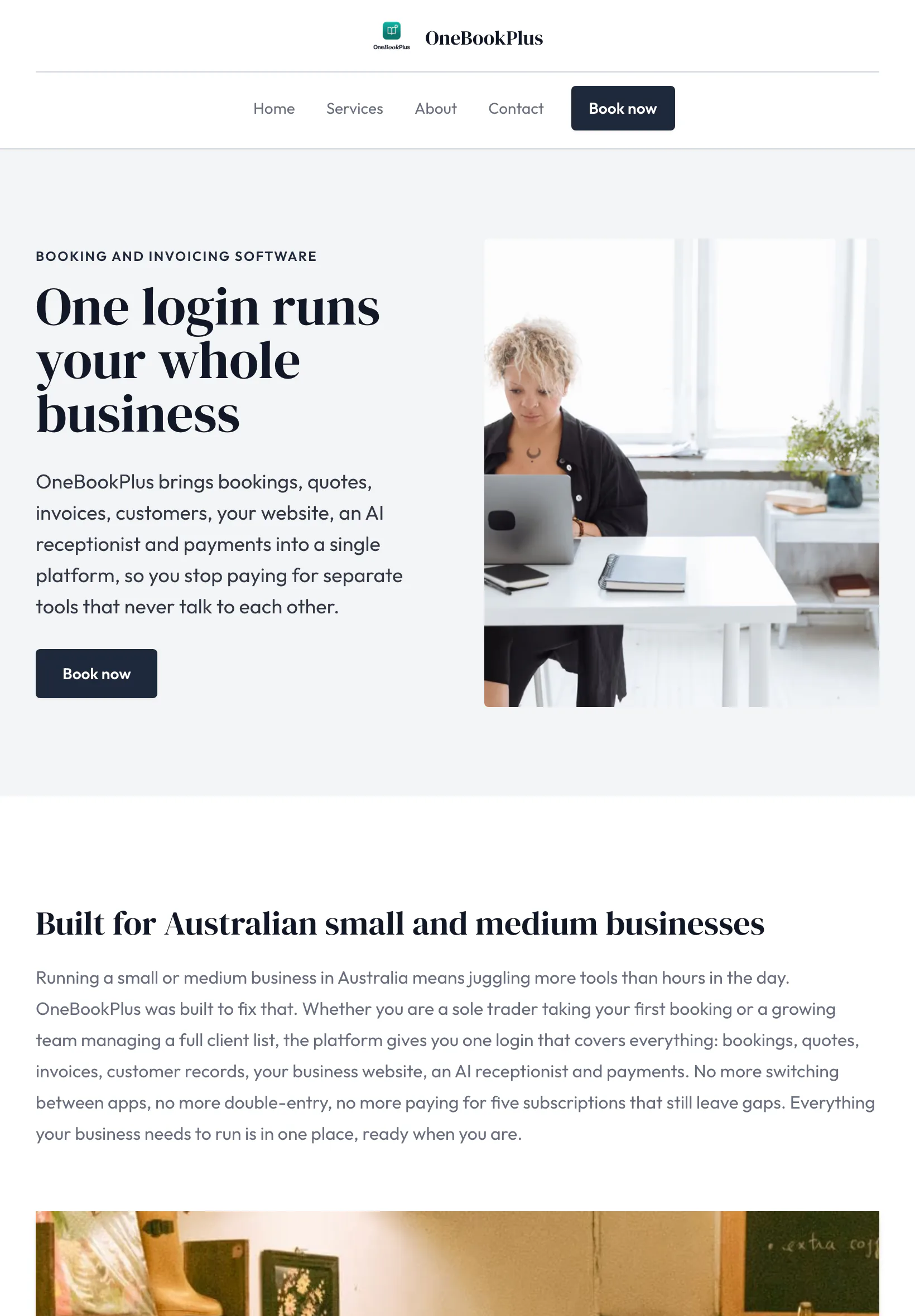
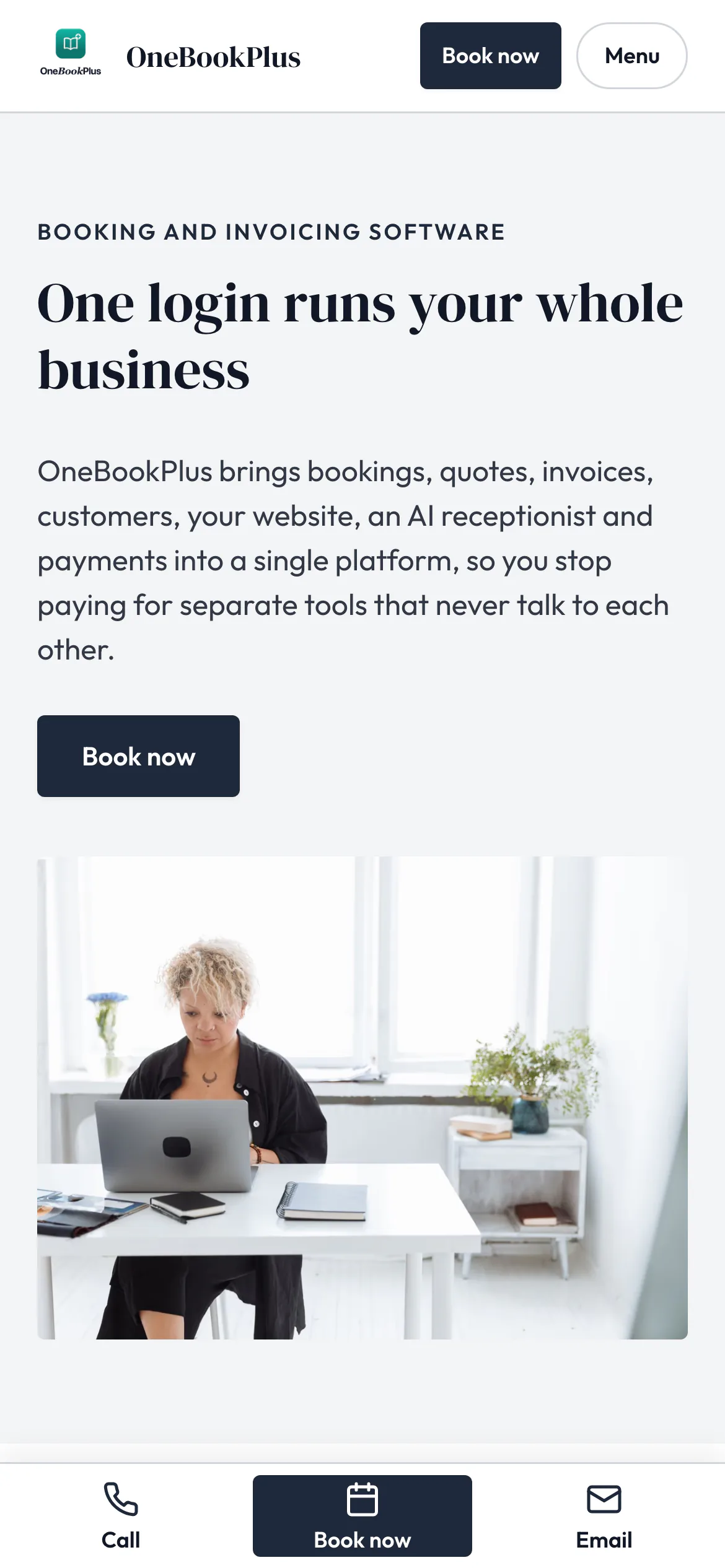
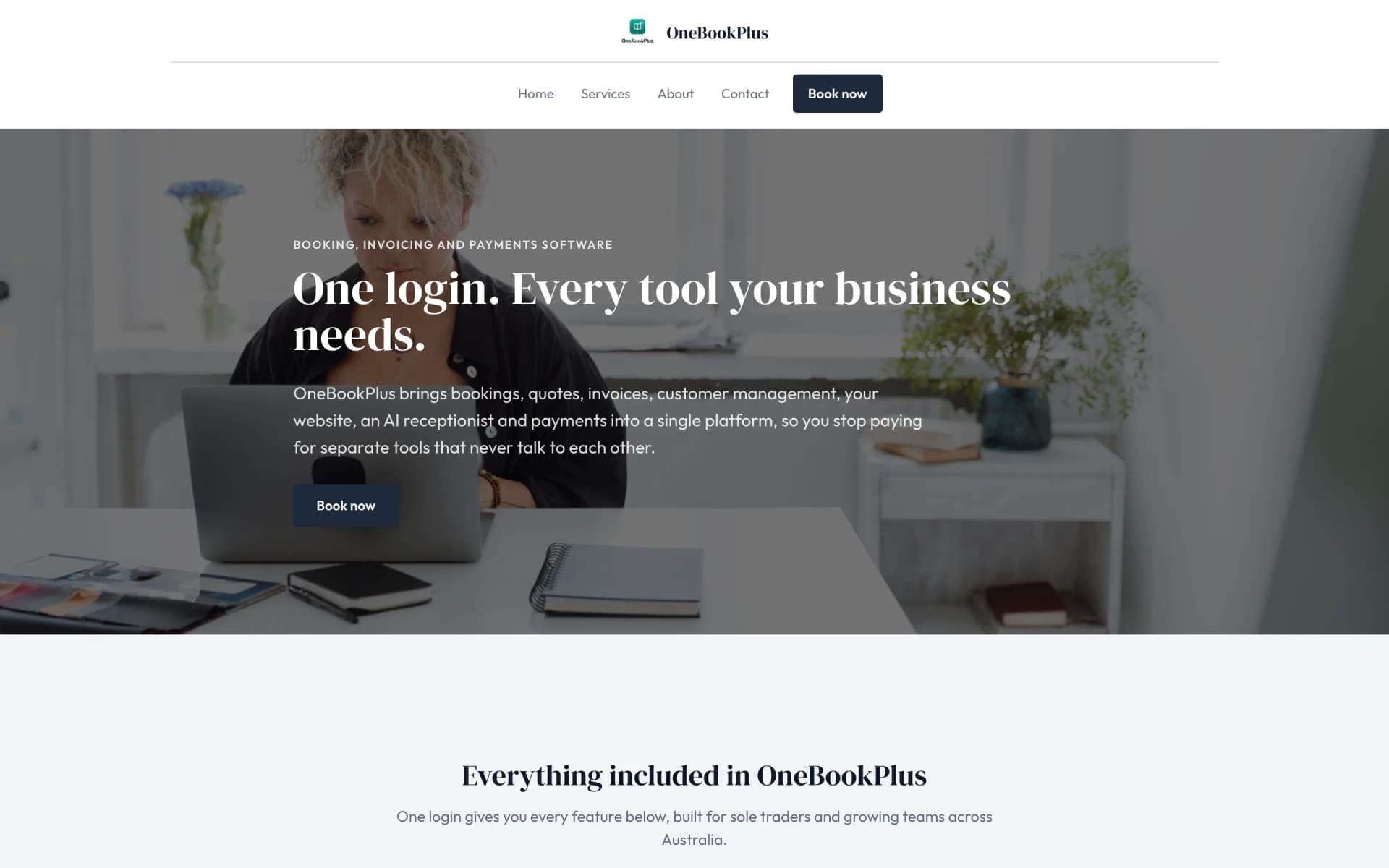
All three sites were drafted by the AI from the owner's answers, our own site included. It picks one of eight heading and body type pairings and how the cards sit (a fine line, a bold outline, a soft lift or no card), so a plumber's site, a driving school's and ours do not come out alike. Switch the view to see each one on a desktop, a tablet and a phone, click any screenshot to see it full size, or open the live site in a new tab. The plumber and the driving school are our demo businesses, not customers.
A plumber in Sydney
The home page: the name centred over the menu, a dark hero photo, a navy quote button and a grid of services.
Open the OneBookPlus Plumbing site(opens in a new tab)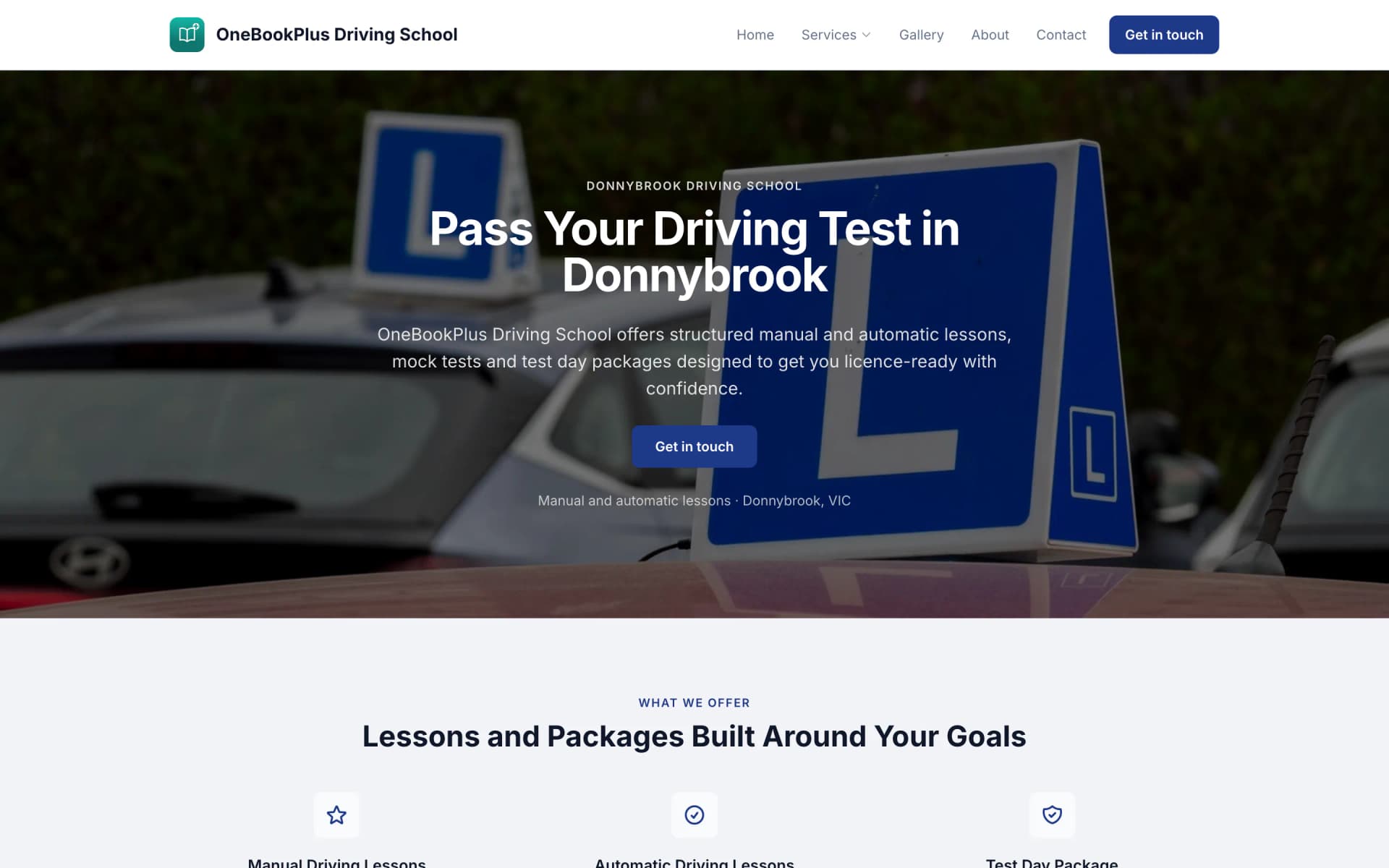

A driving school in Donnybrook
The home page: a teal logo and name on the left, an L plates hero and lessons and packages as cards.
Open the OneBookPlus Driving School site(opens in a new tab)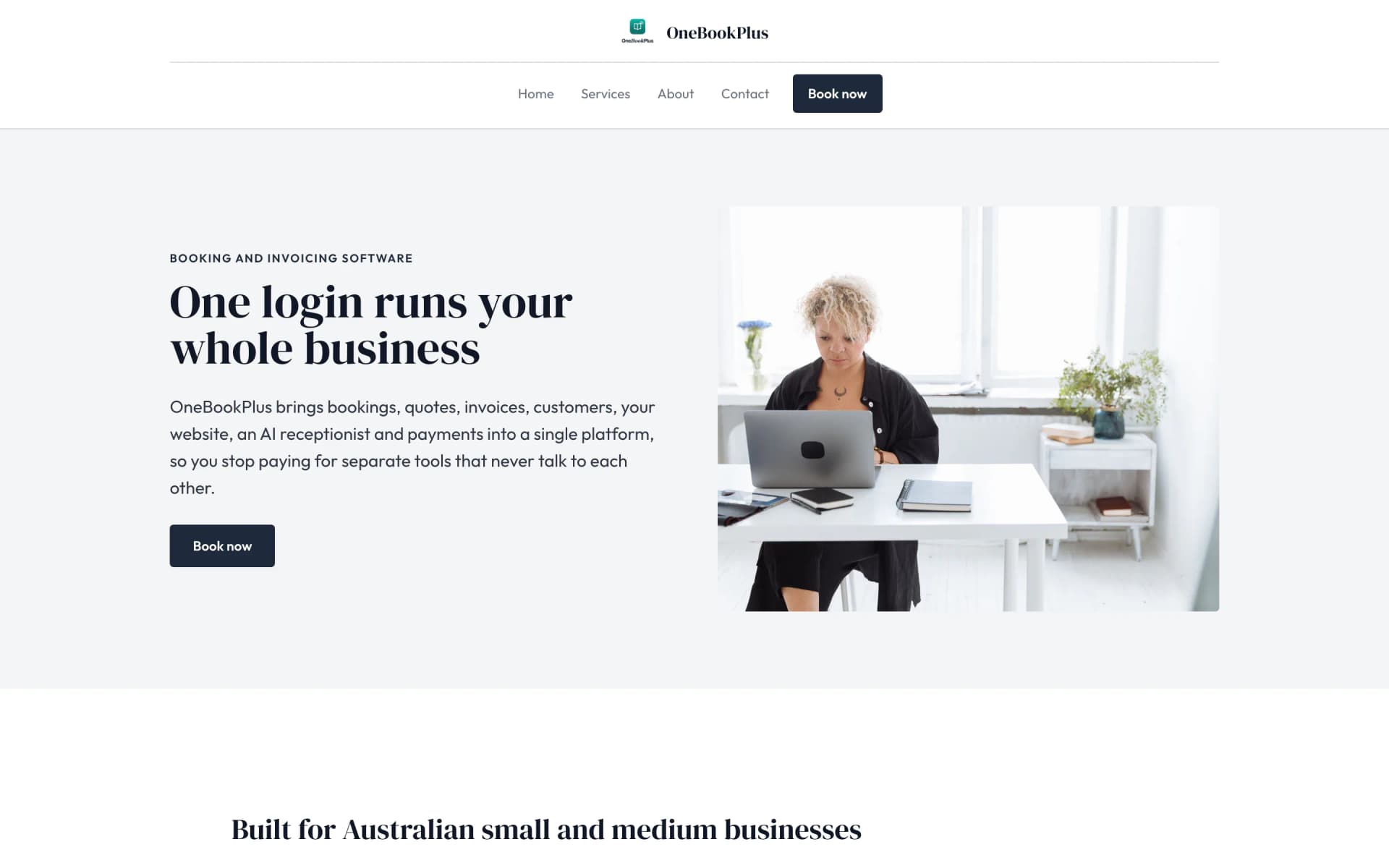
Our own site, built the same way
The home page: a serif heading beside a framed photo on pale grey, and no full width hero at all.
Open the OneBookPlus site(opens in a new tab)See it in action
A working day in the detailing bay.
Your /book/[slug] page lists Express Wash $79, Full Detail $249, Two-Stage Paint Correction from $650 and Gtechniq/Gyeon ceramic coats from $1,200. Customers pick a package, a time, and pre-pay a deposit through Stripe before the slot is held.
Convert the booking to an invoice with 10% GST and your ABN on it and a Pay Now link. A review request goes out when the booking is marked complete. The dashboard rolls up which packages actually earn, express washes vs a full ceramic coat.
Simple Workflow
Books a Full Detail through your /book/[slug] page, picks a time, pre-pays a deposit via Stripe. SMS confirmation fires automatically.
Car arrives; photograph every swirl, scratch and stone chip on the job before you start.
Spot heavy swirls or water spots? Send the extra work by text with the reason and the price. The customer approves while you finish the wash stage.
Matching after photos, a GST invoice, and a review request once the booking is complete.
Your booking page, deposits included, can be live within the hour
Who it's for
From a mobile solo detailer to a fixed-site studio. OneBookPlus adapts.
Solo, van-based, customer-driveway work. Needs the booking page, deposits, on-site invoicing and extra work approved by text while still at the car.
One or two bays, appointment-based premium work. Needs the booking page, repeat bookings and a paint-correction workflow.
Multi-day jobs, $1k+ invoices. Needs progress photos on the job and a deposit taken at booking.
Dealer prep, fleet contracts. Needs multi-vehicle accounts, capped-price plans, and the per-fleet profitability view.
Named tools, at each vendor’s own cheapest published plan, and ours underneath. Vendor pricing changes, so check each one before you decide.
Or use OneBookPlus
$69/mo
Everything in the list above, on one bill.
Start freeNo credit card · Free forever · Cancel anytime
Example walkthrough
An illustrative walkthrough of a typical detailing day
8:00am. You open the dashboard at the unit. Three cars are booked through your public booking page: a full detail on a black sedan, an express wash on a ute, and a paint-correction-plus-ceramic-coat on a two-year-old coupe. All three pre-paid a deposit through Stripe overnight, so there are no morning no-shows to chase.
The sedan arrives first. You walk it and photograph the swirl marks on the job: heavy swirl marks across the bonnet from a service-station car wash, light bird-etching on the roof. You send the correction by text as extra work, a two-stage cut and polish to remove the swirls, with the reason and the price, and she approves from her phone before you've even mixed the snow foam.
11am. The express-wash ute is in and out in 40 minutes, invoice sent with 10% GST and your ABN, Pay Now link tapped, paid on the spot. The dashboard shows the express-wash margin is thin; the correction upsell is where the day's money is.
The coupe is a full-day ceramic job. You capture progress photos on the job as you go; the progress photos back the price and become Monday's Instagram reel.
End of day: three cars finished, about a day's takings invoiced, all deposits cleared and two balances already settled. Each completed booking queues a review request by email. Next week's maintenance washes are already booked as repeat series. Come BAS time, the GST summary exports in one click.
How we compare
How we compare to the tools Australian detailers typically stitch together.
| Feature | OneBookPlus | Calendly + Square | Squeegee | Xero |
|---|---|---|---|---|
| Online booking page with packages | Yes | Yes | Yes | No |
| Stripe deposit pre-charge | Yes | No | No | No |
| Before and after job photos | Yes | No | Yes | No |
| Extra work approved by text | Yes | No | No | No |
| Repeat booking series | Yes | No | Yes | No |
| GST invoicing + BAS export | Yes | No | Yes | Yes |
| Google review automation | Yes | No | No | No |
| Per-service margin reporting | Yes | No | No | Yes |
| Free plan available | Yes | No | No | No |
| Price | From $0/mo | US$10+/mo | Subscription | $37+/mo |
Service reminder emails when a regular is due
Reviews
Review requests after every completed booking
100%
GST + ABN compliant on every invoice
$0
Free plan to get started, no card required
Detailing studio savings calculator
Adjust the numbers below to match your real monthly spend. The total updates live, and so does what you'd save by replacing the lot with OneBookPlus.
Accounting (Xero, MYOB, QuickBooks)
Xero's cheapest published plan
Jobs & quotes (Squeegee, Calendly, Square Appointments)
ServiceM8's cheapest published plan
Website + hosting (Squarespace, Wix)
Squarespace's cheapest published plan, billed monthly
Bookings (Calendly, Acuity)
Calendly publishes US$10/mo. Type what you pay in Australian dollars.
CRM (HubSpot, Pipedrive)
HubSpot publishes US$20/mo. Type what you pay in Australian dollars.
Email marketing (Mailchimp, Klaviyo)
Mailchimp publishes no ongoing price. Type what you pay.
Rows open at the cheapest plan Xero, ServiceM8 and Squarespace publish, verified 2 August 2026. Calendly and HubSpot publish in US dollars and Mailchimp publishes no ongoing rate, so those three rows open at zero for you to fill in rather than carry a converted figure.
Your current stack
$90/mo
= $1,080/year
With OneBookPlus Starter
$29/mo
Replaces everything in the list. One bill.
Free plan available · No card required · Cancel anytime
An illustrated day, not real customer data. Scroll through it from morning to 5pm: the AI receptionist answers and books a missed call, the work runs from the app, the GST invoice is sent on the spot, payment lands and the books balance themselves, a review invite is queued for the next daily run, and the day closes with the ledger already written.
8:00am
While you're on the buffer
A black Model 3, swirl marks all over the bonnet. The owner calls the first detailer on Google, you.
AI Receptionist
The AI answers in two rings and books the 9:30 am slot into your diary.
In the bay
Booking card on your phone: the car, the package and where it is.
From the bay
One tap turns the booking into a GST invoice with a pay link.
While you prep the next car
Card payment lands, the books update themselves, and $59.09 GST is set aside for BAS.
Reputation on autopilot
After pickup, a review request goes out by email, on the delay you set. No chasing, no awkward ask.
The day closes itself
You corrected one car and booked another. The book did the rest.
$0
collected
0
admin tasks done by AI
0
evenings lost
An illustrated day, not real customer data. AI Receptionist is a $79/mo add-on that needs AI Companion ($25/mo, included on Growth), and AI Companion is what sends the review invite as well. The rest of the day is the app itself.
Detailer pricing
Start free, upgrade when the bookings justify it. No contracts, no setup fees, no per-bay tax. Cancel any time.
Free
$0/forever
Take your first deposit-secured booking today, no credit card.
Starter
$29/mo
Replaces Calendly + Square + Xero + your reminder tool.
No card · Drops to Free if you don't upgrade
Plus
$49/mo
Outgrowing the basics, advanced reporting.
Our pick: unlimited contacts and booking pages for $49
Growth
$69/mo
For studios chasing reviews, ceramic upsells and fleet contracts.
Prices in AUD inc. GST. Online card payments carry Stripe processing fees (1.7% + 30¢ AU cards) plus a 2.5% OneBookPlus platform fee. See the full plan comparison
Already on another tool?
Switching is designed to fit in a single evening. Export your customers and past bookings as CSV from your current tool, import them into OneBookPlus with the bulk importer, and your booking page is live before Saturday's first car rolls in.
Switch from
Built-in AI
You're under a bonnet or mid-repair, you can't drop the tools for every call, and a missed call is a booking that drives off.
OneBookPlus
AI Receptionist · incoming call
“Car's grinding when I brake, can you look today?”
If you don't answer, the AI books it, Brake inspection · today 3:30pm, and texts a confirmation.
Extend Your Toolkit
Google reviews, extra work approved by text, loyalty, the AI receptionist and a website, install in a click.
Built in Melbourne, AU
ATO-ready from day one
TLS in transit, AES-256 at rest, tenant isolation at the database layer, read the security page
No credit card needed
Yes. Every OneBookPlus account includes a public booking page at /book/[your-slug]. You configure your service packages (express wash, full detail, paint correction, ceramic coat) with duration and price, set your availability, and customers book directly. Pre-charge a deposit via Stripe to reduce no-shows.
Yes. Take before and after photos on the job so the customer can see the difference, and post the comparison to Instagram or your Google Business profile.
When you spot heavy oxidation, water spots or paint defects, add the extra work to the job and send it by text. The customer reads why it is needed, sees the price, and approves and signs on their phone while you finish the wash stage. It is included on every plan, Free as well.
Yes. Book a regular customer on a weekly, fortnightly or monthly series and the visits are booked ahead. Free includes one repeat series and Starter has no limit. Paid memberships are on the Plus plan.
Yes. Every quote and invoice automatically calculates 10% GST and displays your ABN. Track per-service profitability, know whether the ceramic coat upsell or the express wash bread-and-butter actually makes you the most margin.
About the author

Founder & CEO, OneBookPlus
Bishal spent a decade running digital projects for Australian small businesses before founding OneBookPlus. He writes and maintains these pages, and publishes what OneBookPlus does not do alongside what it does.
Read the founder bioHow this page was researched
The compliance and licensing statements above are taken from the bodies this page links to, including Sydney Water, NSW Fair Trading and the ATO, so you can read the rule rather than take our word for it. Plan prices come from the OneBookPlus price registry, so the page and the checkout cannot disagree. Everything said about OneBookPlus describes what the product does today, and the page says so where it does not do something.
Most Australian detailers run their booking diary across three or four disconnected apps and lose money in the gaps. Bookings come in through Instagram DMs, a Facebook page and maybe a Calendly link; deposits, if you take them at all, go through Square; the “before” photos sit in your camera roll never to be seen again; and the invoice gets typed up later in Xero, by which time you can't remember whether the Mustang got the full paint correction or just the wash. The no-shows hurt the most: a Saturday Full Detail slot that vanishes is two hours of bay time and the express washes you turned away to hold it. And because nothing talks to anything else, you genuinely don't know whether the express wash or the ceramic coat is the package actually keeping the lights on.
OneBookPlus collapses that stack into one app built around the booking. Your public page at /book/your-studio lists every package, Express Wash, Full Detail, two-stage paint correction, Gtechniq or Gyeon ceramic coatings, with duration, price and a Stripe deposit that pre-charges before the slot is held, so the no-show problem largely solves itself. Job photos capture the swirl marks, water spots, bird-etching and stone chips before you start; the matching after-shots justify the bill and become your next Instagram reel. When you spot defects mid-wash that need correcting, the extra work goes to the customer by text with the reason and the price, and they approve on their phone.
The day starts on the calendar, every booking already deposit-secured, so there's nobody to chase. A car arrives; you photograph its condition on the job. If it's a routine wash, you finish, capture the after photos, and convert to a GST-compliant invoice with your ABN and a Pay Now link before the customer's back from the café. If you spot heavy oxidation or swirls, you send the extra work by text and keep working while they approve. Multi-day ceramic jobs get progress photos on the job that back up a $1,200 invoice. Every completed booking sends a Google review request, and your regulars' maintenance washes are already in next week's diary as repeat bookings.
Stripe deposits and balance payments are recorded against the right booking, so an invoice clears the moment the money is taken. Supplies, Bowden's Own, Gtechniq, Gyeon, Meguiar's, microfibre and pads from Just Car Care or Detailing Shed, go in as cost of goods, and you can drag in the supplier invoice or a photo of the docket and let the scanner read the supplier, date, GST and total rather than typing it. Fuel, van and equipment are coded once and stay coded. Per-service margin reporting tells you the truth your spreadsheet never could: the $79 express wash is thin, the $1,200 ceramic coat is where Saturday's money is. Come BAS time the GST summary is already prepared, GST collected on washes and coatings, GST credits on supplies, exportable in one click for your accountant.
Sign up free, no credit card, no lock-in. Choose “Car Detailer” as your business type, add your packages (express wash, full detail, paint correction, ceramic coat) with a price, a duration and the deposit you want, and OneBookPlus sets up an AU chart of accounts and invoice templates with your ABN. Import your customers and past bookings via CSV from Calendly, Square Appointments, Squeegee or a spreadsheet, then publish your branded booking page. Your booking page can be live within the hour, and review requests go out as bookings are completed.
Join Australian detailers running on OneBookPlus. Free to start, upgrade when you're ready.
Get started freeReviewed by Bishal Shrestha
Authoritative sources
Australian car detailers operate as ABN-registered service businesses under Australian Consumer Law, GST law and water-use and trade-waste rules that apply to wash bays. We cite the primary bodies for the claims on this page so you can verify directly.
From the blog
Practical guides and explainers from the OneBookPlus blog, grouped by topic.
The photo-evidence workflow that turns a routine wash booking into a paint correction or ceramic coat, from the LED walk-around to the approval SMS.
How Australian mobile mechanics and auto electricians run a profitable van: pricing, routing, on-site invoicing, payments and customer comms.
Using rego and CTP expiry dates as a reactivation channel, so the customers who would otherwise drift to the dealer come back to your workshop.
Features
Comparisons
Tools & Apps