Free iPhone app
OneBookPlus Staff
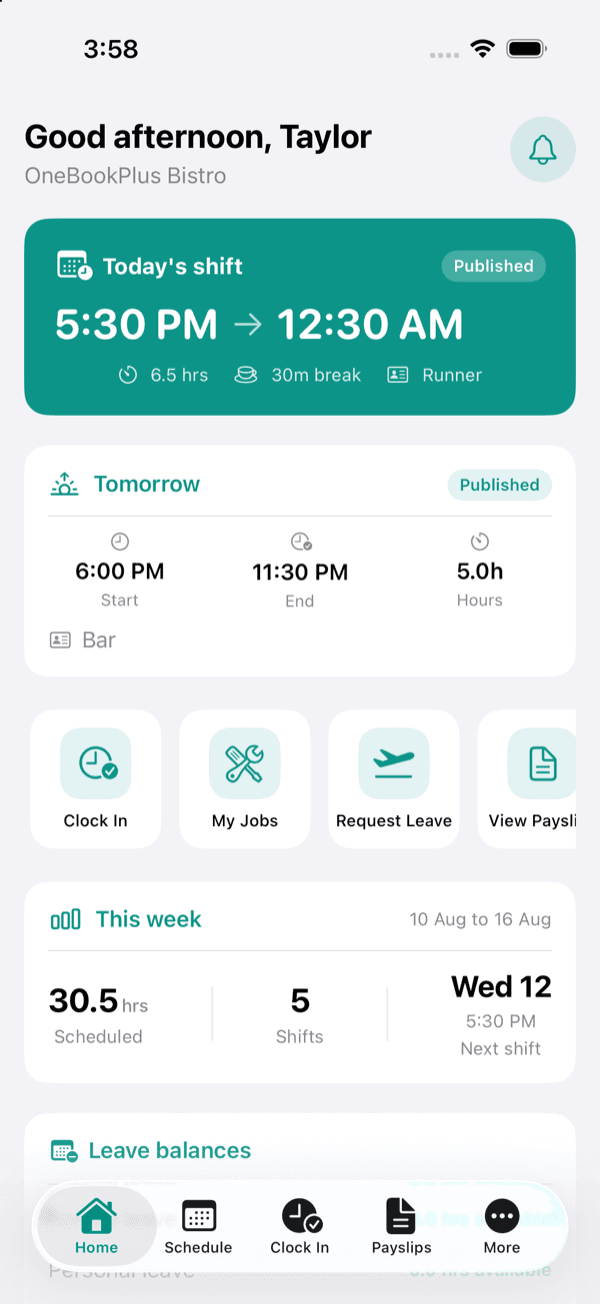
The free iPhone app for people who work for a business that runs on OneBookPlus. Your roster, your hours, and your payslips, in your pocket.
iPhone, iOS 17 and later
Why can't I sign in?
Your employer creates your account, so there is nothing to sign up for here. Ask whoever manages your roster to add you, then sign in with the email address they used.
It works this way because the app shows your pay, your bank details and your home address. If anyone could sign up and say where they worked, they could ask for somebody else's payslip. Your employer confirming who you are is what keeps that from happening.
Once you have a login, use the email address and password your employer set up, or Continue with Google if that is the address they used.
What you can do in it
Your employer chooses which of these appear, so your app may show fewer than the full list.
Your work
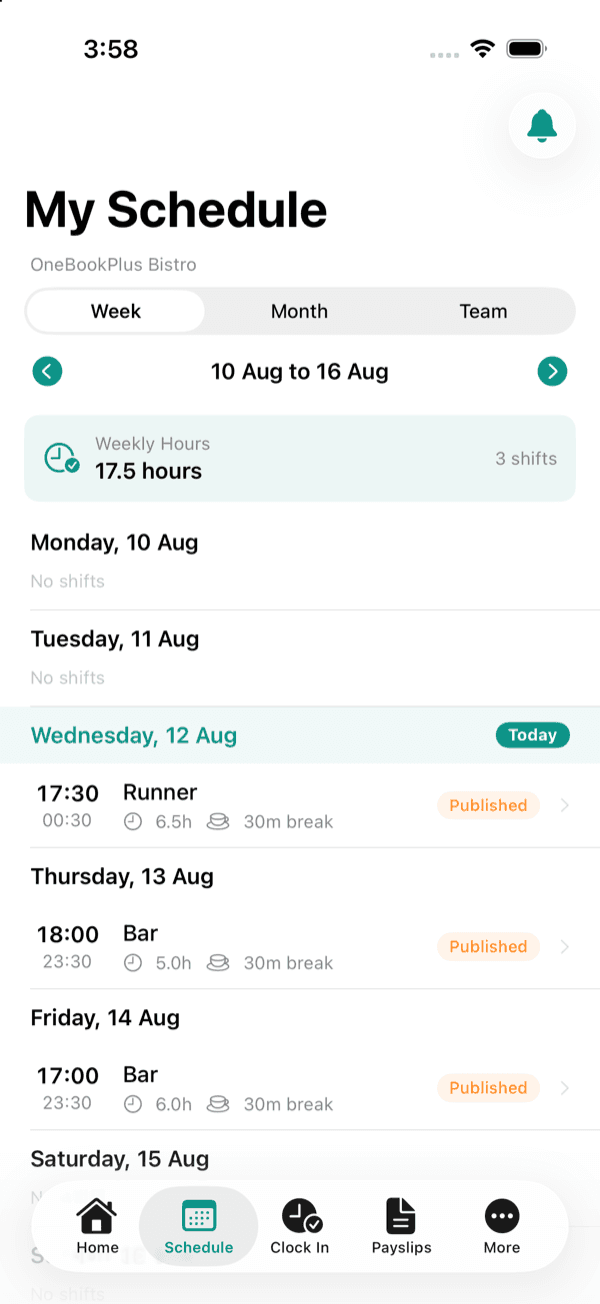
Schedule
The shifts you are rostered on, by week or by month.
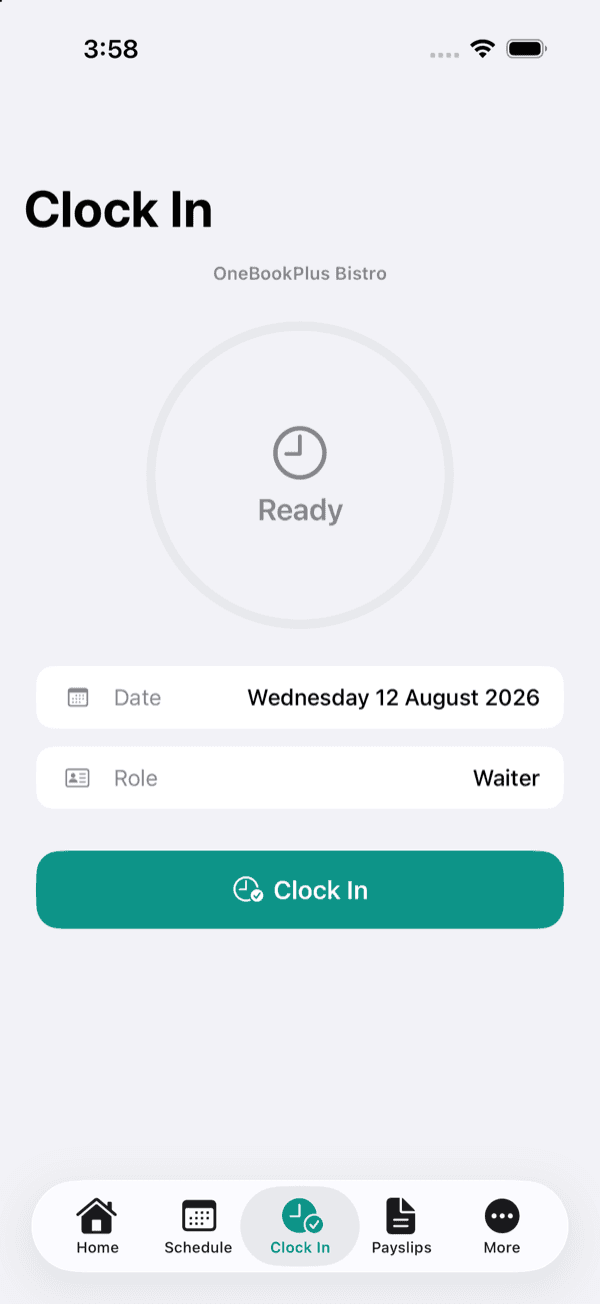
Clock In
Start and finish a shift, straight onto your timesheet.
Timesheet History
The hours you have worked, and whether they are approved.
Team Schedule
Who else is on with you, when your employer turns it on.
My Jobs
Jobs assigned to you, with notes and materials.
Bookings
Appointments booked in your name.
Care Visits
Scheduled visits and the notes that go with them.
Orders
Orders you are picking, making or fulfilling.
Time off and swaps
Leave Requests
Ask for time off and follow the approval.
Shift Swaps
Hand a shift to a colleague who can take it.
Open Shifts
Put your hand up for a shift going spare.
Availability
Tell your employer the hours you can work.
Pay
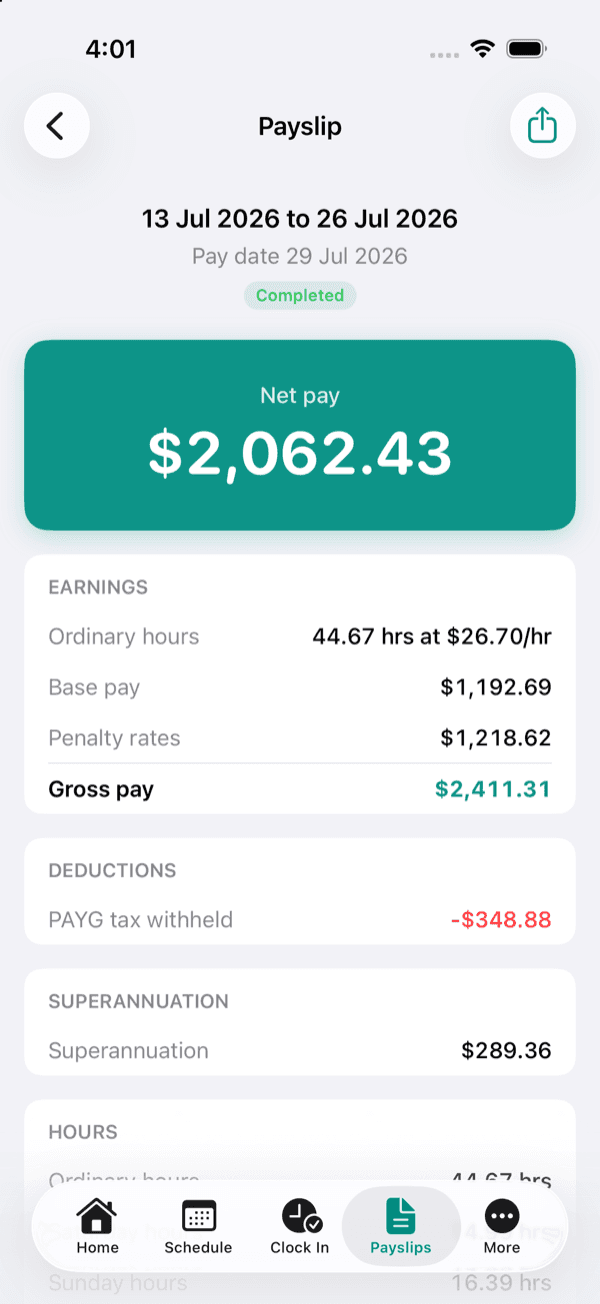
Payslips
Each payslip with year to date totals, and the PDF to keep.
Staff Perks
Offers, when any have been arranged.
What it looks like
Common questions
Is the OneBookPlus Staff app free?
Yes. It costs nothing to download and there is nothing to buy inside it. You are never charged for using it. Your employer holds the business account that the app reads from.
I have no login. How do I get one?
Whoever manages your roster creates it for you. Because the app shows your pay, your bank details and your home address, we cannot let someone sign themselves up and say where they work, so ask your manager to add you and they will send your details through.
Which phones does it run on?
iPhone, on iOS 17 and later. There is no iPad version and no Android version yet. On any other device, ask your employer to give you a web login instead, which opens the same roster, timesheets and payslips in a browser.
Can I download my payslip as a PDF?
Yes. Open any payslip and choose Download PDF. It is the same document your employer issues, with the business name and ABN on it, so it works as proof of income.
Some screens my workmate has are missing from mine. Why?
Each business chooses which parts of the app its people can see, and a manager can switch them on or off per person or for everyone. If something you need is missing, ask whoever runs your roster to turn it on.
Run the business, not the shift?
Any business can start using OneBookPlus for nothing and give its people this app. Rosters, timesheets, leave and payslips are managed on the web.
See rostering and timesheets