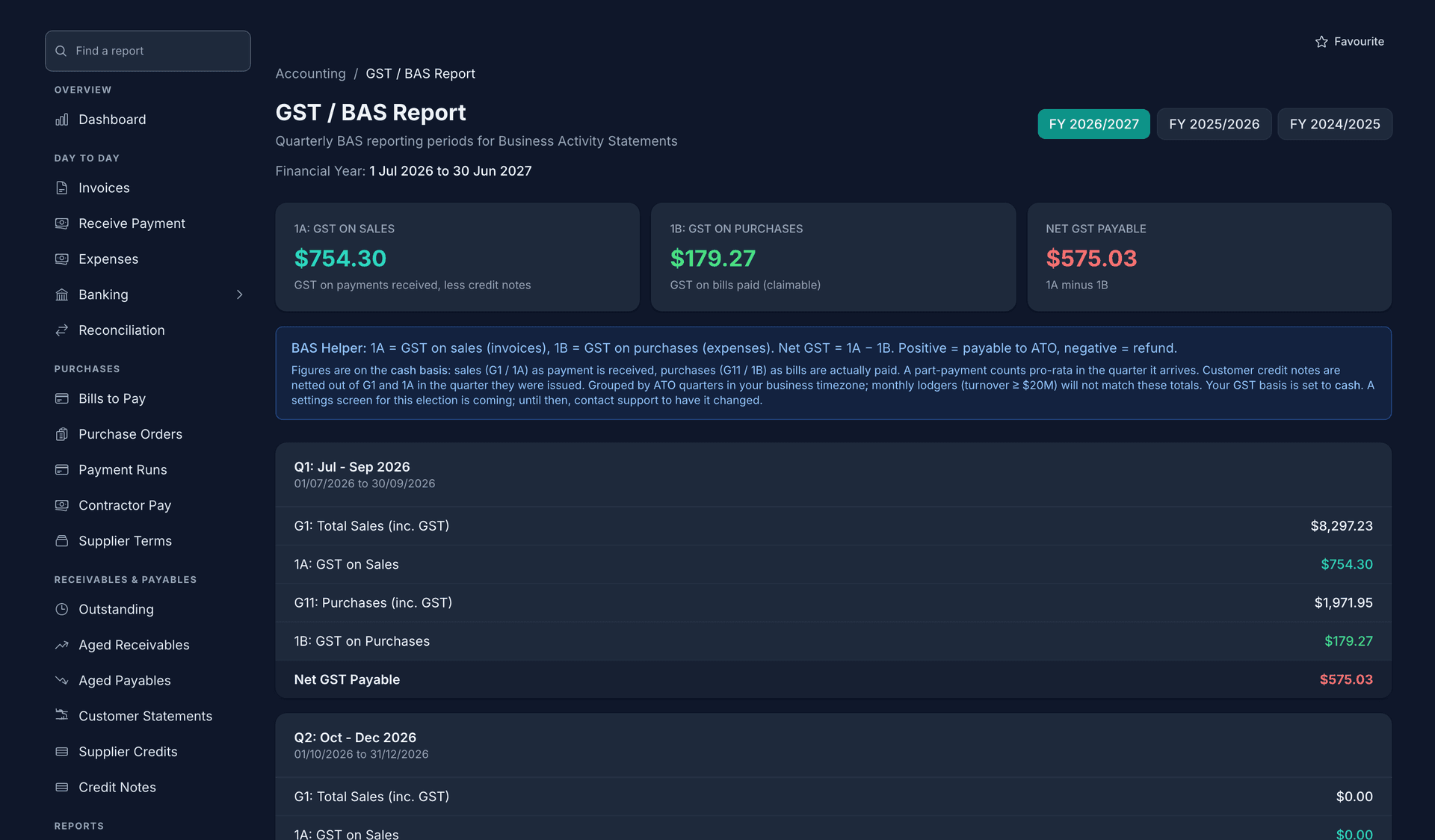
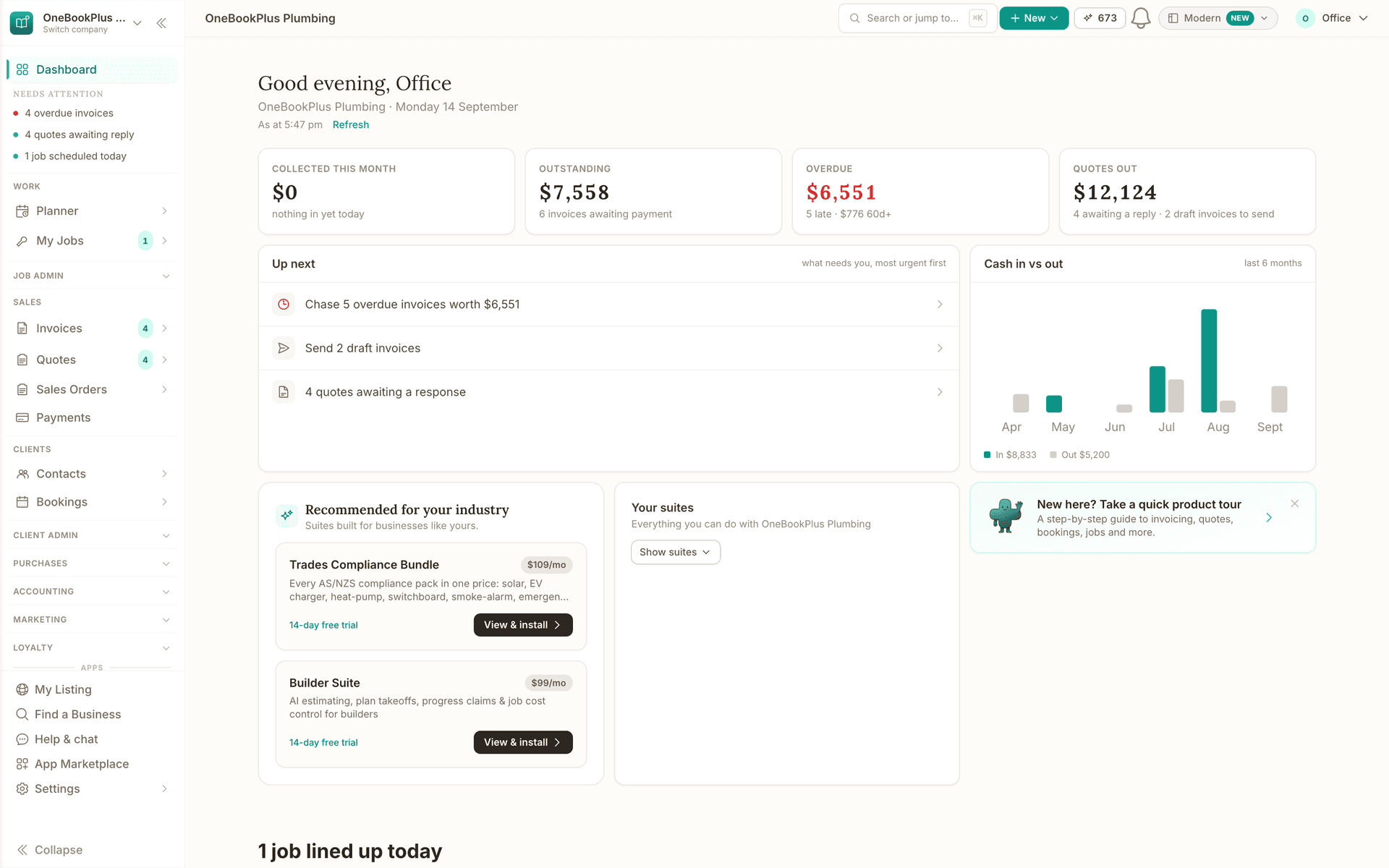
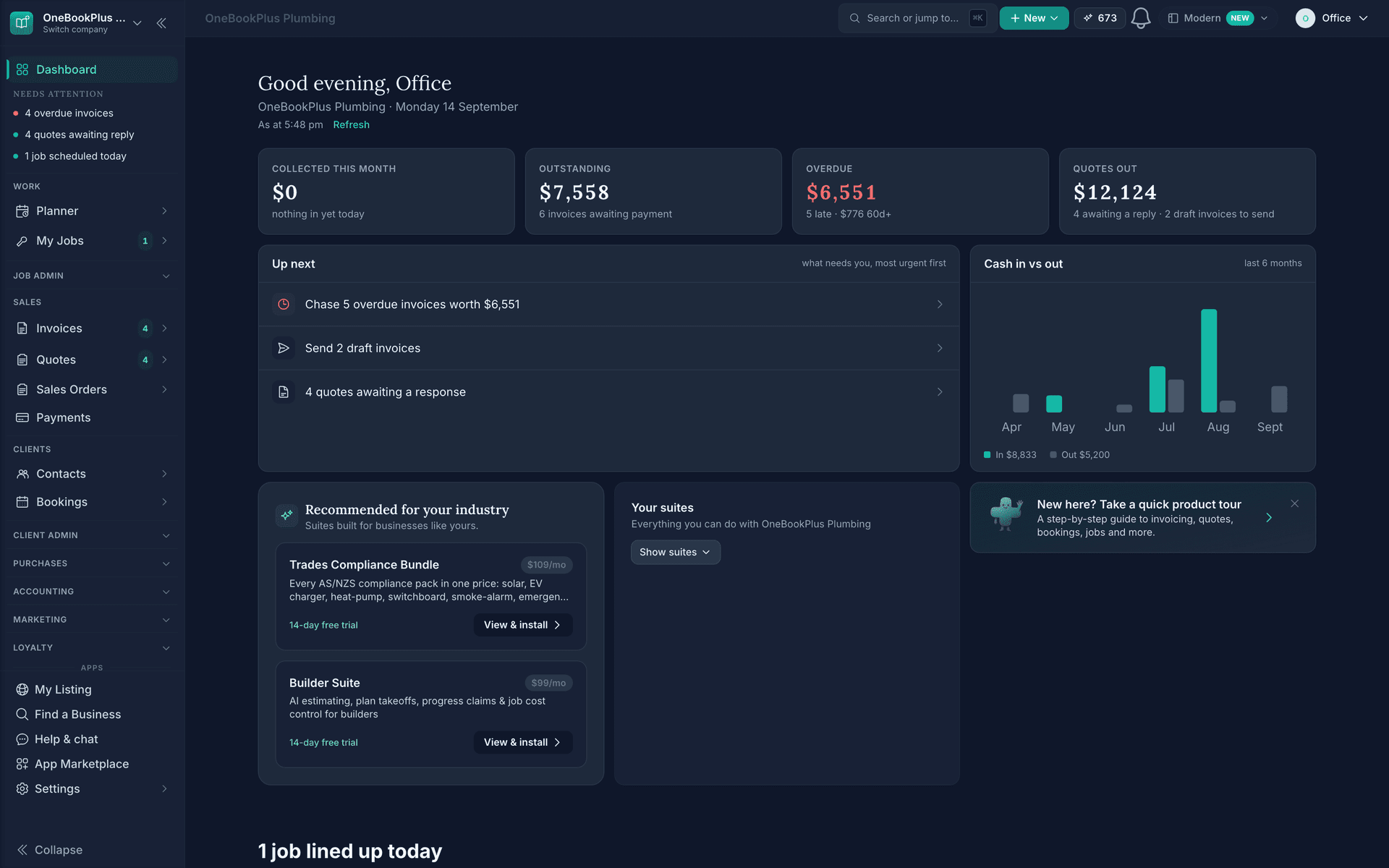
Dashboard
Live revenue, overdue invoices and today's bookings, with 329 reports one click deeper.
Read about OneBookPlus DashboardOneBookPlusTeam Permissions
Choose, action by action, what your staff may do. Over three hundred named actions across the app, set once for the business or per person, and refused by the server rather than just hidden on the screen.
Replaces Three fixed roles that never fit; a shared owner login; trusting that nobody clicks the wrong button
The tour
Each action across quotes, invoices, payments, bookings, jobs, contacts, expenses, bills, rostering and the rest is named and switchable on its own, so a permission fits your business rather than your business fitting a role.
Every action's default is what your team can already do today, so switching the permission manager on is not a migration and nobody loses access to something they were using this morning.
A person's own setting wins over the business rule, which wins over the default. So one experienced staff member can take payments without handing that to everyone who joins next.
The screens hide controls a login may not use, and every action asks again on the server before it reads or writes. If a rule cannot be read at all, the write is refused rather than assumed.
One switch under Settings, Security puts refunds, bad-debt write-offs and bank opening balances with the owner and takes them off admins. Staff and admins can still ask: a refund request emails you to approve or decline, and the outcome goes back to them with your note.
Action by action, not role by role
More than three hundred named actions across fifty areas: quotes, invoices, payments, bookings, jobs, contacts, expenses, bills, rostering, stays, vehicles and the rest. Switch each one on or off for your staff instead of accepting whatever a role happens to include.
Today's behaviour is the default
Every action starts set to exactly what your team can already do. Turning the permission manager on changes nothing until you change something, so there is no day where your staff arrive to find half the app missing.
One person, one exception
Set a rule for all staff, then make an exception for one person. The person's own setting wins over the business rule, which wins over the default, so the senior cleaner can record payments without giving that to everyone.
The server refuses, not just the screen
Screens hide the controls a login may not use, and every action asks the same resolver again on the server before it reads or writes anything. Hiding a button is a courtesy; the refusal behind it is the part that counts.
Owners keep everything
An owner-tier action never moves, for anyone. Making someone an owner, or removing one, takes an owner. An admin rule can narrow what an admin may do but can never widen it.
Money can be the owner's alone
A separate switch under Settings, Security puts every refund, bad-debt write-off and bank opening balance with the business owner, and takes them off admins too. Built for businesses where a bookkeeper runs the day to day and the owner keeps the money decisions.
Staff ask, you approve
Where staff may not do something with money directly, they can ask. A refund request emails you to approve or decline, emails the outcome back, and carries your note if you decline.
It fails closed
If a permission rule cannot be read, a staff or admin write is refused rather than assumed. A rule nobody could read is not a rule that quietly lets the write through.
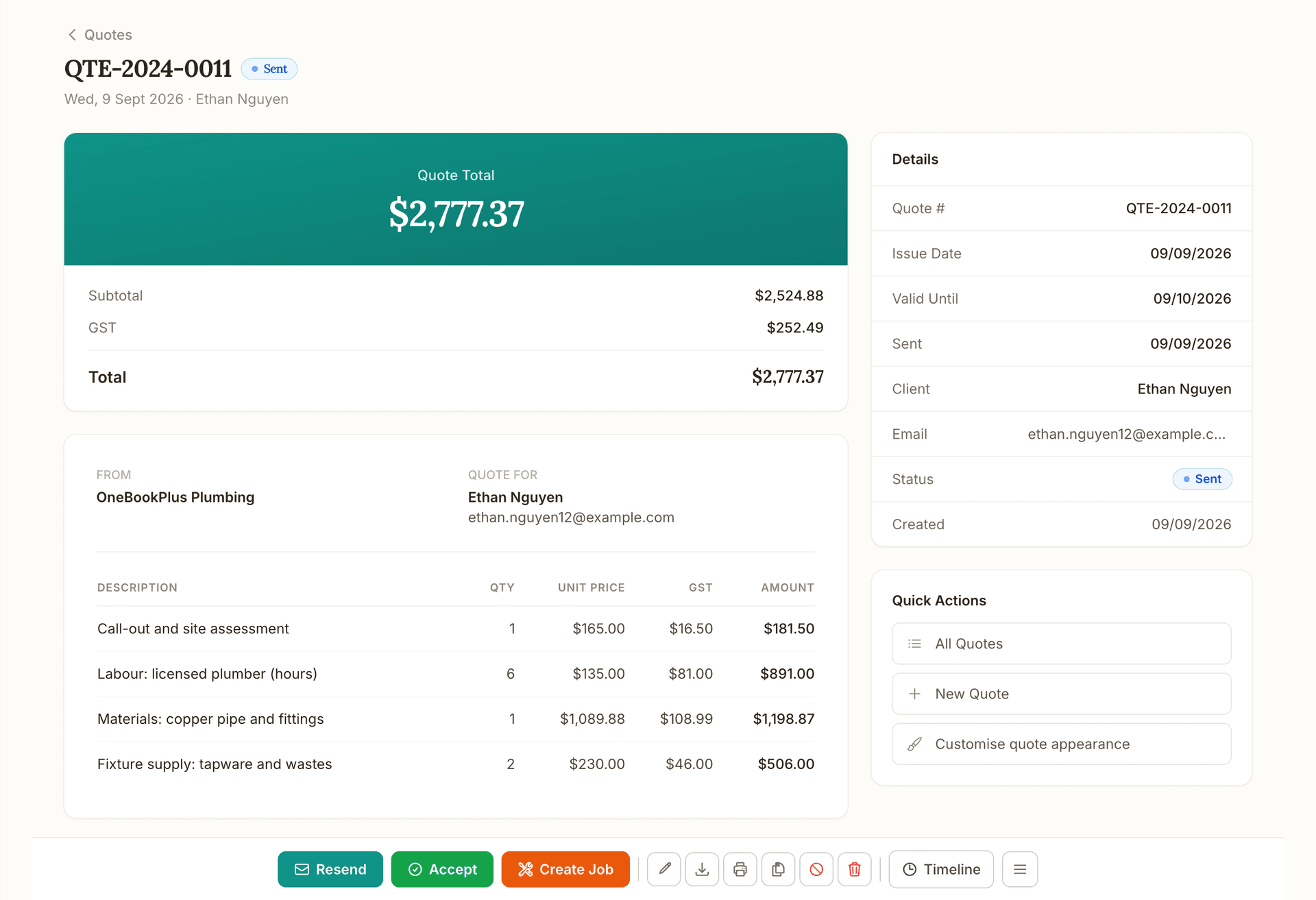
Quote
Quote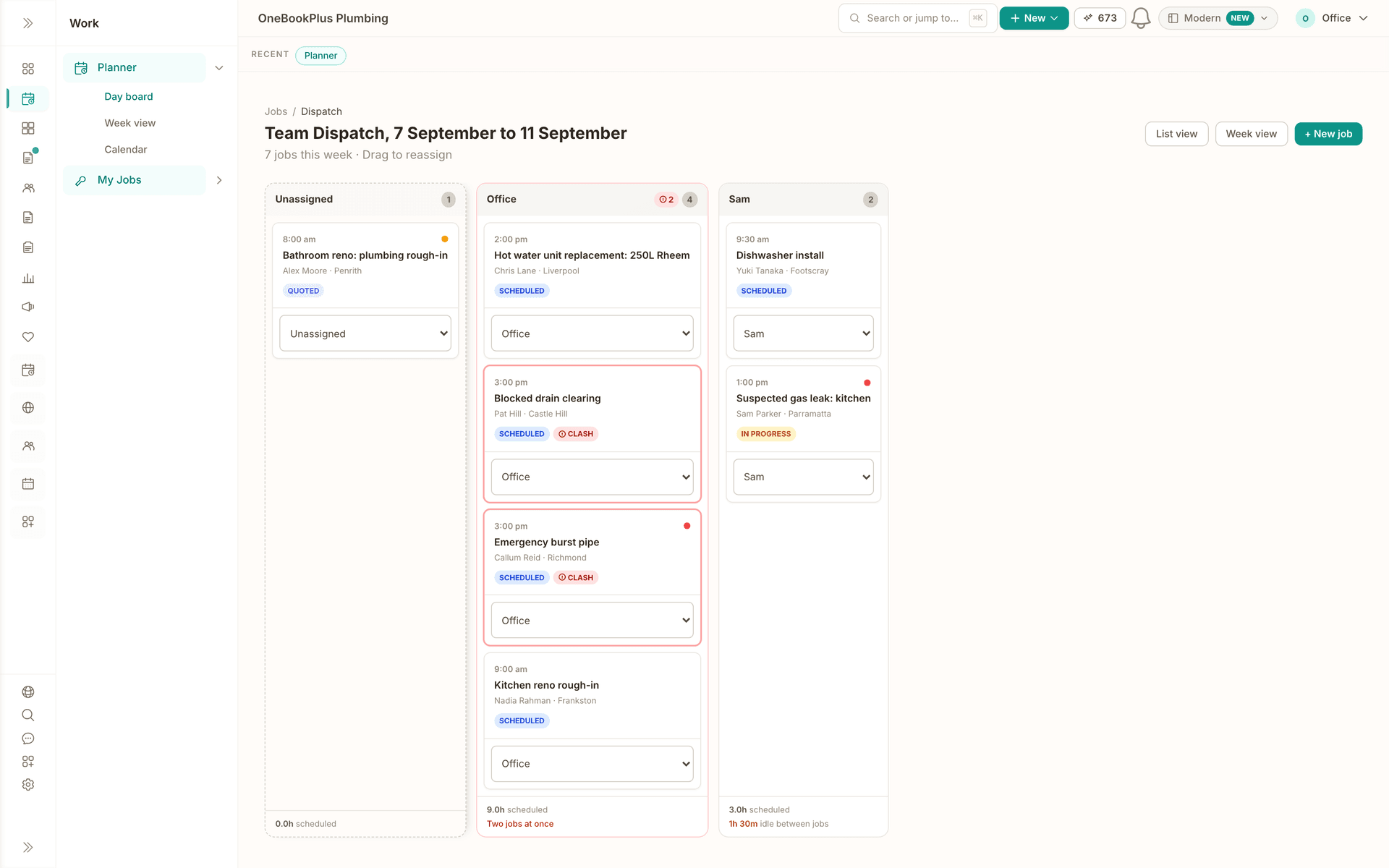
Schedule
Schedule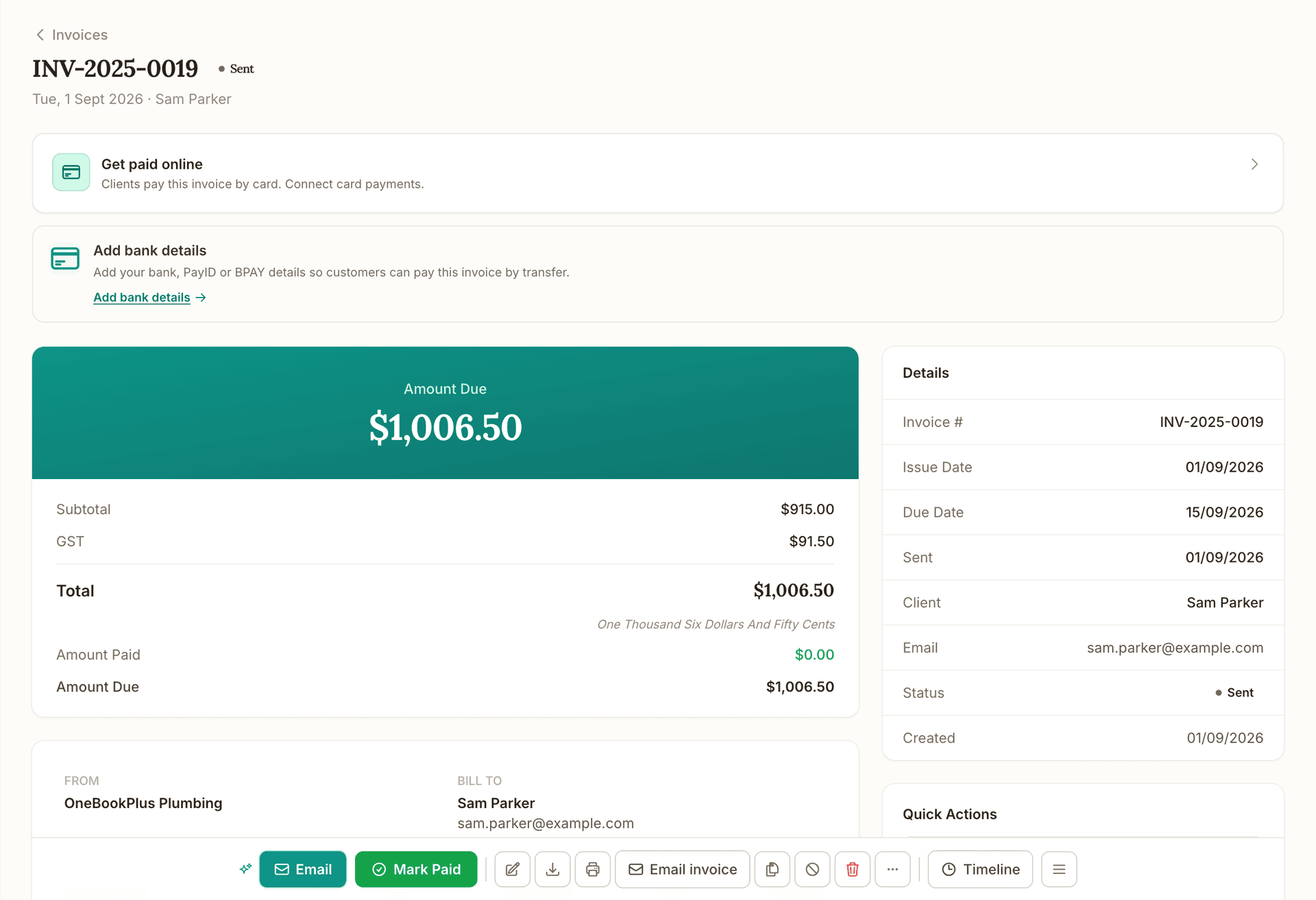
Invoice
Invoice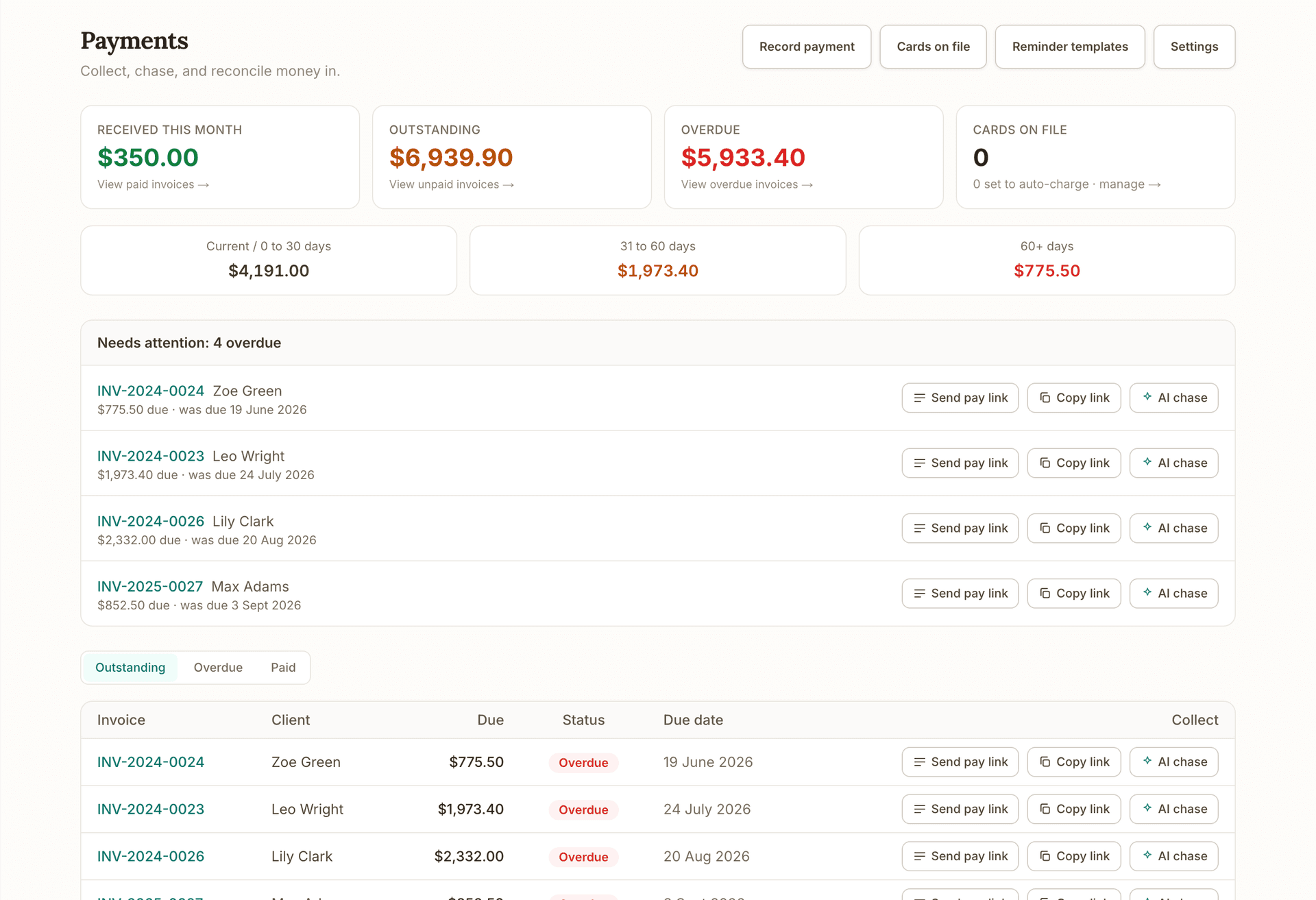
Get paid
Get paid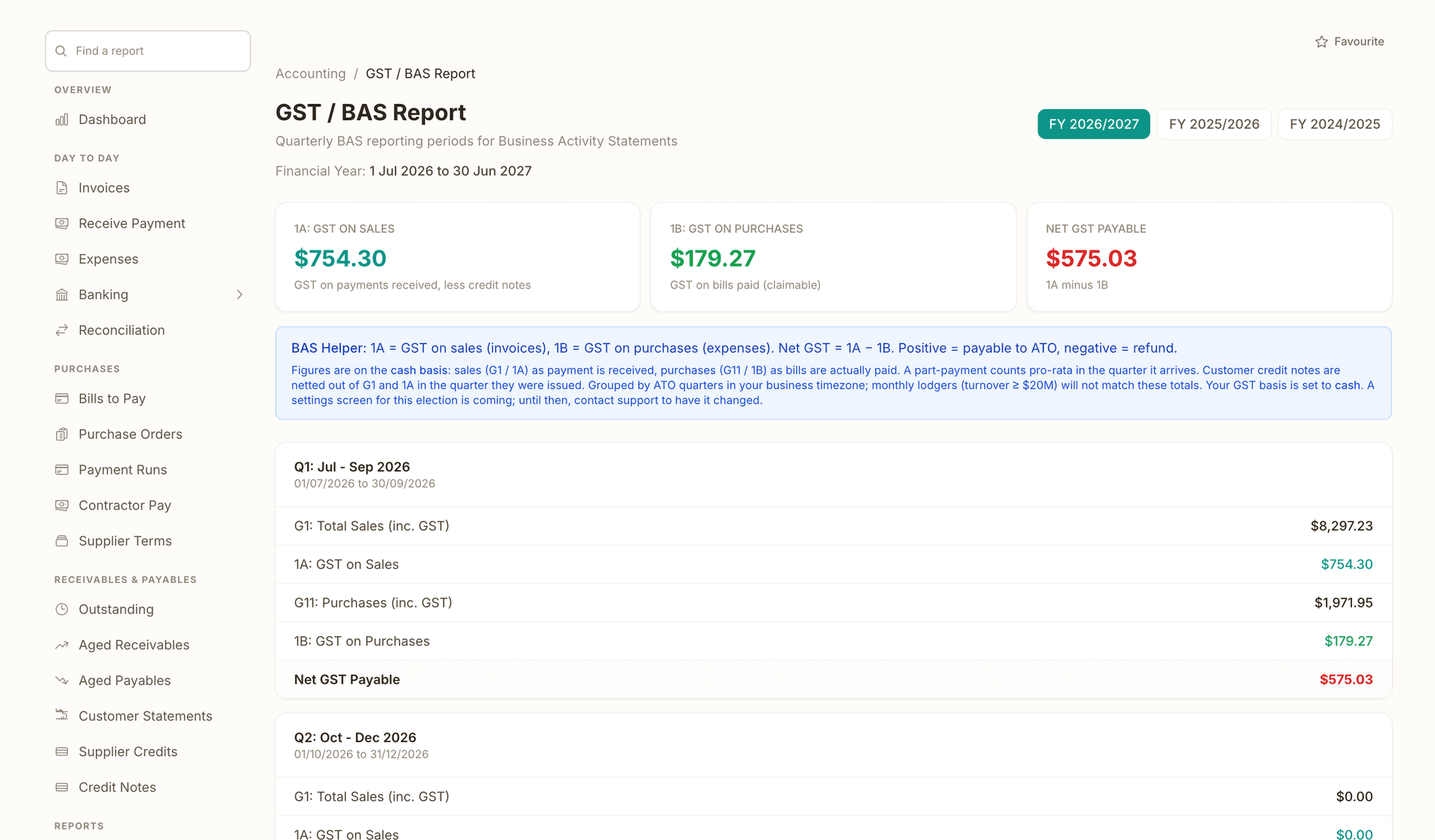
Books and BAS
Books and BASRuns alongside every stage.
What's on which plan
Free
$0/mo
Starter
$29/mo
Plus
$49/mo
Growth
$69/mo
Getting started
Every person on your team is listed with their role. Owners, admins, staff and your accountant each start with what they can do today, so the list is a description of your business before it is a decision.
Under Permissions, work through the areas that matter to you. Each action is a plain sentence, not a code: send a quote, record a payment, approve a bill, change a pay rate. Leave the rest alone and they keep behaving as they do now.
Where one person should have more or less than the rest, set it on that person. Their setting wins over the business rule, and the refusal a login sees names the rule that stopped it rather than a generic error.
If refunds, write-offs and bank opening balances should be yours alone, switch that on under Settings, Security. Admins then ask rather than act, and you approve or decline by email.
FAQ
A role is a bundle somebody else chose. Three roles means three bundles, and a business whose office manager should raise invoices but not see pay rates does not fit any of them. Here each action is named and switchable on its own, with more than three hundred of them across the app, so you set what your business actually needs. Roles still exist underneath as the starting point. There are six of them: owner, admin, accountant, staff, viewer and advisor, and each begins with what it can do today. Viewer and advisor are read-only and are refused before any rule is even read. Roles are account-wide rather than per location, so this decides what someone may do, not which branch they may do it in.
No. Every action's default is exactly what your team can already do, so switching it on changes nothing until you change something specific. That is deliberate: a permission system that resets everyone on the day it arrives creates a morning of people unable to work.
Yes. Set the rule for staff generally, then set an exception on that person. The person's own setting wins over the business rule, and the business rule wins over the default, so an experienced staff member can record payments without that becoming true for everyone you hire afterwards.
No, and this is the part worth checking in any software you are comparing. The screens do hide controls a login may not use, but every action asks the same rule again on the server before it reads or writes anything. Hiding a button stops an accident; the refusal behind it is what stops the action.
Yes, with one switch under Settings, Security. It puts every refund, bad-debt write-off and bank account opening balance with the business owner and takes them off admins as well as staff. They can still ask: a refund request emails you to approve or decline, the person who asked is emailed the outcome, and a decline carries your note.
A staff or admin write is refused, not allowed. The system fails closed on purpose, because a rule that could not be read must not be assumed to say yes. Owners are unaffected, since an owner keeps every permission regardless.
You need a plan with more than one login, because permissions only matter once somebody else can sign in. The free plan has a single login, which is the owner. From there the permission manager is included rather than an extra, on every plan.
Live revenue, overdue invoices and today's bookings, with 329 reports one click deeper.
Read about OneBookPlus DashboardGST invoices with automated reminders and card payments built in.
Read about OneBookPlus InvoicingBuilt in Melbourne, AU
ATO-ready from day one
TLS in transit, AES-256 at rest, tenant isolation at the database layer, read the security page
No credit card needed
About the author

Founder & CEO, OneBookPlus
Bishal spent a decade running digital projects for Australian small businesses before founding OneBookPlus. He writes and maintains these pages, and publishes what OneBookPlus does not do alongside what it does.
Read the founder bioThe free plan includes unlimited jobs and one-off bookings, 10 GST-compliant invoices and 5 quotes per month, 250 contacts, a booking page and the books with BAS reports, no trial clock, no credit card.
Reviewed by Bishal Shrestha