Construction Estimating
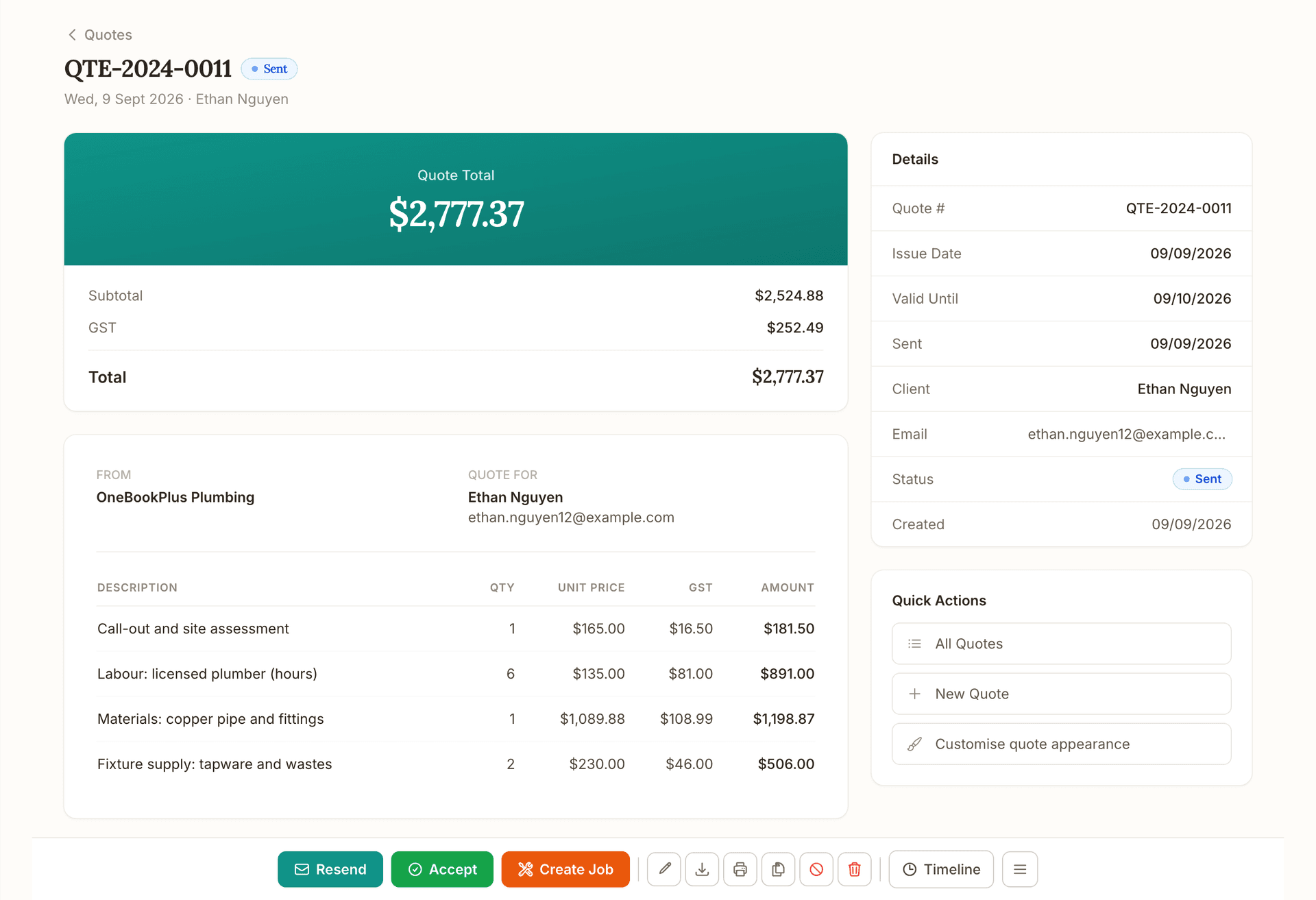
Describe or speak the job and a sectioned estimate streams in, priced from your own recent supplier bills, with AI estimating included, not a paid add-on.
Read about OneBookPlus Construction EstimatingOneBookPlusProgress Claims
Turn your estimate into a schedule of values, claim by stage or percentage, and send a GST claim invoice your client pays online, card or bank debit.
Replaces Buildxact claims, manual spreadsheets
The tour
Your contract estimate becomes the stages or trades you claim against. No breakdown rebuilt in a spreadsheet.
Raise a claim for a completed stage, slab, frame, lock-up, fixing or completion, or by percentage complete against each line. Cost-plus jobs claim the amount you enter for the period.
Set the percentage on the contract and it is withheld as its own line on each tax invoice, with the running total held on the claims screen. At the release milestone you claim it back like any other claim.
Upload the photos and the AI reads them against the schedule of values and drafts a percentage for each stage. You review every stage and nothing bills until you send it.
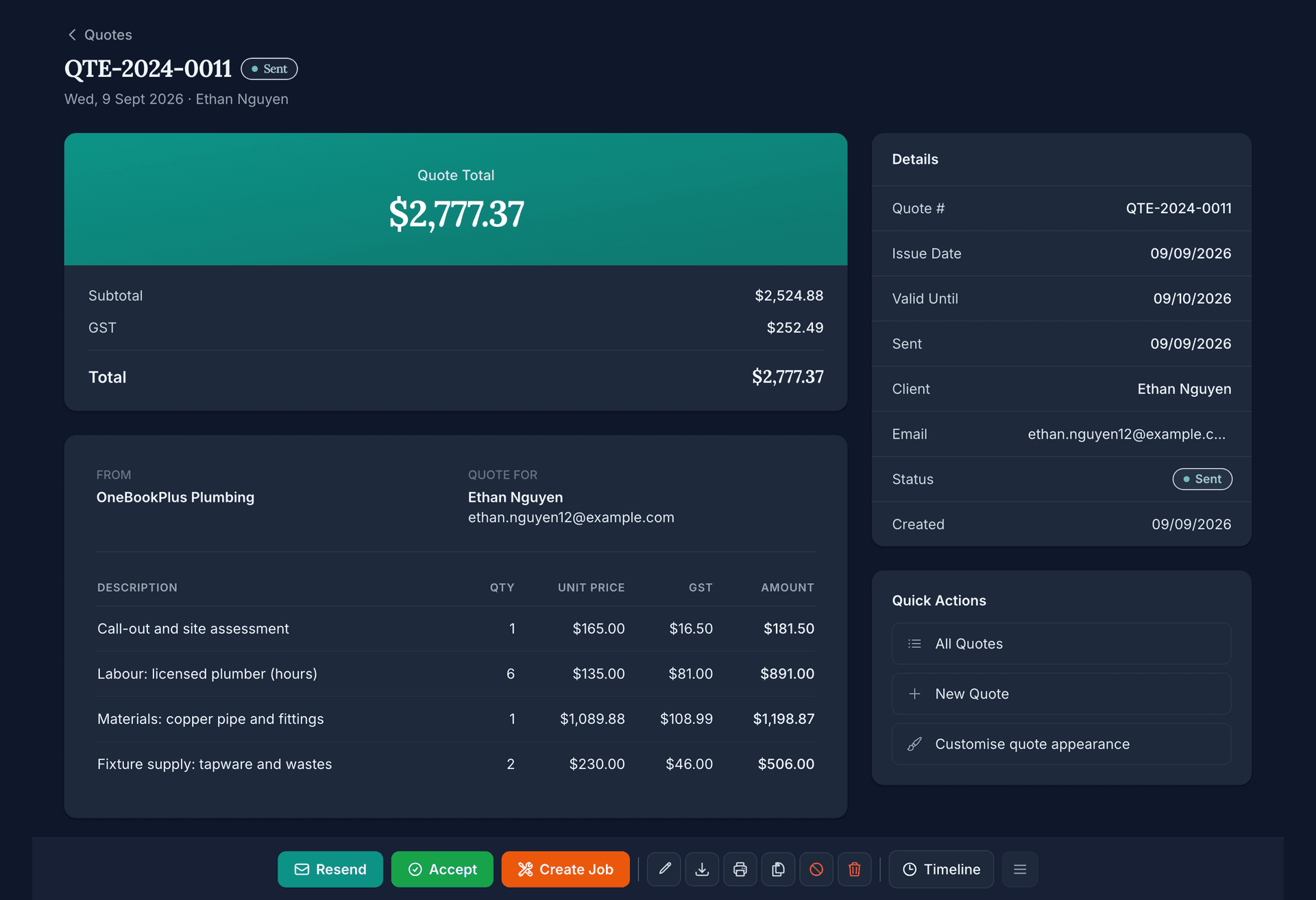
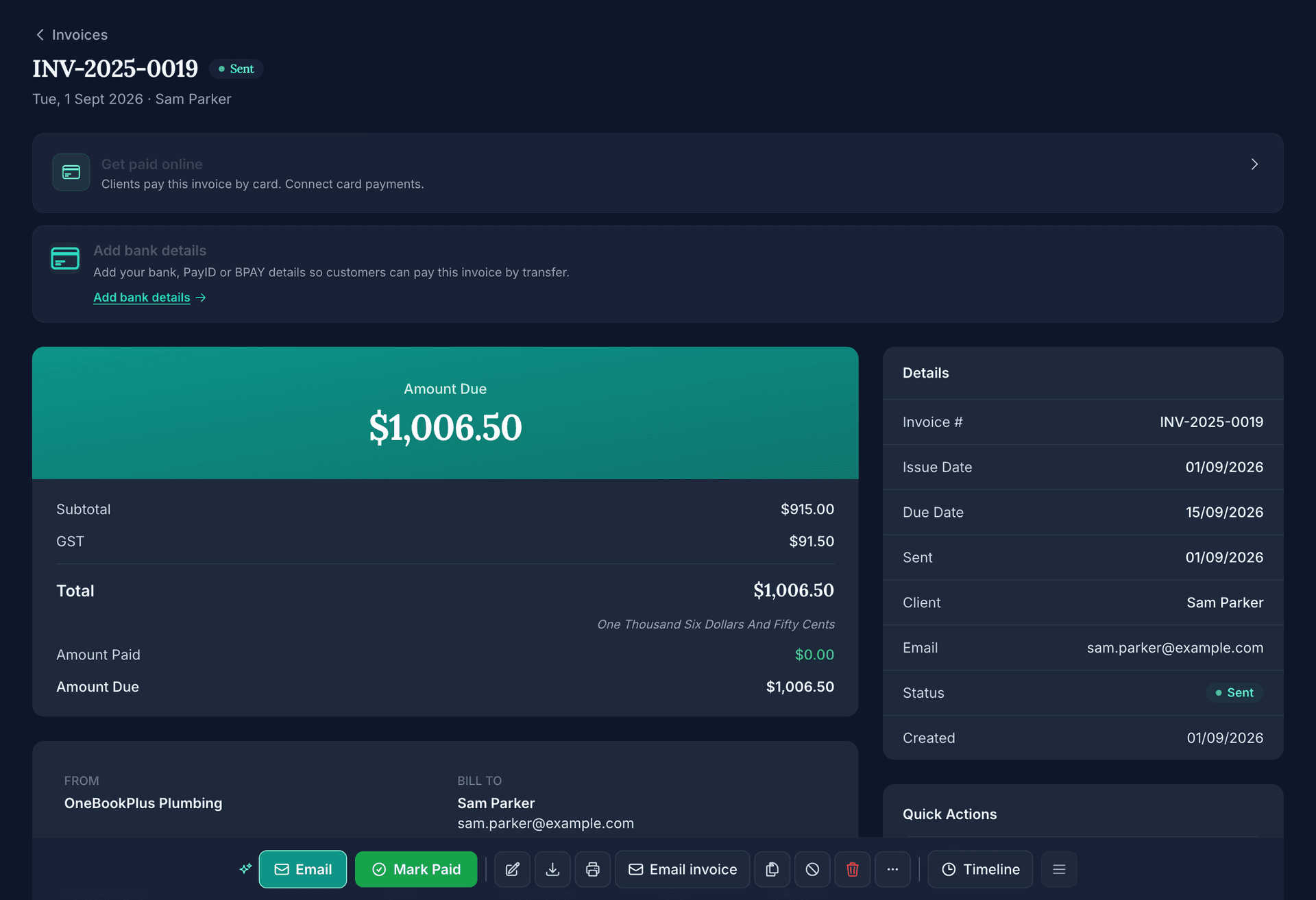
Each claim produces a tax invoice with your ABN, GST-inclusive figures and this-claim against to-date totals, and a Pay Now button for card or BECS bank debit.
Card and bank-debit payments taken through OneBookPlus, on an invoice or a booking page, carry a platform fee of up to 2.5% on top of Stripe's own processing fees. An active paid subscription includes the payment rail, so a subscriber pays no platform fee; the Free plan and a trial pay the standard rate until the plan's first payment, which you can make on any day of the trial. There is no fee at all when a customer pays you by bank transfer or cash you record in the app.
Schedule of values from your estimate
Your contract estimate becomes a schedule of values: the stages or trades you'll claim against: automatically. No rebuilding the breakdown in a spreadsheet; the claim structure is the estimate you already priced.
Claim by stage or percentage
Raise a claim for a completed stage: slab, frame, lock-up, fixing, completion: or by percentage complete against each line. The claim tracks what's been claimed to date so the total can never quietly exceed the contract.
Retention withheld on every claim
Set a retention percentage on the contract and it comes off every progress claim as its own line on the tax invoice, with the running total held shown on the claims screen so the balance is never lost. At the release milestone you claim it back the same way you raise any other claim.
Photo to progress claim
Upload your site photos and the AI reads them against the schedule of values and drafts a percentage-complete for each stage. It's a first draft only: you review every stage, adjust anything that's off, and nothing bills the client until you send it.
GST-compliant claim invoices
Each claim produces a GST-compliant tax invoice with your ABN, GST-inclusive figures and this-claim-versus-to-date totals. These are proper claim invoices: we don't dress them up as statutory SOPA payment claims, which is a different legal instrument.
Your client pays online
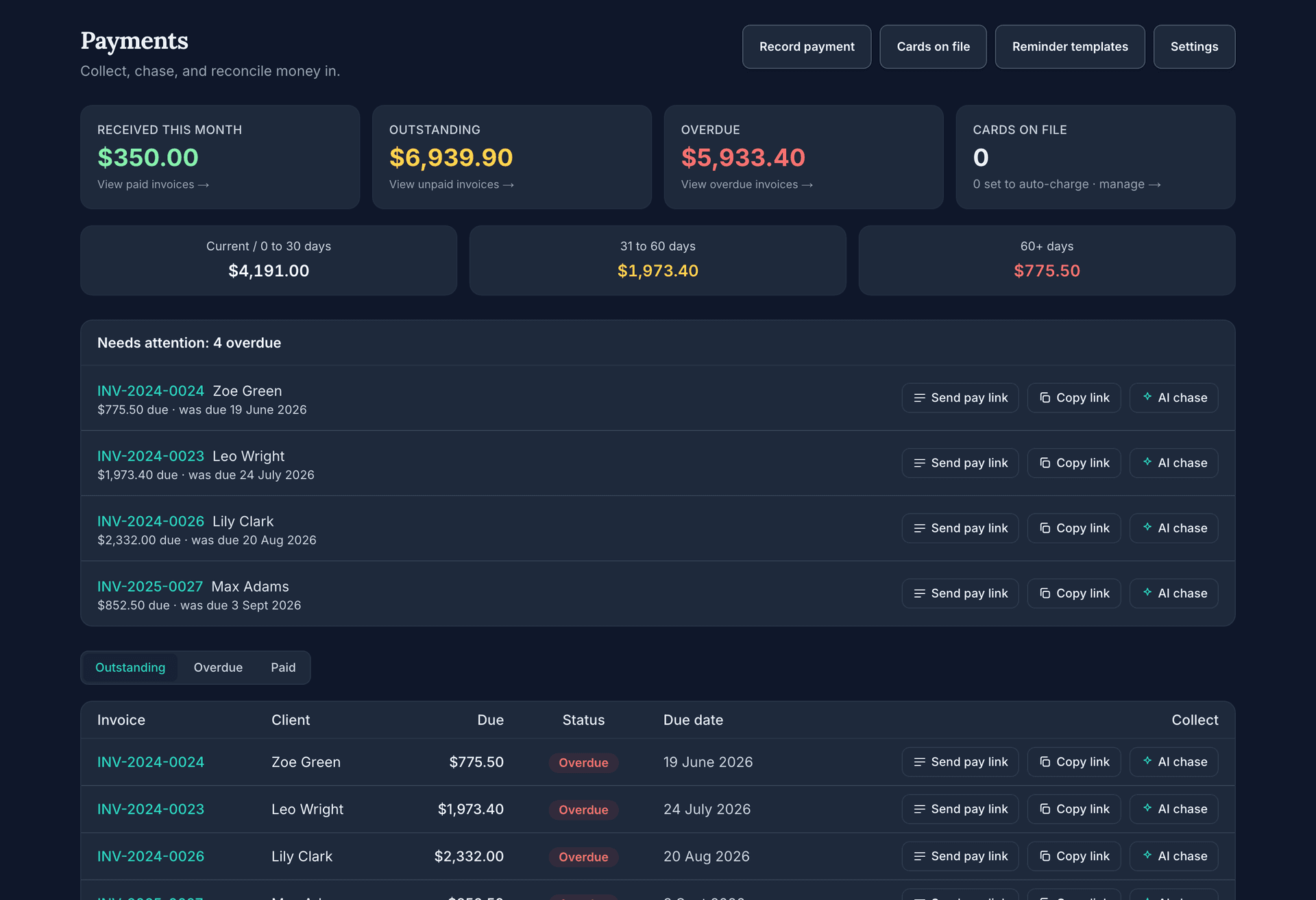
Every claim invoice carries a Pay Now button: card payment or BECS bank debit: so the client pays the claim online and the money lands in your account. Buildxact collects no payments anywhere; its portal invoices are view-only.
Cost-plus or fixed-stage claiming
Bill a fixed staged schedule against the schedule of values, or set the job to cost plus and claim the amount you enter for this period. Your purchase orders and supplier bills sit alongside on the job's cost control, committed against actual, so you can see where the job is before you claim.
Variations flow into the claim
Approved variations: signed off by the client: lift the contract value and become claimable on the next progress claim, so scope changes are billed properly instead of being lost or argued over later.
Quote
Quote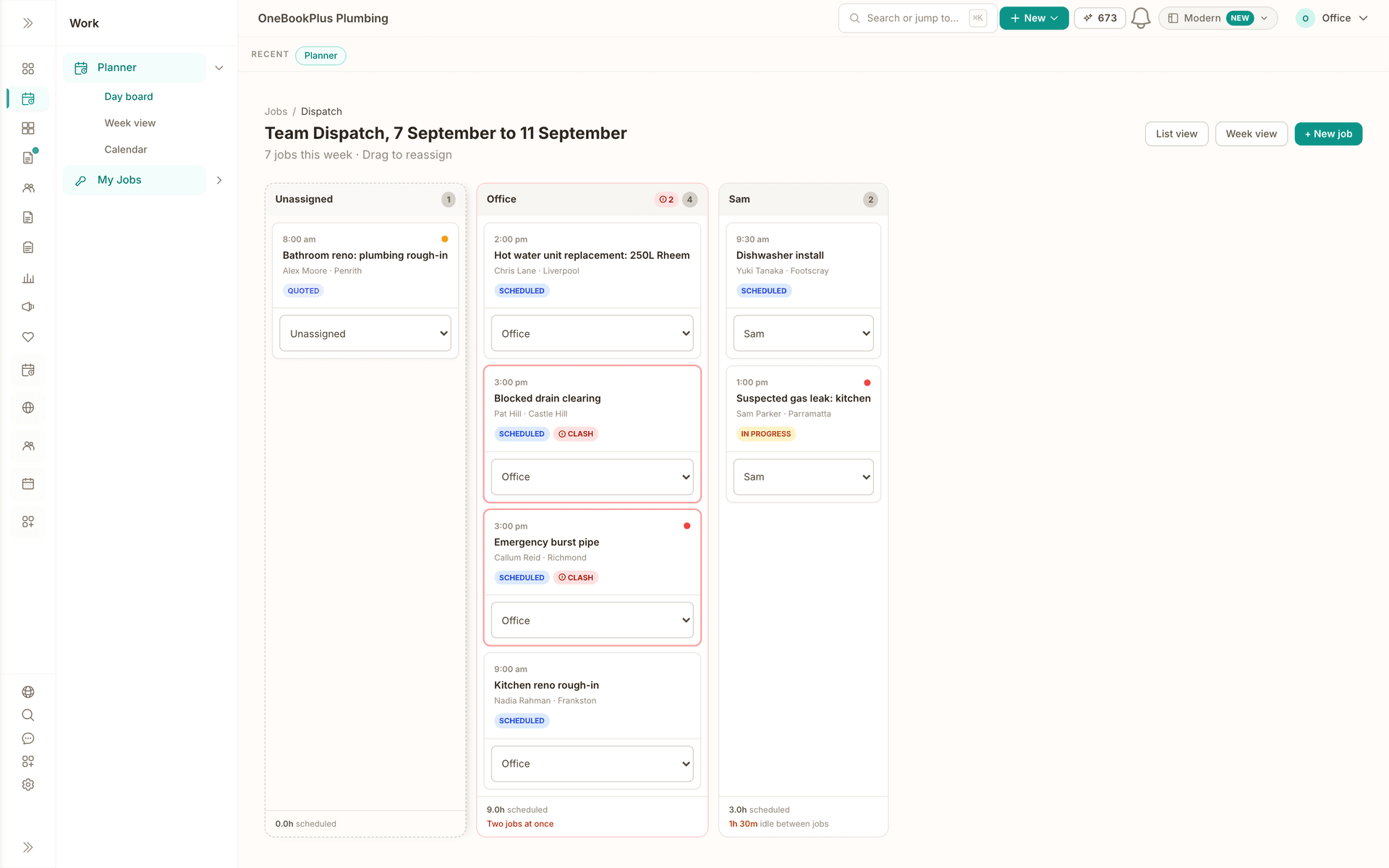
Schedule
Schedule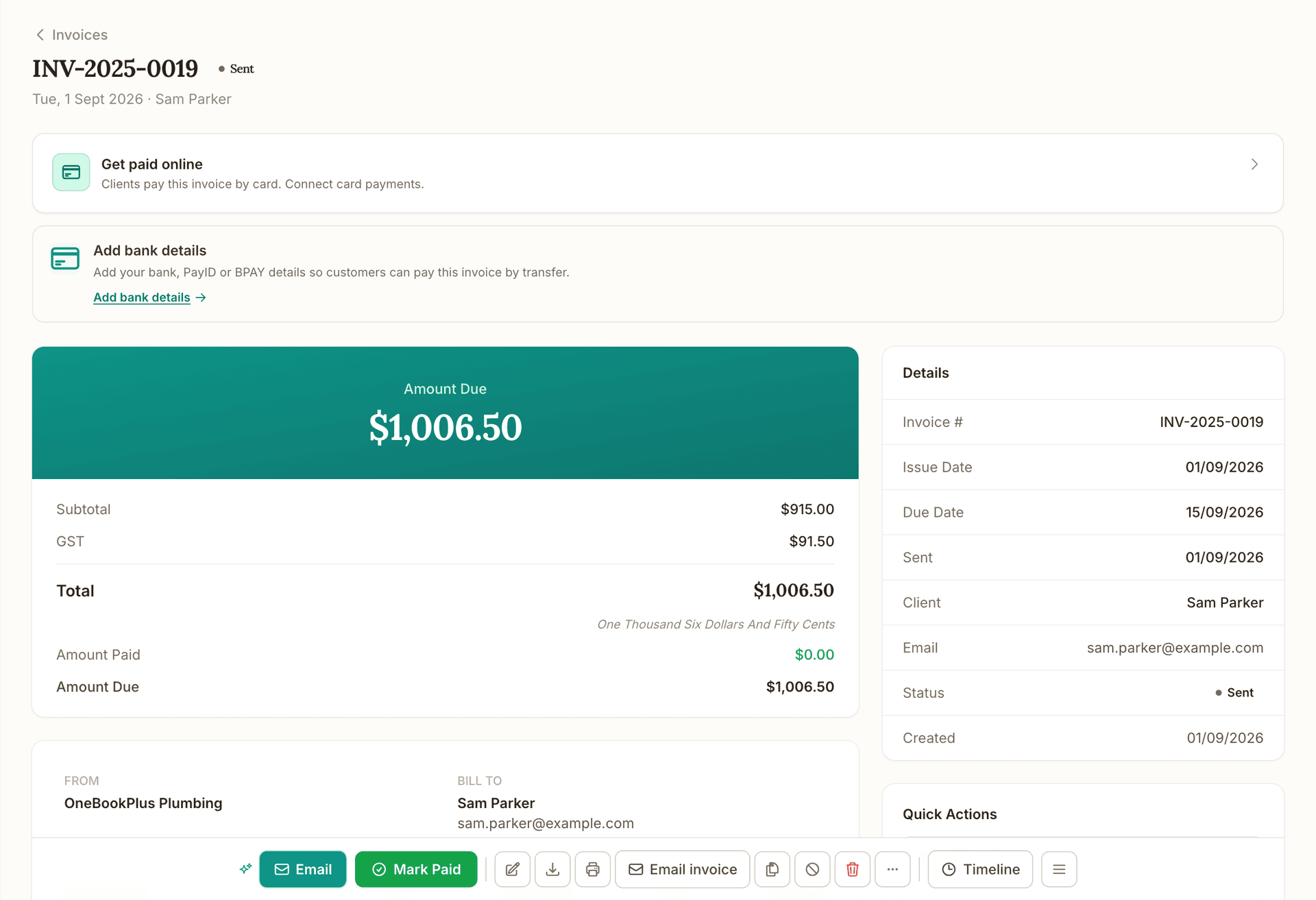
Invoice
Invoice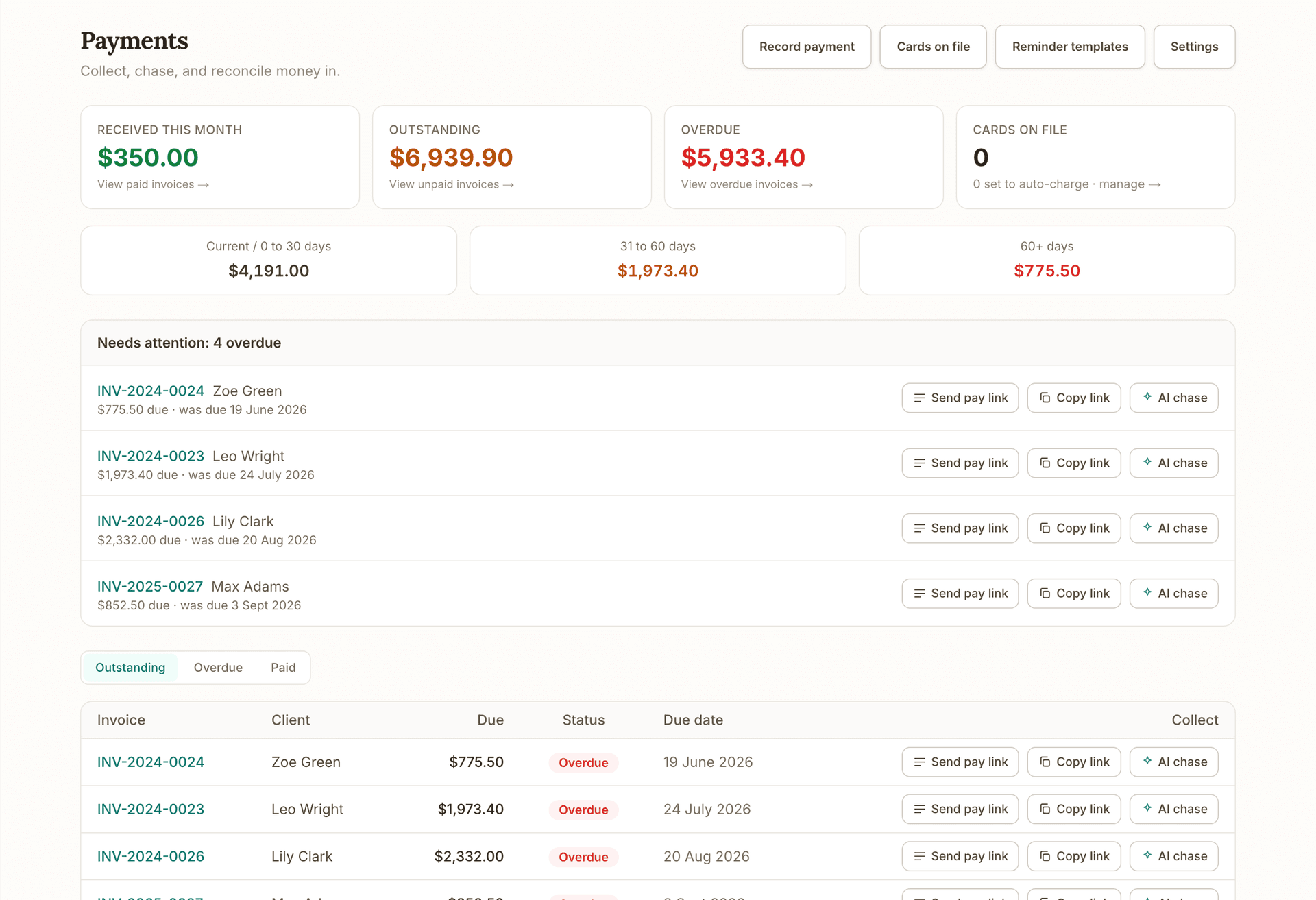
Get paid
Get paid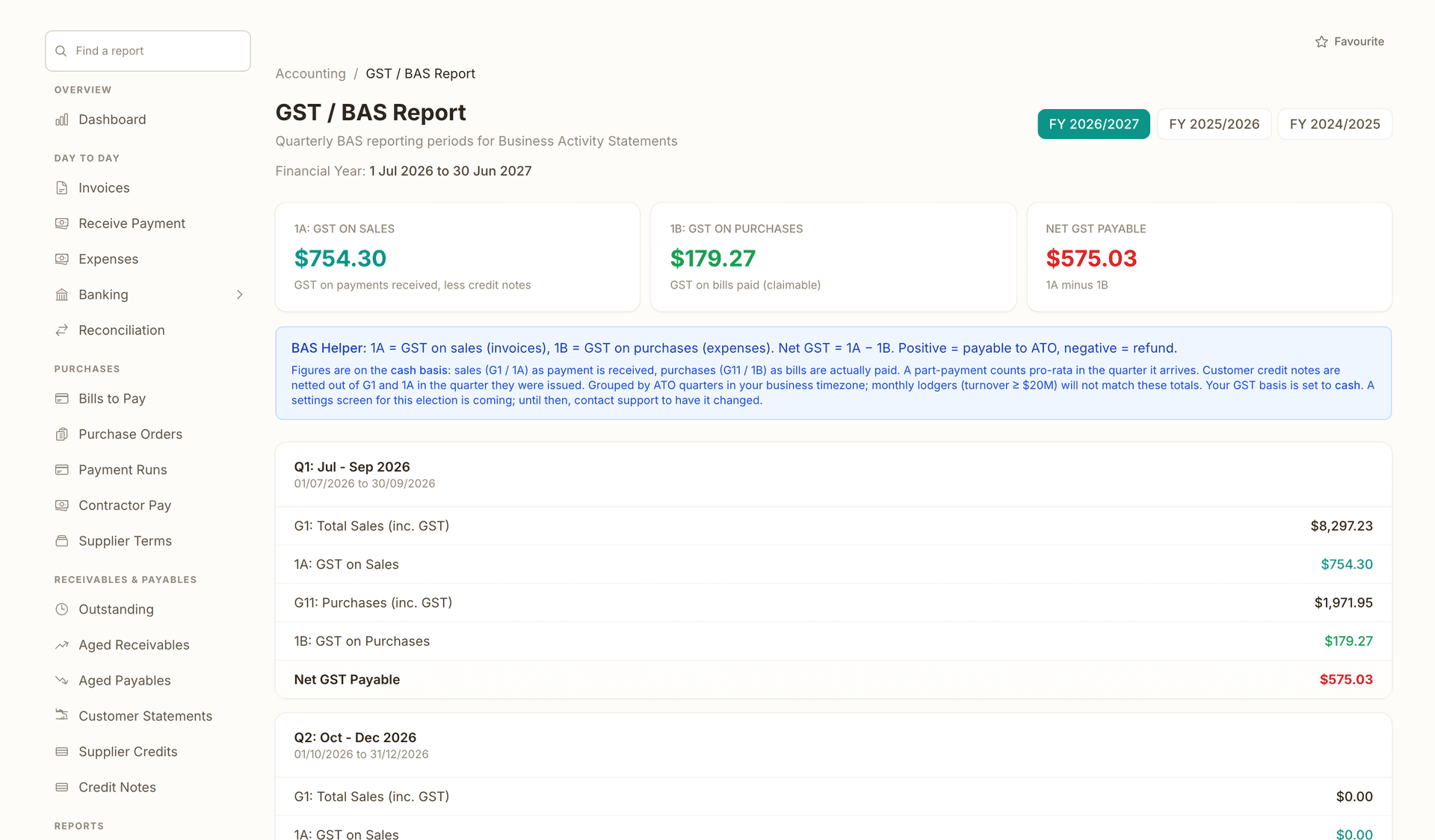
Books and BAS
Books and BASRuns alongside every stage.
What's on which plan
Free
$0/mo
Starter
$29/mo
Plus
$49/mo
Growth
$69/mo
How we compare
The rows are capability checks; the linked comparison page carries every citation.
| Feature | OneBookPlus | Buildxact | Xero | spreadsheets |
|---|---|---|---|---|
| Schedule of values from your estimate | Yes | Yes | No | No |
| Claim by stage or percentage complete | Yes | Yes | No | No |
| Retention withheld on every claim, running total tracked | Yes | Yes | No | No |
| AI drafts % complete from site photos | Yes | No | No | No |
| Client pays the claim online (card + BECS) | Yes | No | Yes | No |
| Claimed-to-date tracked against the contract | Yes | Yes | No | No |
| Variations lift contract value & become claimable | Yes | Yes | No | No |
| GST-inclusive tax invoices (AU) | Yes | No | Yes | No |
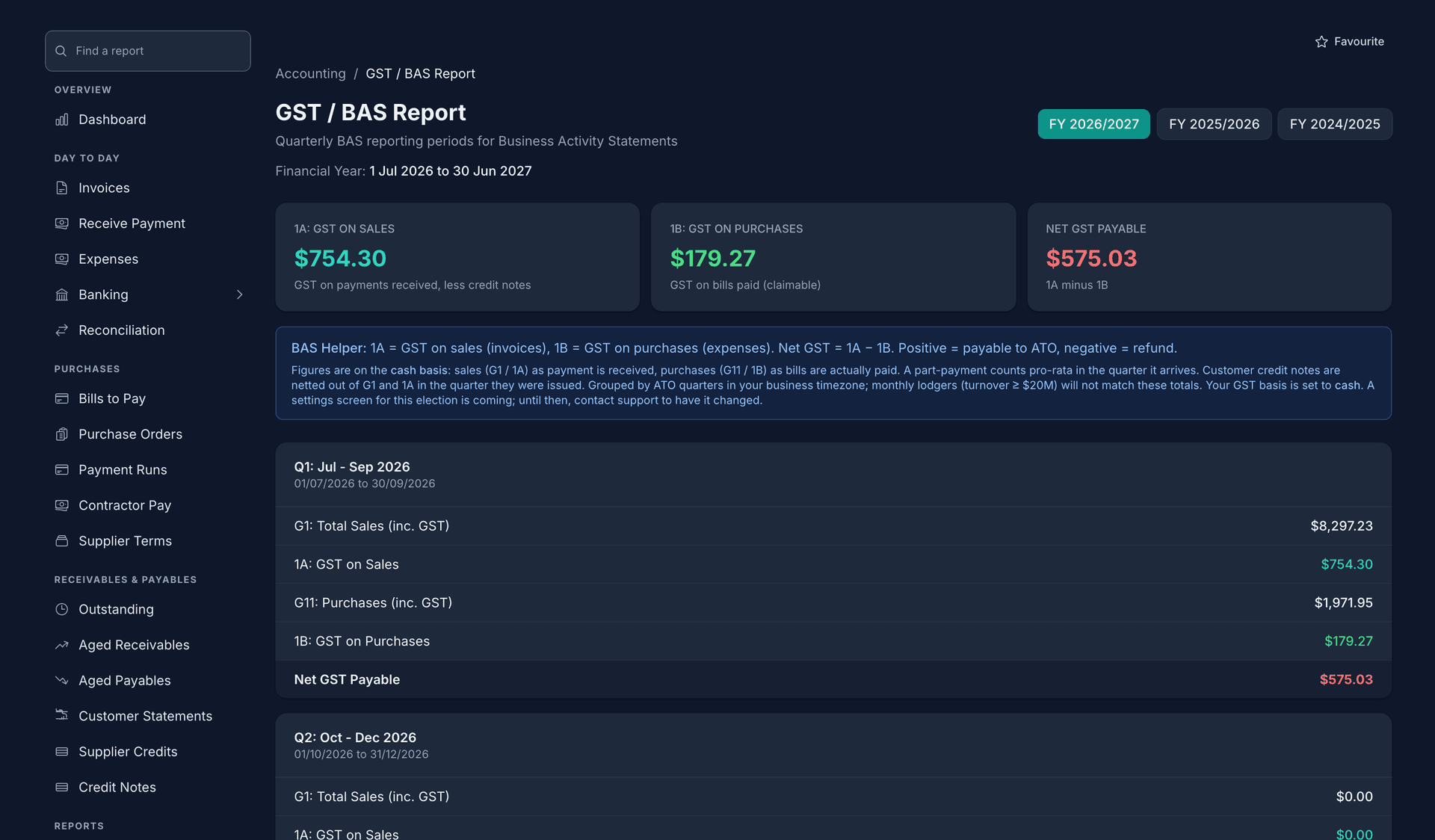
| Native double-entry accounting + BAS | Yes | No | Yes | No |
| Connected to estimating & take-off | Yes | Yes | No | No |
| Flat app price, no per-seat charge | Yes | Yes | No | Yes |
| Price | $99/mo | $399/mo (Pro) | $35 to $115/mo | $0 |
Getting started
Convert your contract estimate into a schedule of values: the stages or trades you'll claim against: in one step, with no spreadsheet rebuild.
Raise a claim by stage or percentage complete, or upload site photos and let the AI draft a percentage for each stage against the schedule of values.
Check and adjust each stage the AI drafted: nothing bills until you approve it: then apply your retention percentage before the claim goes out.
Send the GST-compliant claim invoice with a Pay Now button. The client pays by card or BECS and your accounts update automatically.
Example walkthrough
A worked example, a Newcastle builder claiming the frame stage on a new build
The frame goes up on Wednesday and Sam wants the frame-stage claim out before the week ends. The contract estimate already lives in OneBookPlus as a schedule of values, slab, frame, lock-up, fixing, completion, so there's nothing to rebuild.
Sam uploads the photos his lead carpenter took on site. The AI reads them against the schedule of values and drafts the frame stage at 100% and lock-up at 15% where the wrap and windows have started. Sam disagrees on lock-up, the windows aren't in yet, so he pulls it back to 8%, leaves the frame at 100%, and holds the agreed 5% retention on the claim. Nothing was sent while he did any of this; the AI only drafted, he decided.
He adds an approved variation the owners signed last week for an upgraded front door, which lifts the contract value and becomes claimable now. The claim generates a GST-compliant tax invoice showing this claim, retention held, and claimed-to-date against the contract. He sends it with a Pay Now button. The owners pay by card that night, the retention held sits on the claims screen ready for him to claim back at handover, and Sam's accounts and BAS update without a second app.
In depth
Real progress claim software has to do the one thing spreadsheets can't: get you paid. OneBookPlus turns your contract estimate into a schedule of values, lets you claim by completed stage or by percentage complete, and sends a GST-compliant claim invoice your client pays online, by card or BECS bank debit. That last step is where Buildxact stops cold: it collects no payments anywhere, its portal invoices are view-only, so the claim still has to be paid through some separate channel. If getting paid is the point of a progress claim, schedule of values software australia builders use should close the loop, not leave it open.
Progress billing construction jobs is about control as much as speed. OneBookPlus tracks claimed-to-date against every line so a claim can't quietly overshoot the contract, withholds retention on each claim and keeps the running total held in front of you, ready to claim back at the release milestone, and lets approved variations lift the contract value and become claimable on the next claim. You can bill a fixed staged schedule against the schedule of values or set the job to cost plus and claim the amount you enter, the method matches the contract instead of the software forcing one on you.
The AI helps without taking over. Upload your site photos and it reads them against the schedule of values and drafts a percentage-complete for each stage, a first draft you review stage by stage, adjusting anything that's off. Nothing bills or sends until you approve it. These are GST-compliant tax invoices structured as progress claims, not statutory SOPA payment claims, and we're deliberate about that distinction. The whole builder-suite, estimating, take-off, claims, payments and native GST accounting, is $99/mo for the business, with no per-seat charge for the app and free data export.
Progress claims close a loop that starts upstream in OneBookPlus, where the schedule of values comes straight from your construction estimate, which is built from AI-measured plan takeoff, work out the retention and the GST inside a claim with the free progress claim template, read when the GST on a retention amount becomes payable, see how getting paid online compares to Buildxact, or explore OneBookPlus for builders.
FAQ
It's the breakdown of stages or trades you'll claim against over the life of the job, slab, frame, lock-up, fixing, completion, and so on. OneBookPlus builds it straight from your contract estimate, so the way you priced the job becomes the way you claim it, without rebuilding anything in a spreadsheet.
Yes. Every claim invoice includes a Pay Now button for card payment or BECS bank debit, and the money is deposited to your account. This is a genuine differentiator: Buildxact collects no payments anywhere, its portal invoices are view-only, so clients still have to pay you by some other channel.
You upload your site photos and the AI reads them against the schedule of values and drafts a suggested percentage-complete for each stage. It is a first draft only. You review every stage, adjust anything that's wrong, and nothing is billed or sent to the client until you approve and send it yourself.
Yes. Set your retention percentage on the contract and it is withheld on every progress claim as its own line on the tax invoice, with the running total held shown on the claims screen so the balance is always clear. Claiming the retention back at the release milestone is a claim you raise yourself, the same way as any other.
No, and we're careful not to imply otherwise. OneBookPlus produces GST-compliant tax invoices structured as progress claims. A statutory payment claim under state Security of Payment legislation is a distinct legal instrument with its own wording and service requirements, and we don't market these claims as SOPA payment claims. Check your obligations for that with your own advice.
Spreadsheets don't collect payment or track claimed-to-date. Xero can take online payments but has no construction claim structure, retention or schedule of values. Buildxact does staged claims and retention but collects no payments at all and is tax-exclusive. OneBookPlus does the schedule of values, staged and percentage claims, retention withheld on every claim, AI photo drafting, GST-inclusive invoices and online payment in one $99/mo app.
Describe or speak the job and a sectioned estimate streams in, priced from your own recent supplier bills, with AI estimating included, not a paid add-on.
Read about OneBookPlus Construction EstimatingAI reads your PDF or photo plans, drops measured quantities onto the drawing, and counts every symbol, then you review and price.
Read about OneBookPlus Digital TakeoffBuilt in Melbourne, AU
ATO-ready from day one
TLS in transit, AES-256 at rest, tenant isolation at the database layer, read the security page
No credit card needed
About the author

Founder & CEO, OneBookPlus
Bishal spent a decade running digital projects for Australian small businesses before founding OneBookPlus. He writes and maintains these pages, and publishes what OneBookPlus does not do alongside what it does.
Read the founder bioThe free plan includes unlimited jobs and one-off bookings, 10 GST-compliant invoices and 5 quotes per month, 250 contacts, a booking page and the books with BAS reports, no trial clock, no credit card.
Reviewed by Bishal Shrestha