Construction Estimating
Describe or speak the job and a sectioned estimate streams in, priced from your own recent supplier bills, with AI estimating included, not a paid add-on.
Read about OneBookPlus Construction EstimatingOneBookPlusPDF Forms
Upload the proposal or contract you already have as a fillable PDF. Fill in your side on the document, send a private link, and the client fills in what is left and signs.
Replaces Print, sign, scan and email; DocuSign for a single contract; retyping a PDF into another tool
The tour
Upload the proposal, contract or variation sheet you already use. If it has form fields, they are read. The file you send is the file that comes back.
Type into the fields on the page in your browser, draw your own signature where the document has a line for it, and leave blank what the client should fill.
The client gets a link that stays open for 30 days. No account, no app, no printing. It works on a phone, with the fields also listed in plain form under the pages.
The client signs with a finger or a mouse, the signature lands on the signature line, and the form is flattened so nothing can be edited afterwards. The last page records who sent it, when it was opened and submitted, and the device it came from.
You are notified and emailed the completed PDF, the client is emailed theirs, and the signed copy is filed under Documents and on the client's record.
Your PDF, as it is
Upload the proposal, contract or variation sheet you already use. If it has form fields, we read them. Nothing is retyped and the file you send is the file that comes back.
Fill your side on the document
Type straight into the fields on the page in your browser, draw your own signature if the document has a line for it, and leave blank whatever the client should fill.
A private link, not an attachment
The client gets a private link that stays open for 30 days. No account, no app, no printing. It works on a phone, with the fields also listed in plain form under the pages.
Your entries are locked for the client
Anything you filled in shows on the client's screen but cannot be changed. They fill in what is left, tick what needs ticking and choose from the lists you gave them.
A drawn signature where the line is
The client signs with a finger or a mouse and the signature is placed on the document exactly where the signature line sits, then the whole form is flattened so nothing can be edited afterwards.
A completion record on the last page
Every completed copy ends with a page that records who sent it, when it was opened, when it was submitted, the name typed as the signature, and the address and device it came from.
Both sides get the copy
You are notified and emailed the completed PDF, the client is emailed theirs, and the signed copy is filed under Documents and on the client's record.
Fields you control
For each field choose who fills it, whether the client must fill it, and which lines are signatures. Templates are reusable; what was sent is frozen, so editing a template never changes a document already out.
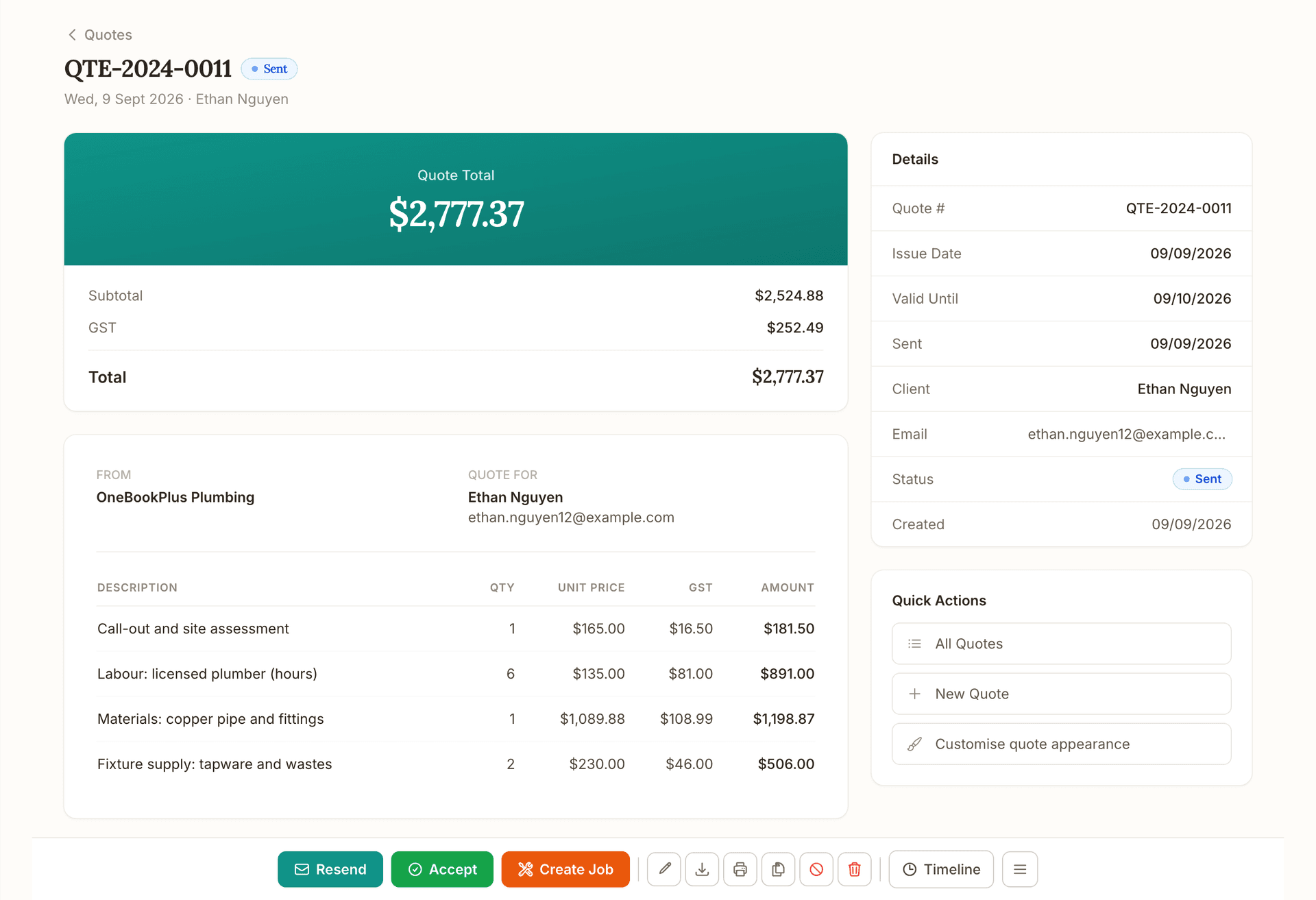
Quote
Quote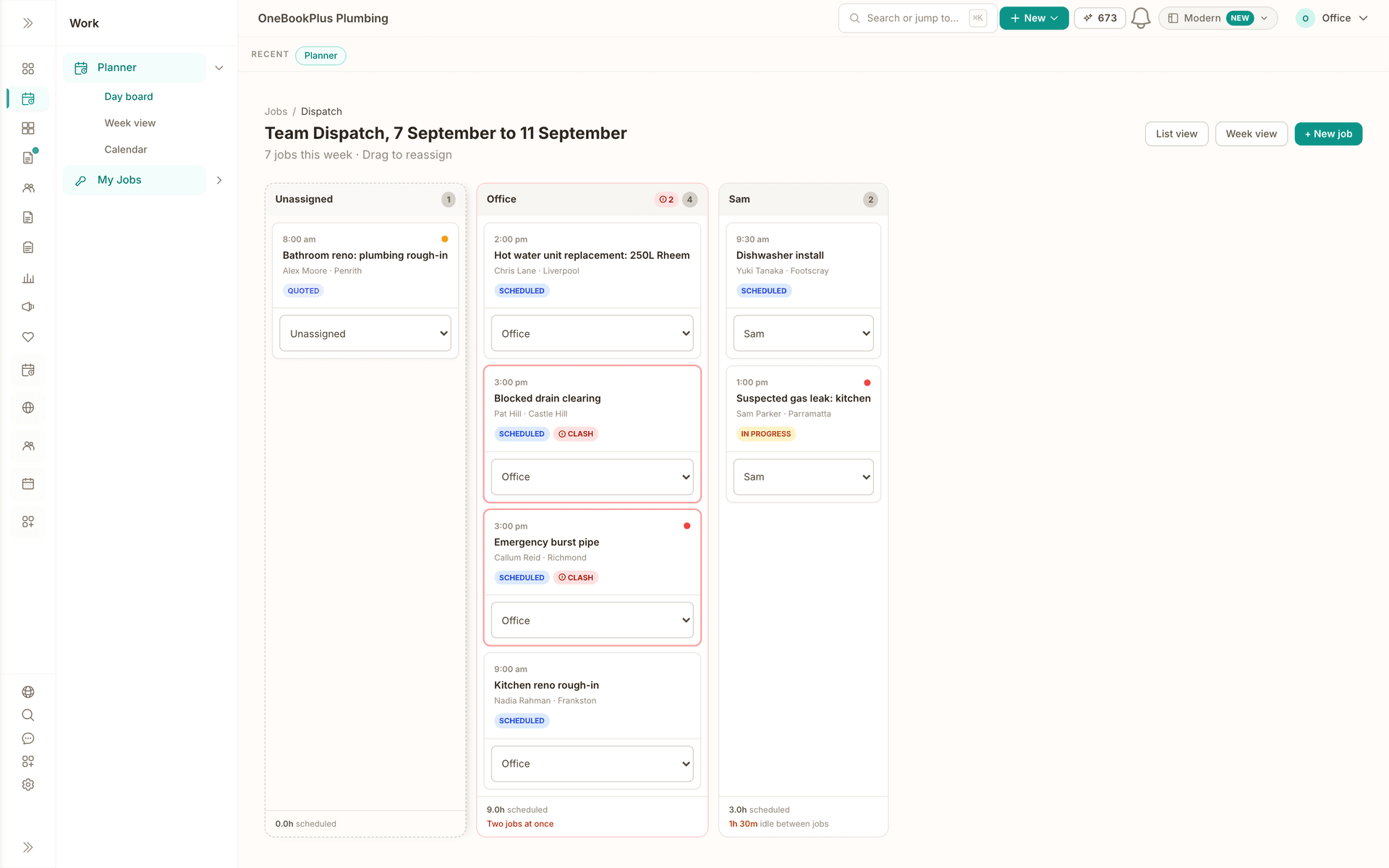
Schedule
Schedule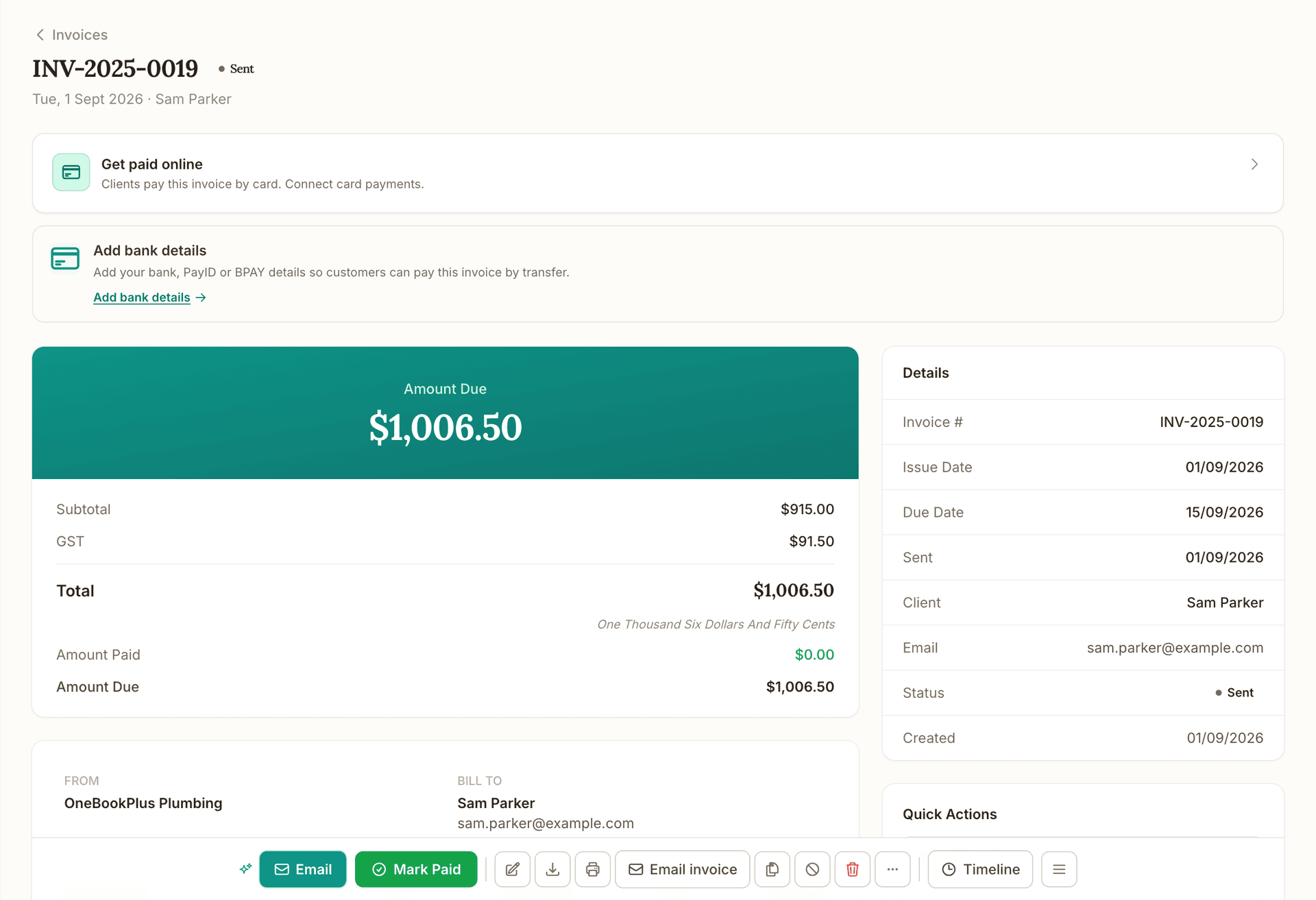
Invoice
Invoice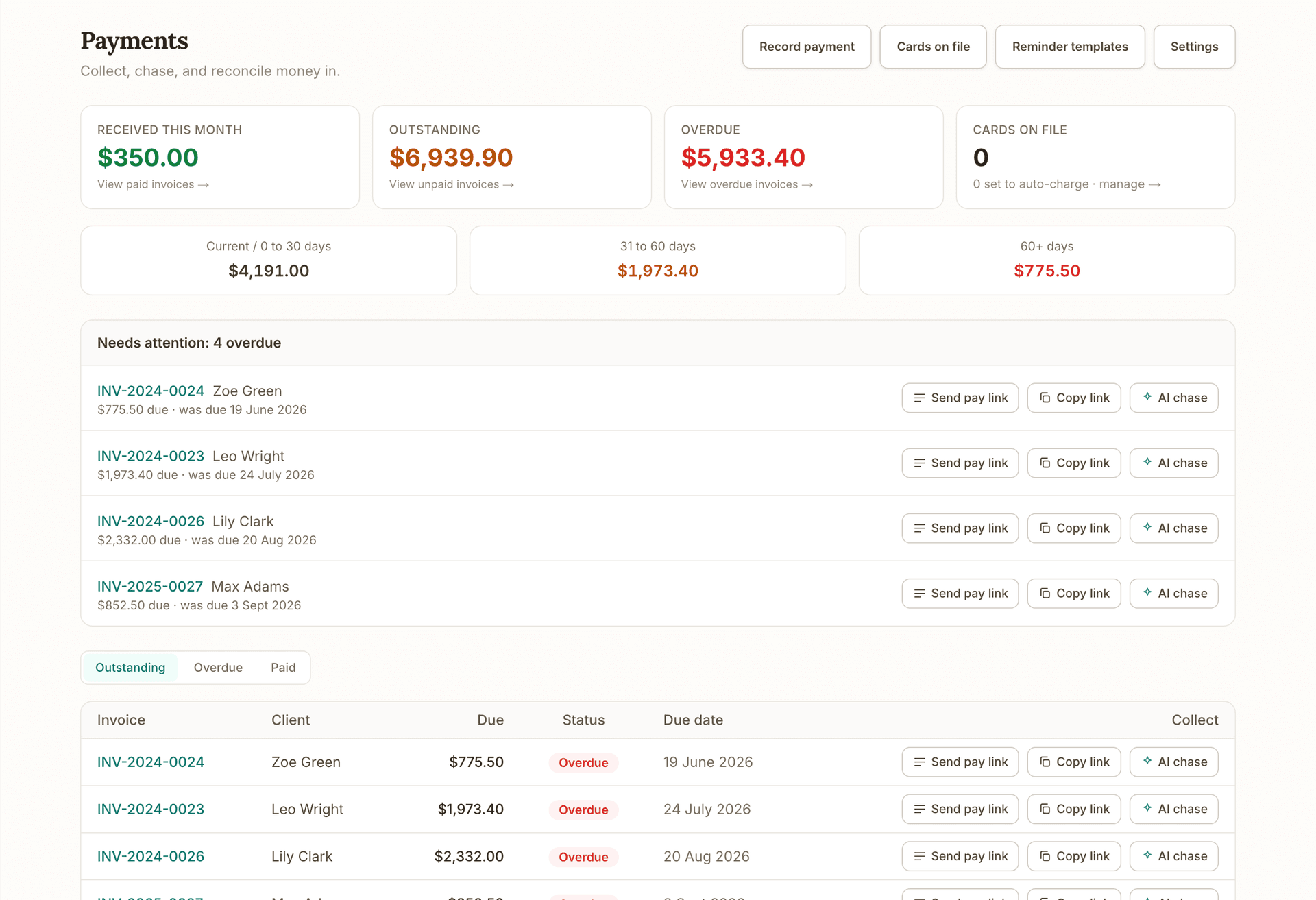
Get paid
Get paid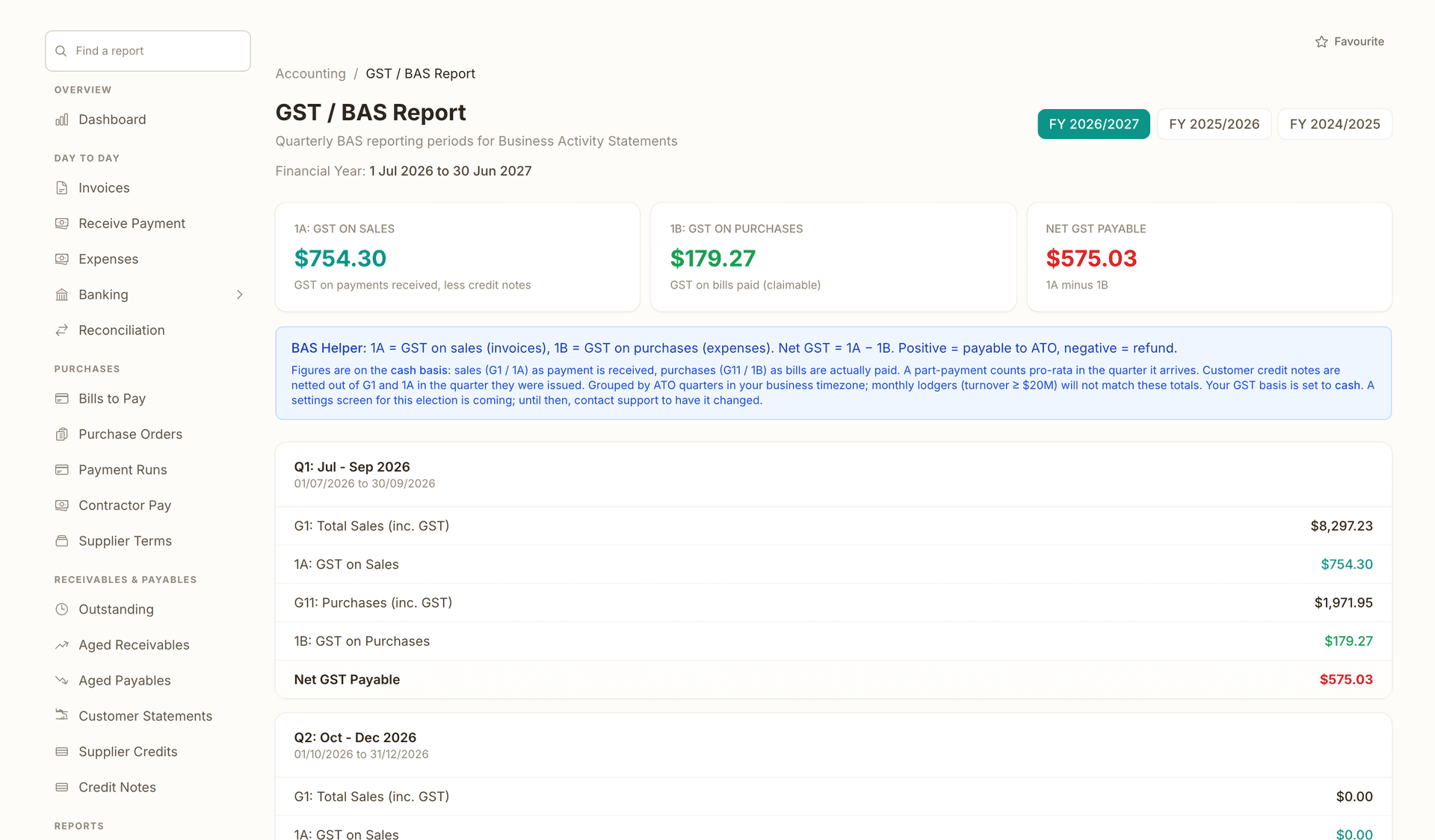
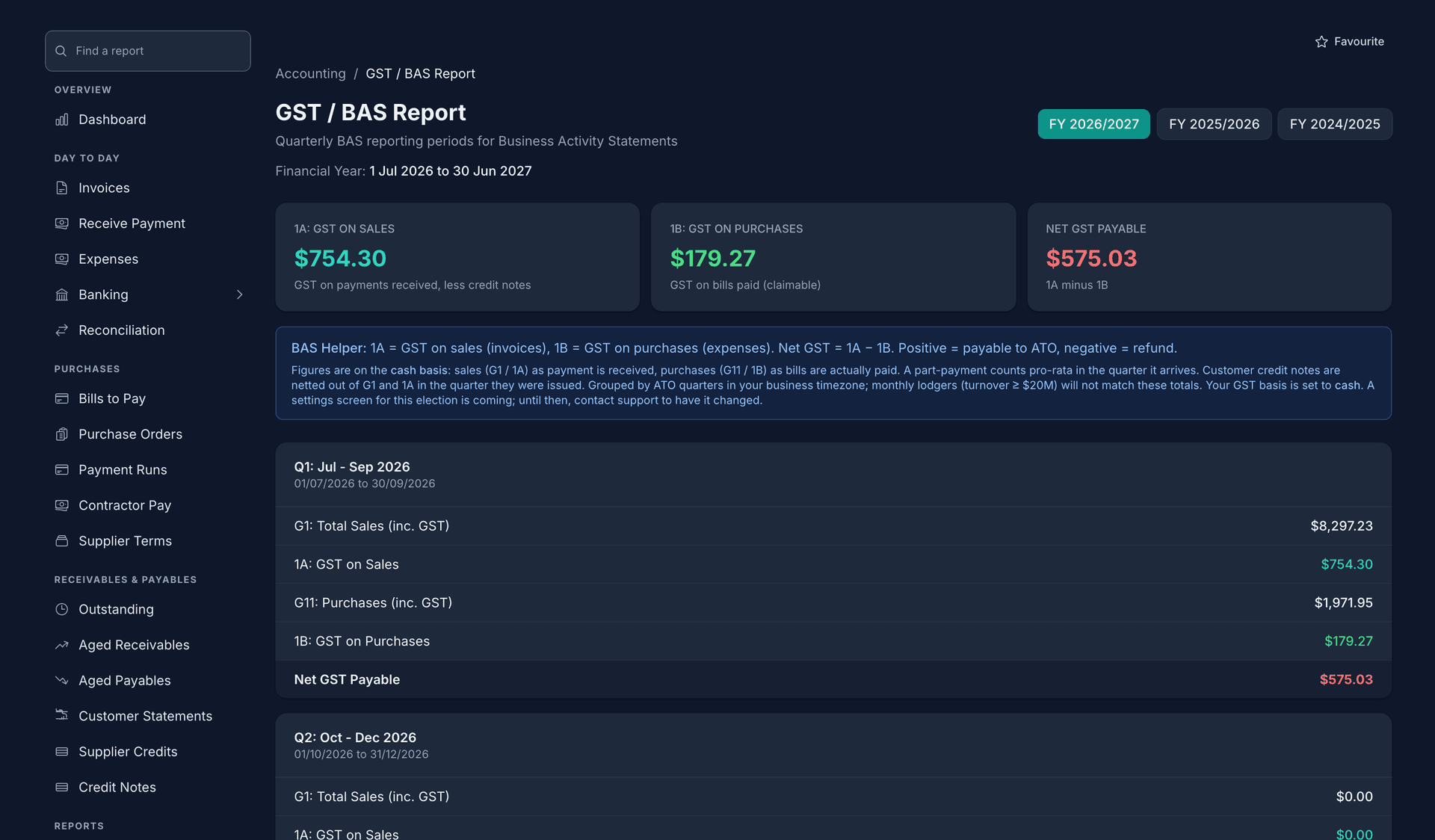
Books and BAS
Books and BASRuns alongside every stage.
What's on which plan
Free
$0/mo
Starter
$29/mo
Plus
$49/mo
Growth
$69/mo
Getting started
Under PDF Forms, upload a PDF that already has form fields. Acrobat, Word and PDF Expert all make them. We list every field we found.
Give each field a plain label, choose whether you or the client fills it, mark what the client must complete, and confirm which lines are signatures.
Type your figures and dates onto the document, sign if you want to sign first, pick the client and send. They get a private link by email, or you copy it.
The client completes their fields, draws a signature and submits. You both get the completed PDF with the completion record, and it is filed against the client.
FAQ
Yes. PDF Forms reads the form fields that are already in the file. Adobe Acrobat (Prepare Form), Word (Developer tab, then save as PDF) and PDF Expert all add fields to an existing PDF, and if you hold an HIA or Master Builders contract through your own membership, those files usually already have form fields in them. OneBookPlus does not supply HIA or Master Builders contract templates. A flat scan with no fields cannot be used until fields are added.
Yes. The document renders in the browser with the fields laid over the pages, and the same fields are listed in plain form underneath, which is the easier way to fill a ten-field contract on a small screen. Signing is done by drawing with a finger.
Send without one and copy the private link instead, then text it or hand it over however suits. The client can still download their completed copy from the same link for 30 days after they submit.
The last page of every completed copy records the document name, who sent it, who it was sent to, when it was sent, first opened and completed, the name typed as the signature, the address and device it was submitted from, and a reference number. Whether an electronic signature is enough for a particular contract is a question for your own advice.
No. Quotes are built inside OneBookPlus and accepted online. PDF Forms is for a document that already lives in a PDF, such as a proposal, a home building contract or a variation sheet, that you want to keep exactly as it is.
Yes, and it will not touch anything already sent. Each sent document keeps its own frozen copy of the file and the field settings, so the client always signs what you sent, not what the template became later.
Built in Melbourne, AU
ATO-ready from day one
TLS in transit, AES-256 at rest, tenant isolation at the database layer, read the security page
No credit card needed
About the author

Founder & CEO, OneBookPlus
Bishal spent a decade running digital projects for Australian small businesses before founding OneBookPlus. He writes and maintains these pages, and publishes what OneBookPlus does not do alongside what it does.
Read the founder bioThe free plan includes unlimited jobs and one-off bookings, 10 GST-compliant invoices and 5 quotes per month, 250 contacts, a booking page and the books with BAS reports, no trial clock, no credit card.
Reviewed by Bishal Shrestha